Primary 5th Class Digital Skills

Digital Skills for 5th Class

Sixty-three lessons for 5th Class covering an introduction to coding, game studio work, micro:bit, media literacy, AI and websites, plus online safety.

  • Mapped to the NCCA curriculum

The whole first lesson, as your class sees it. No sign-in needed.

On the interactive whiteboard
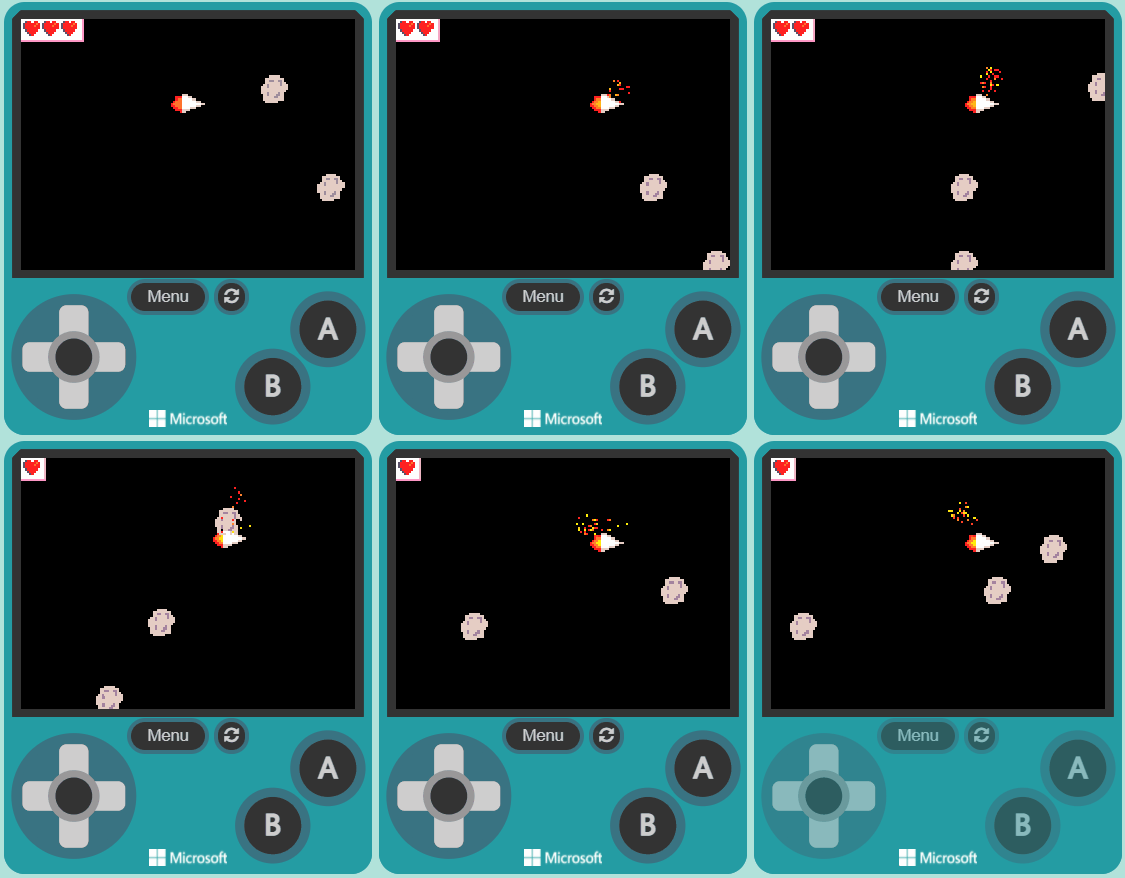
A space game in MakeCode Arcade
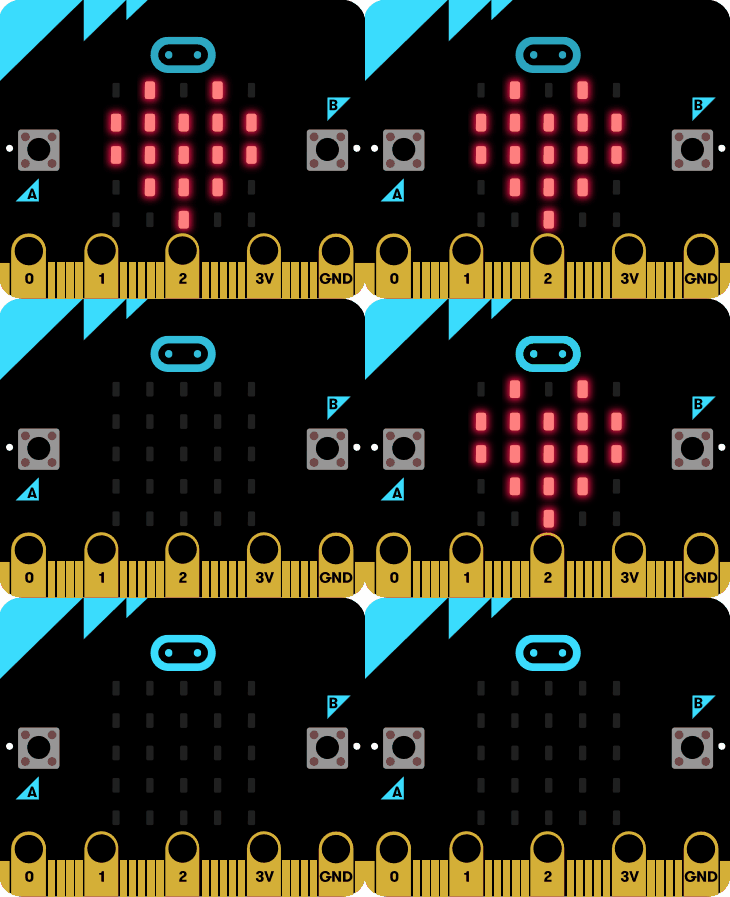
A micro:bit lighting up
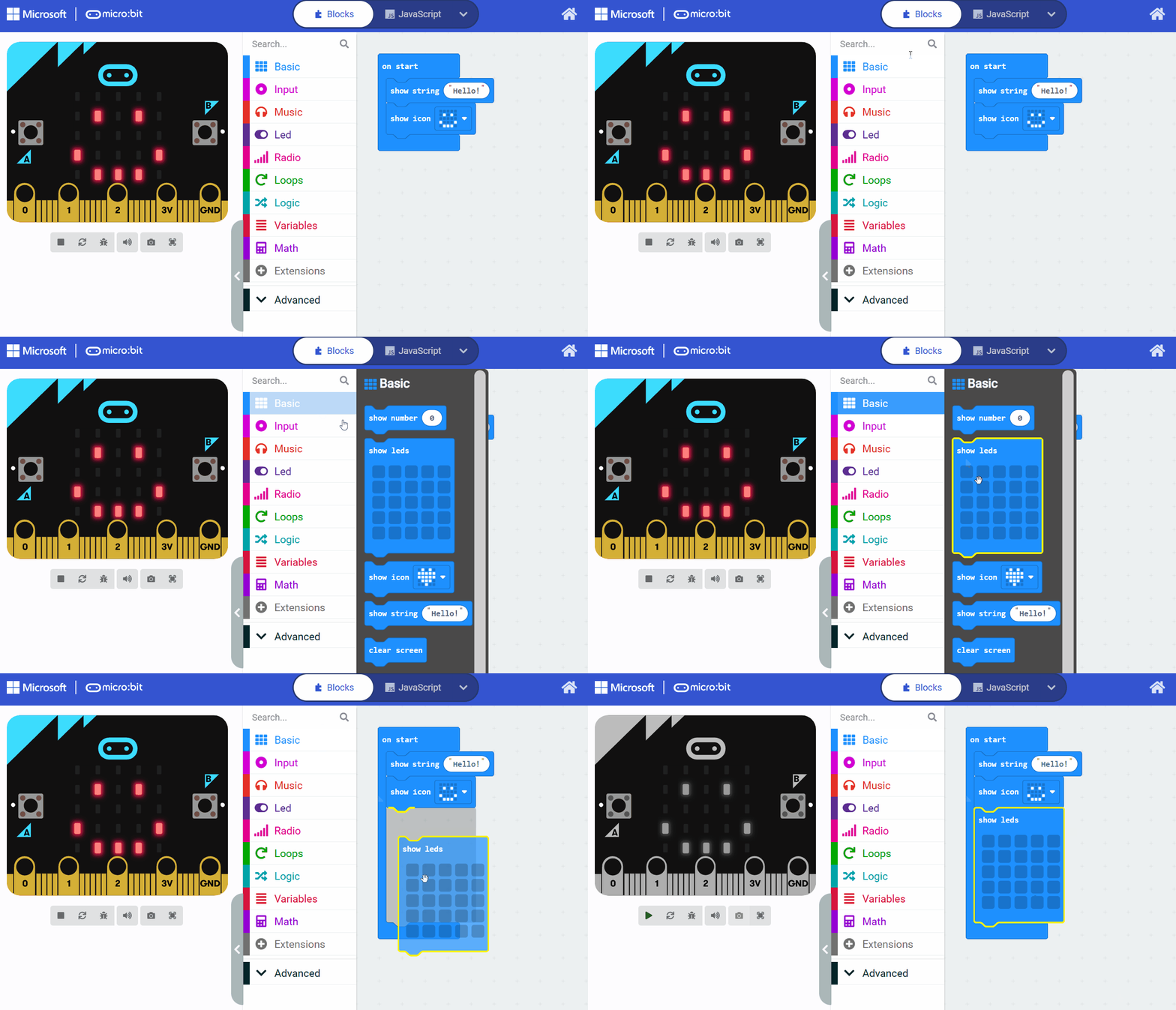
Coding a micro:bit
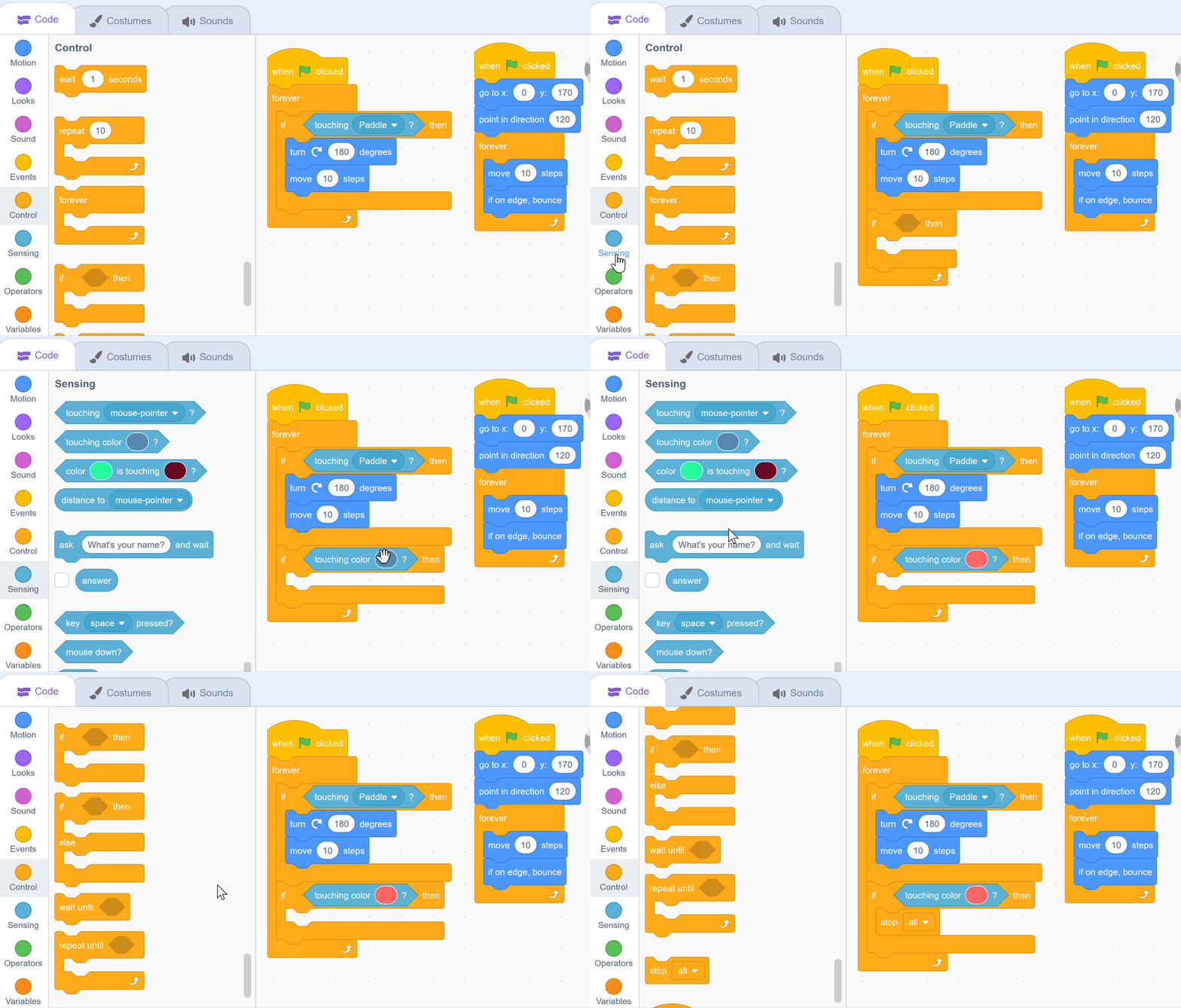
A paddle game in Scratch

What your school gets

Everything a teacher needs to teach Digital Skills for 5th Class this year.

In class

  • 63 lessons, ready to teach Each one planned step by step, taught from the interactive whiteboard. 1 interactive activity across the course.
  • Quizzes and assessments A short quiz with 43 of the lessons.
  • Try the first lesson: Introduction to Coding

On paper

  • Teacher Resource BookThe whole course laid out for the teacher, lesson by lesson, ready to print.
    The sample lesson's pages

The whole books come with the course, in each class's Resources.

For planning

Included with the course, in English and in Irish. Teachers find them in their class's Resources.

The curriculum it covers

Every lesson is mapped to the specification. This course teaches 12 of the 12 outcomes for this class.

Coding Ireland Digital Skills Progression Framework (in-house)
Computational thinking 2 of 2 outcomes
Programming 3 of 3 outcomes
Digital creativity 2 of 2 outcomes
Robotics and physical computing 1 of 1 outcome
Staying safe online 2 of 2 outcomes
Digital literacy and media 2 of 2 outcomes
See every outcome
Curriculum Area
Outcomes
Computational thinking
DCT.4.1 DCT.4.2
Programming
DPR.4.1 DPR.4.2 DPR.4.3
Digital creativity
DCR.4.1 DCR.4.2
Robotics and physical computing
DPC.4.1
Staying safe online
DOS.4.1 DOS.4.2
Digital literacy and media
DDL.4.1 DDL.4.2

Tap any outcome to read it. The coloured ones are taught in this course. The curriculum does not include official reference codes for individual learning outcomes, so we have assigned a code scheme to make it easier to identify and track coverage.

The course, module by module

63 lessons in 9 modules. The lesson marked Sample opens in full.

1 Introduction to Coding 4 lessons · about 2 hours
  1. What is Coding?
  2. 1 Introduction to Coding Sample lesson Quiz
  3. 2 Scratch Tutorial Quiz
  4. 3 Create your Scratch account
  5. Coding your first project
  6. 4 Paddle Ball Game Quiz
2 Coding and Interactive Creators 8 lessons · about 8 hours
  1. Week 1
  2. 5 Banana Jump Quiz
  3. Week 2
  4. 6 Penalty Shootout Quiz
  5. Week 3
  6. 7 Racing Car Quiz
  7. Week 4
  8. 8 Music Video Quiz
  9. Week 5
  10. 9 Red v Green v Blue Quiz
  11. Week 6
  12. 10 Space Shooter Quiz
  13. Week 7
  14. 11 Make a Clock Quiz
  15. Week 8
  16. 12 Build Battles
3 Game Design Studio 8 lessons · about 8 hours
4 Microbit Masterclass 8 lessons · about 8 hours
  1. Week 1
  2. 21 Exploring Microbits Quiz
  3. Week 2
  4. 22 Reaction Timer Quiz
  5. Week 3
  6. 23 Microbit Magic 8 Ball Quiz
  7. Week 4
  8. 24 Creating a Microbits Alarm System Quiz
  9. Week 5
  10. 25 Designing a Microbits Weather Station Quiz
  11. Week 6
  12. 26 Microbit Finder Quiz
  13. Week 7
  14. 27 Microbit Pet Quiz
  15. Week 8
  16. 28 Microbit Lab
5 Hands-On Logic Challenges 6 lessons · about 4 hours
6 Digital Media Literacy 9 lessons · about 7 hours
  1. Introduction to Digital Media
  2. 35 What is Digital Media? Quiz
  3. 36 Navigating Online Spaces Quiz
  4. 37 Digital Communication Basics Quiz
  5. Online Safety and Your Digital Footprint
  6. 38 The World of the Internet Quiz
  7. 39 Identifying Reliable Sources Quiz
  8. Learning About Artificial Intelligence
  9. 40 What is AI? Quiz
  10. 41 Interacting with AI Quiz
  11. 42 Spotting AI Online
  12. Image Editing
  13. 43 Introduction to Image Editing Quiz
7 Discovering Artificial Intelligence 6 lessons · about 5 hours
8 Design a Website 6 lessons · about 6 hours
9 Cyber Safety 8 lessons · about 5 hours

What pupils learn

The fullest year in the programme at sixty-three lessons: an introduction to coding, interactive coding, a game design studio, micro:bit masterclass, logic challenges, digital media literacy, an introduction to artificial intelligence, designing a website and online safety. The introduction to coding is the same topic 4th Class opens with, so a class that did it last year can skip it. Teacher-led from the board with pupils building and creating on screen.

What you'll need

Used in some of the lessons. Students can share in groups of two or three.

Chromebook/Laptop/PC iPad/Tablet IWB/Projector/Large Screen Microbit Webcam/camera

Ready to bring Digital Skills for 5th Class to your school?

Get in touch to discuss pricing and ordering for your school.

Back to 5th Class courses
Ready to get started?
Pricing & Ordering Contact Us
🍪 Our website uses cookies to make your browsing experience better. By using our website you agree to our use of cookies. Learn more