Game Microbit
Beginner
60 mins
Teacher/Student led
+145 XP
What you need:
Chromebook/Laptop/PC
Microbit

Microbit Magic 8 Ball

Embark on a fun journey to create your own digital Magic 8 Ball using Microbit. You'll start by creating a new project, then program your Microbit to display the number 8. You'll learn to detect a shake gesture, create a variable for random numbers, and assign different messages to each number. Finally, download your code, and enjoy your personalised Magic 8 Ball!
Teacher Class Feed

Load previous activity

    1 - Create a new Microbit project

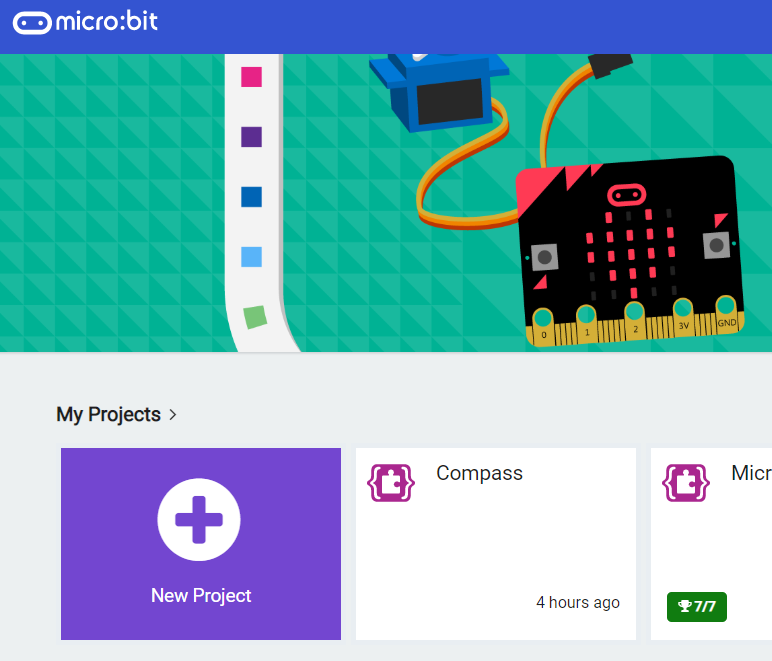
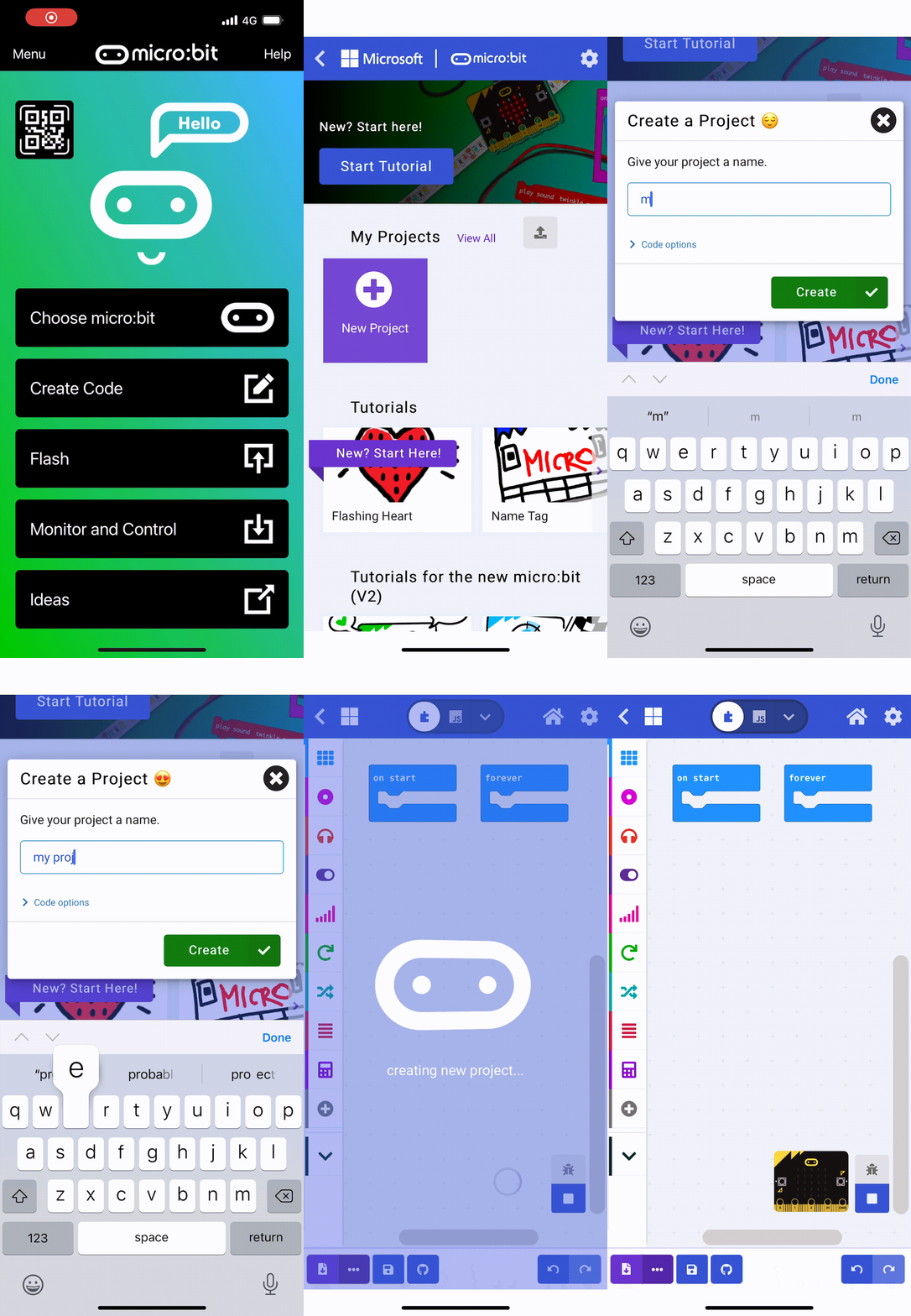
    Go to the makecode.microbit.org website and create a new project.

    2 - Show the number 8

    When the Microbit is not being shaken we should show the number 8 (just like on a real magic 8 ball!).

    basic.forever(function () {
        basic.showNumber(8)
    })

    3 - Detect a shake

    Add the following block of code to detect when the Microbit is shaken.

    input.onGesture(Gesture.Shake, function () {
    	
    })


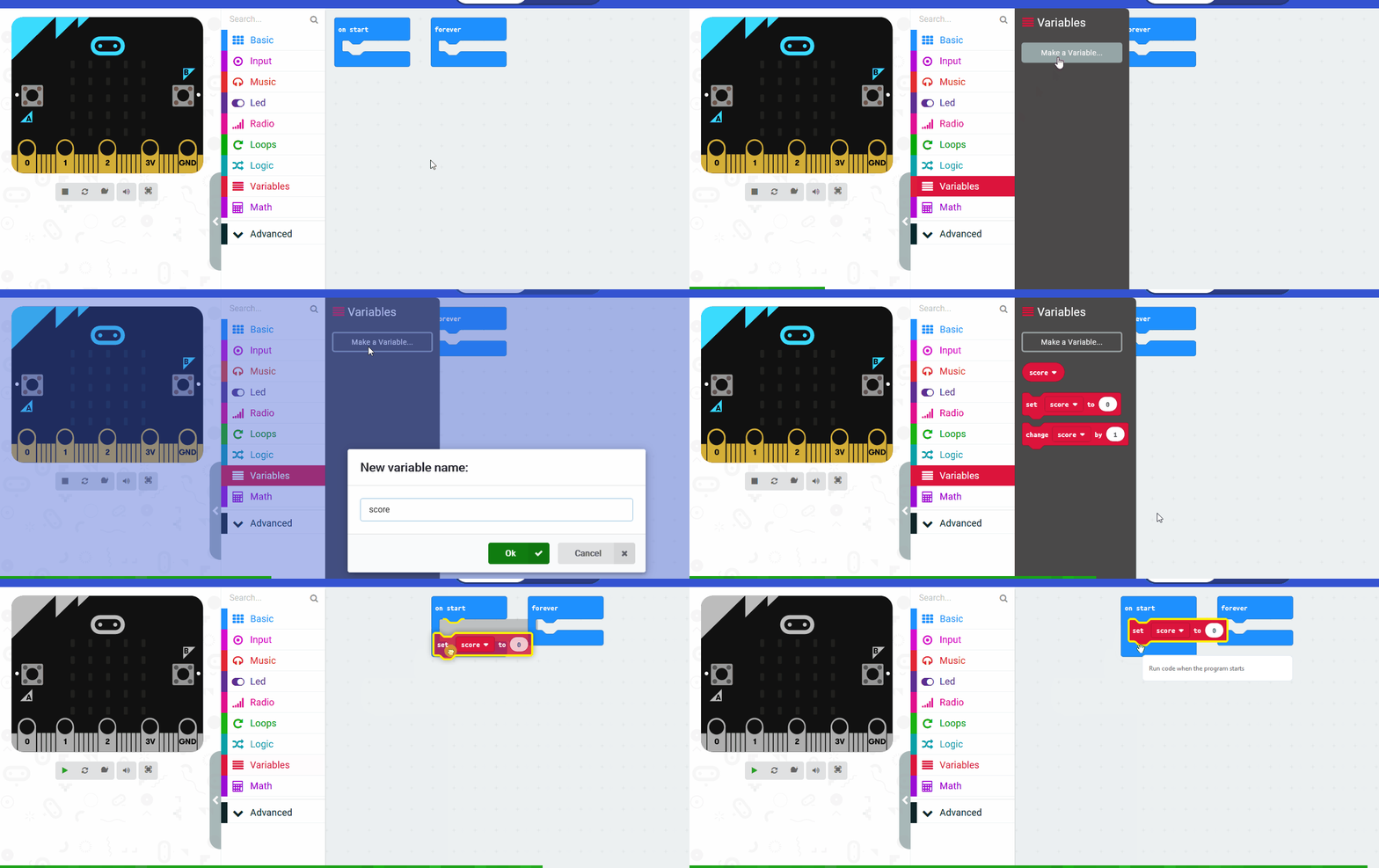
    4 - Create a variable called 'Random Number'

    You're going to create a new variable called Random Number and set it to a random number (obviously!) between 0 and 4 when we shake the Microbit.

    let Random_Number = 0
    input.onGesture(Gesture.Shake, function () {
        Random_Number = randint(0, 4)
    })

    Each random number corresponds to a particular response from the magic 8 ball. This means we can have five responses if our variable is between 0 and 4.

    Notice how we begin at 0 (not 1). In computer programming, we almost always start counting from 0.

    123learn · Online learning platform

    Unlock the full learning experience

    You're previewing this lesson. Get full access to this lesson and hundreds more — each one ready to teach, with interactive activities, printable resources and pupil progress tracking built in.

    Hundreds of curriculum-aligned lessons
    Interactive activities in every lesson
    Printable resources & progress tracking
    Copyright Notice
    This lesson is copyright of 123Learn.ie 2017 - 2026. Unauthorised use, copying or distribution is not allowed.
    🍪 Our website uses cookies to make your browsing experience better. By using our website you agree to our use of cookies. Learn more