1 - What We're Building ~5 mins
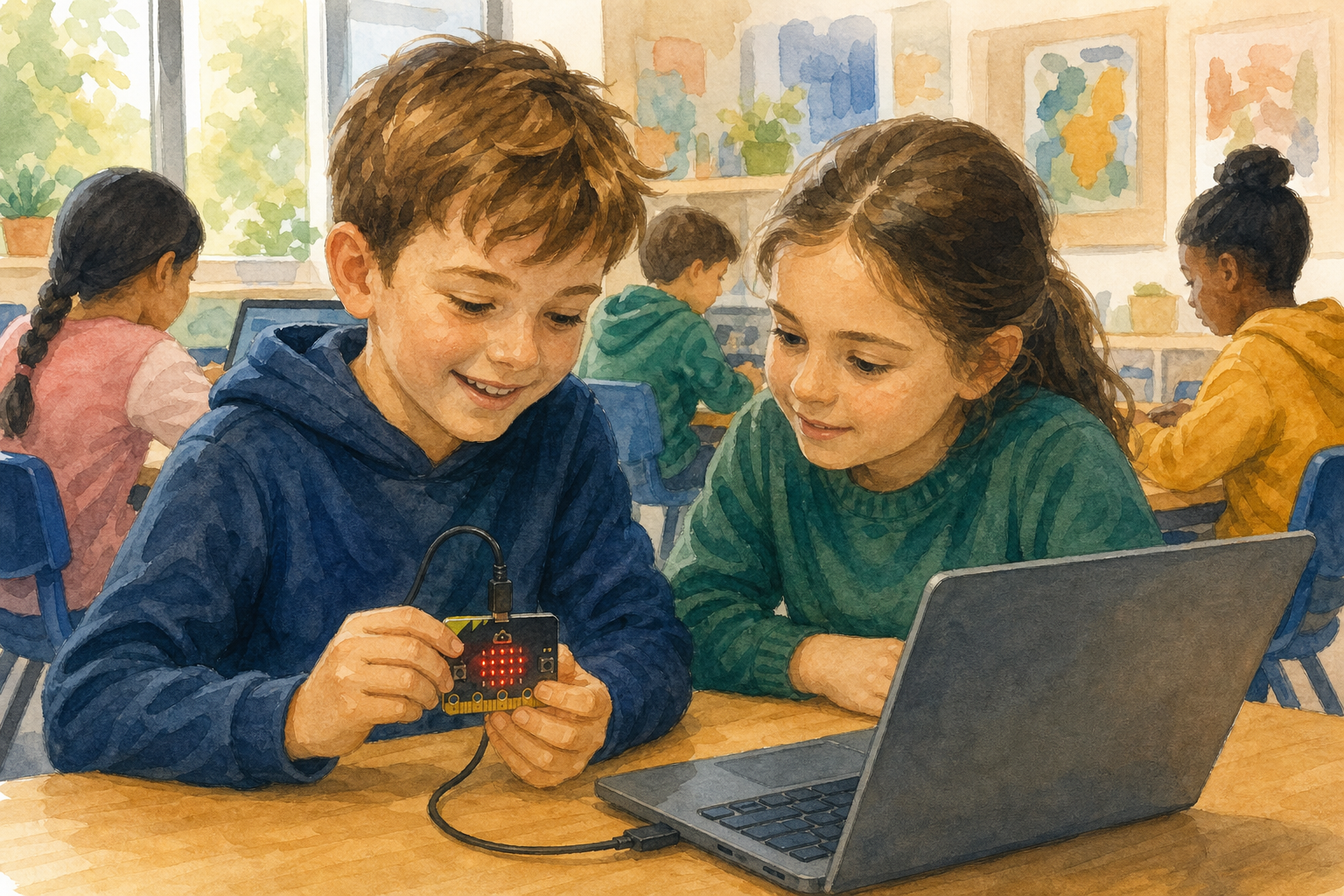 Last time your micro:bit showed a reading while you watched it. The moment you looked away, the reading was gone.
Today you make it do something better. You will program it to take a temperature reading every half minute and store it, then leave it alone and go on with the lesson. At the end you will open the whole set of readings and see what happened while nobody was looking.
That is what a weather station does, and a hospital monitor, and a soil probe on a farm. Nobody stands and watches them.
2 - Create a New Project ~3 mins
Go to makecode.microbit.org and click New Project. Call it Temperature Logger and click Create.
You will see an empty workspace with on start and forever already in it. You are going to use both of them today.
3 - Add the Data Logger ~4 mins
The blocks for storing readings are not there to begin with, so you add them.
Scroll to the bottom of the block list and click Extensions. Search for datalogger and click it.
A new category called Data Logger appears in the list. Those are the blocks that let the micro:bit keep a reading instead of just showing it.
4 - Say What You Are Recording ~5 mins
A stored reading is no use if you cannot tell later what it was. So the first thing you do is name the column.
From Data Logger, drag set columns into on start. Type temperature into the first box.
Nothing happens on screen yet. The micro:bit has been told what it is about to collect, not to collect it.
datalogger.setColumnTitles("temperature")
5 - Take a Reading Every Half Minute ~8 mins
Now the part that does the work.
From Data Logger, drag log data into the forever block. Drop temperature (°C) from Input into its value slot, and make sure the name beside it says temperature.
Then from Basic, drag pause underneath it and change the number to 30000.
That number is in milliseconds, so 30000 is thirty seconds. The micro:bit now stores a reading, waits half a minute, and does it again, over and over, with nobody touching it.
datalogger.setColumnTitles("temperature")
basic.forever(function () {
    datalogger.log(datalogger.createCV("temperature", input.temperature()))
    basic.pause(30000)
})
Unlock the full learning experience
You're previewing this lesson. Get full access to this lesson and hundreds more — each one ready to teach, with interactive activities, printable resources and pupil progress tracking built in.
This lesson is copyright of 123Learn.ie 2017 - 2025. Unauthorised use, copying or distribution is not allowed.