1 - Getting Started ~4 mins
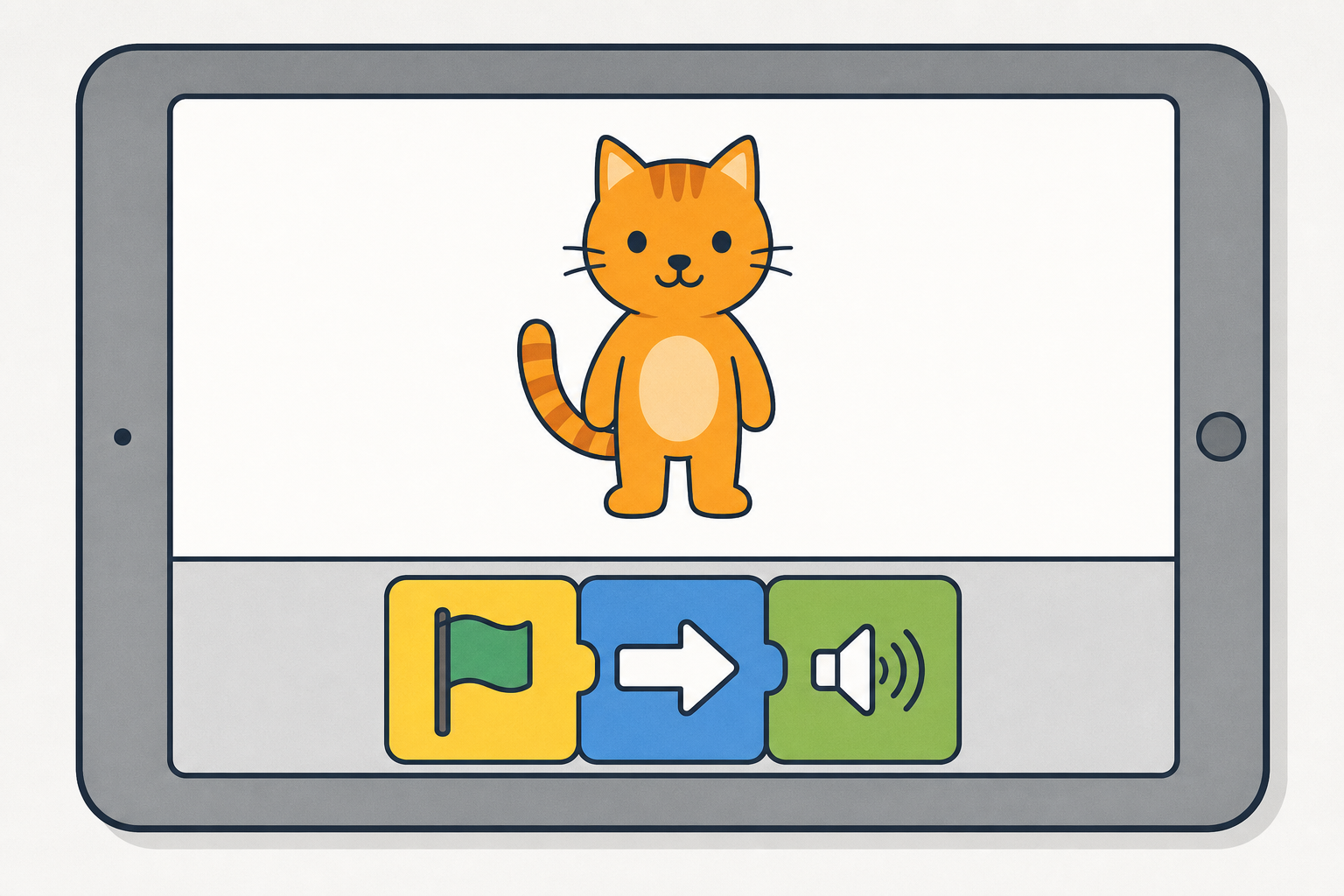 Today we open ScratchJr and snap picture blocks so a character moves and makes a sound.
When you tap a game and a character jumps or makes a noise, someone put those steps in order first, like a recipe. What do you think a picture block might tell a character to do?
2 - Watch How Scratchjr Works ~6 mins
Watch on the board. We open ScratchJr, add a character, and snap a short line of picture blocks. Predict: what will the character do when we press the green flag?
3 - Open Scratchjr and Add a Character ~7 mins
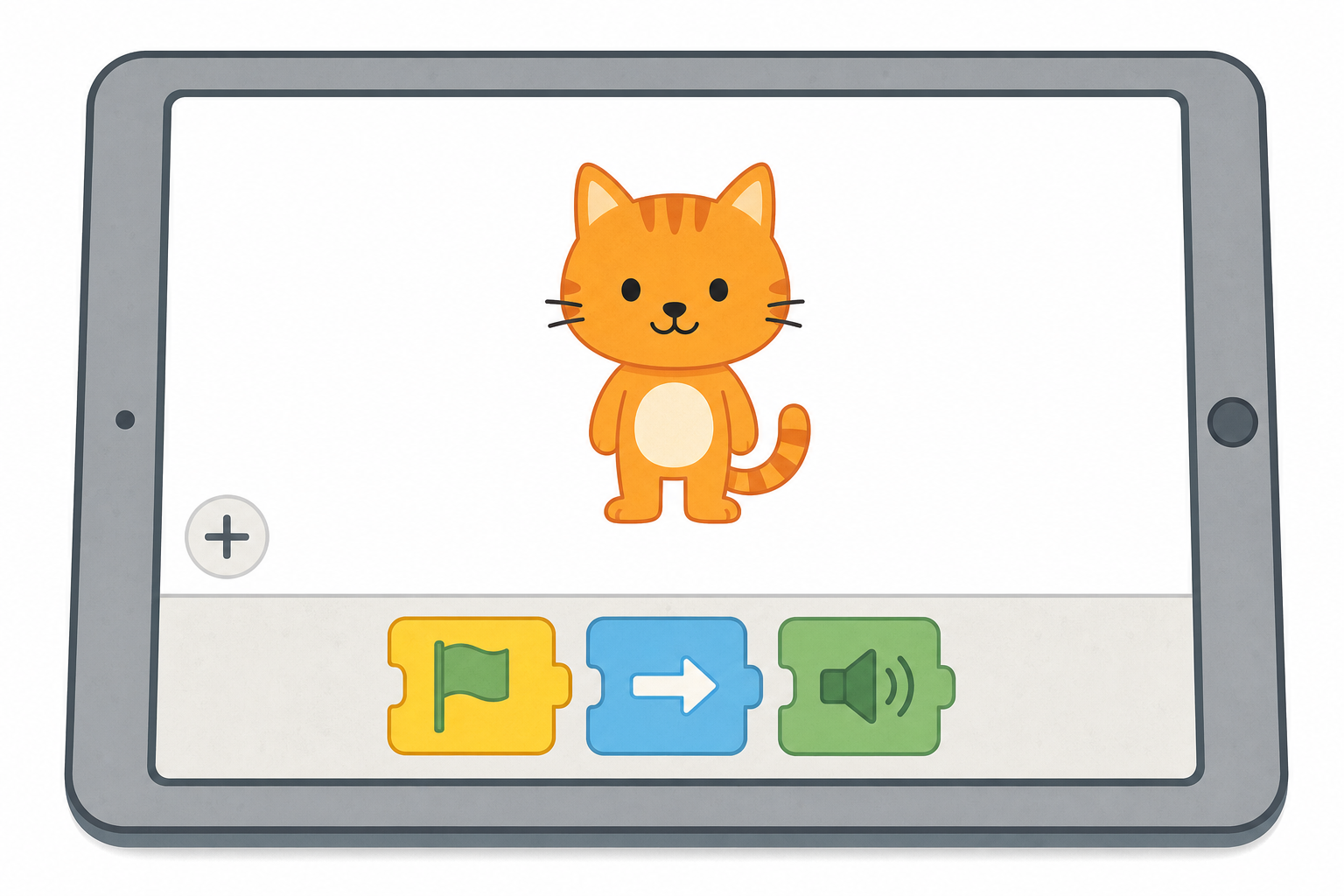 With your partner, open ScratchJr and tap the + to start a new project, just like we did on the board. Then add one character that you both like, and leave the blocks where they are for now, because we will snap those together in a minute, all together.
If we are using one device on the board, watch closely. When it is your pair's turn, call out the next tap for the teacher.
4 - Make It Move and Pop ~12 mins
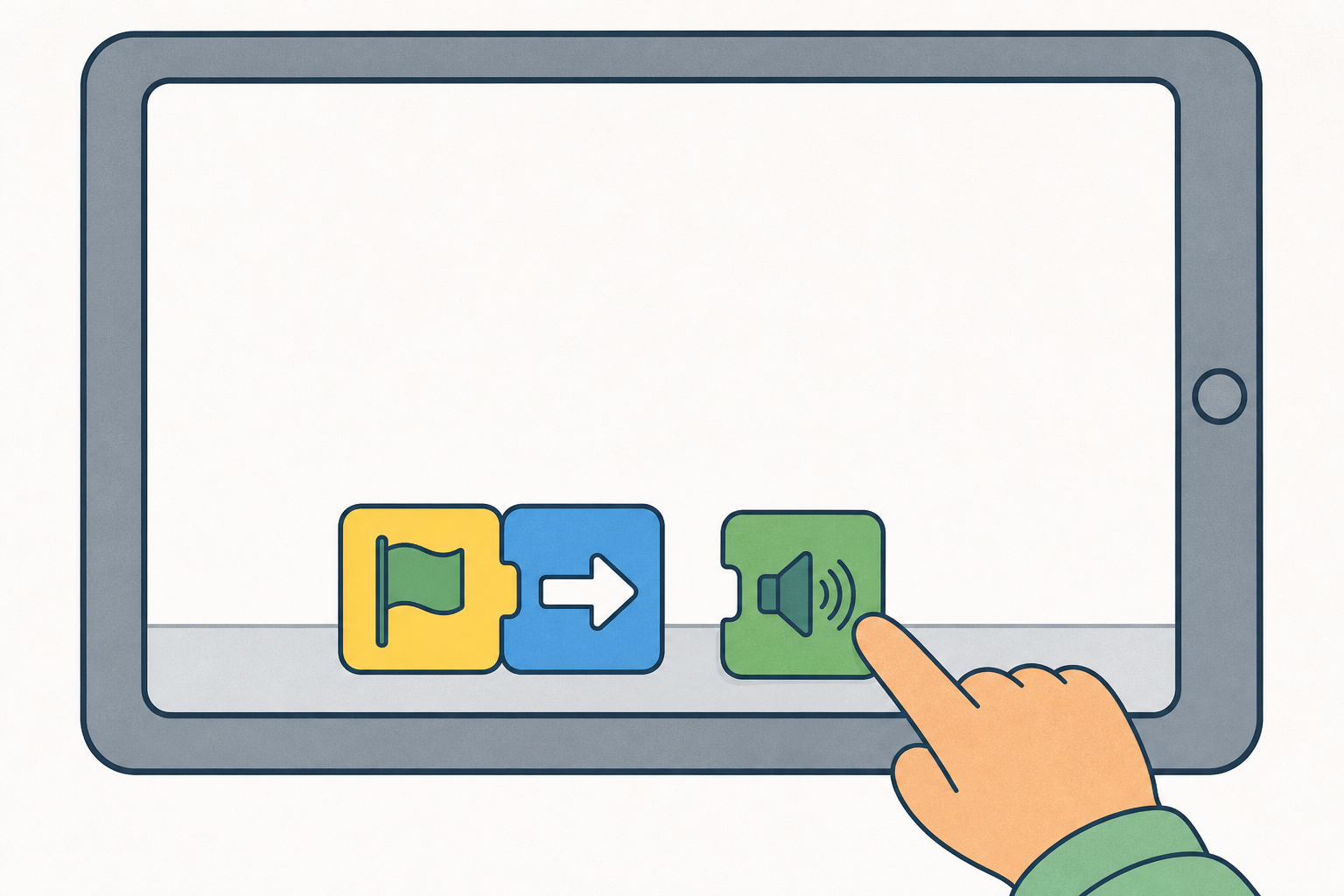
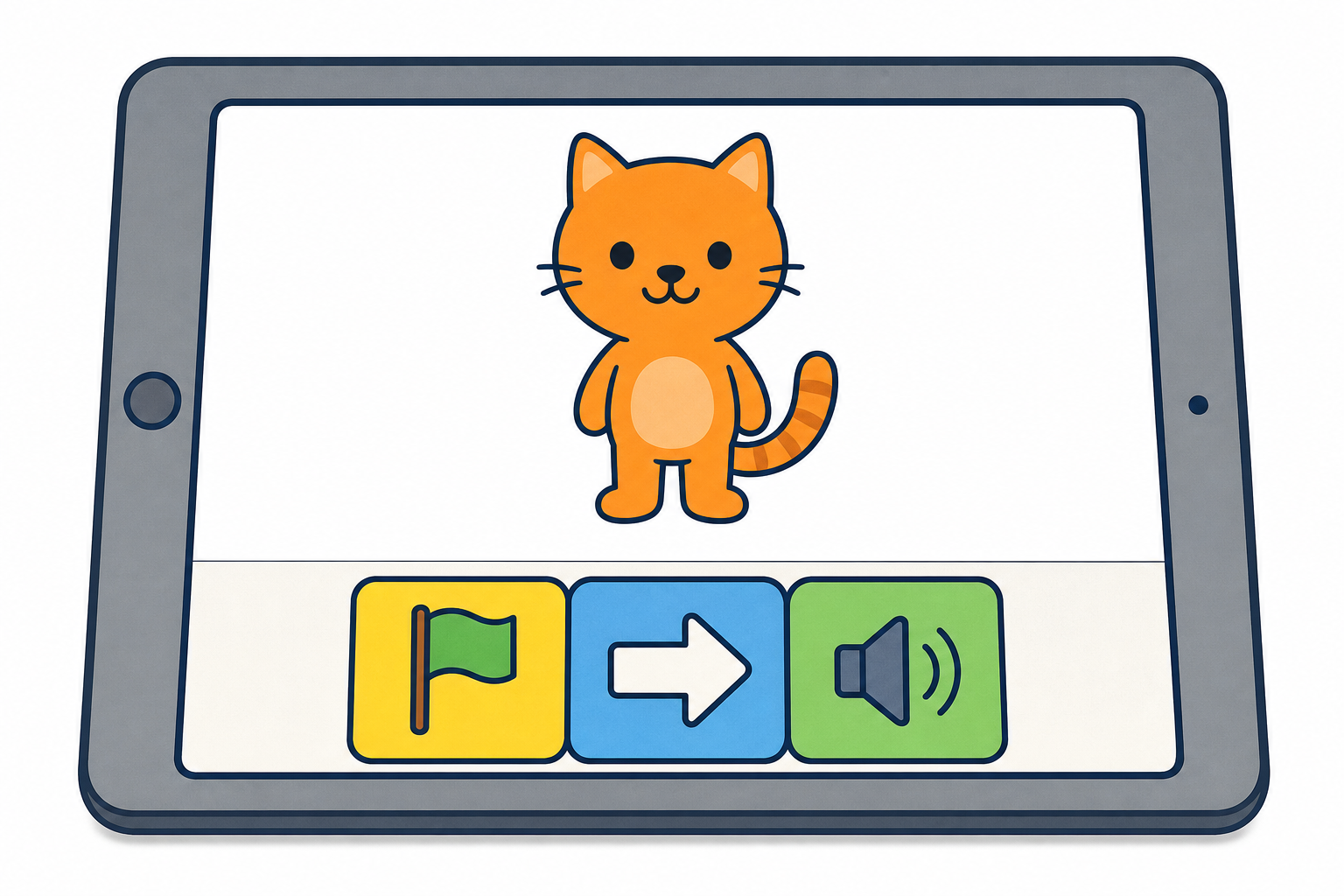 Snap a short line of blocks, just like the one on the board:
- green flag first
- one move block
- one sound block
Then tap the green flag and watch. Your teacher will help if you need to fix anything.
5 - Draw What We Made ~6 mins
Tablets are closed now. On your Investigation Journal page, draw the character and the short line of blocks. You can draw your own short line of blocks, or the class line from the board. Show the character, the blocks in order, and what the character did.
Unlock the full learning experience
You're previewing this lesson. Get full access to this lesson and hundreds more — each one ready to teach, with interactive activities, printable resources and pupil progress tracking built in.
This lesson is copyright of 123Learn.ie 2017 - 2025. Unauthorised use, copying or distribution is not allowed.