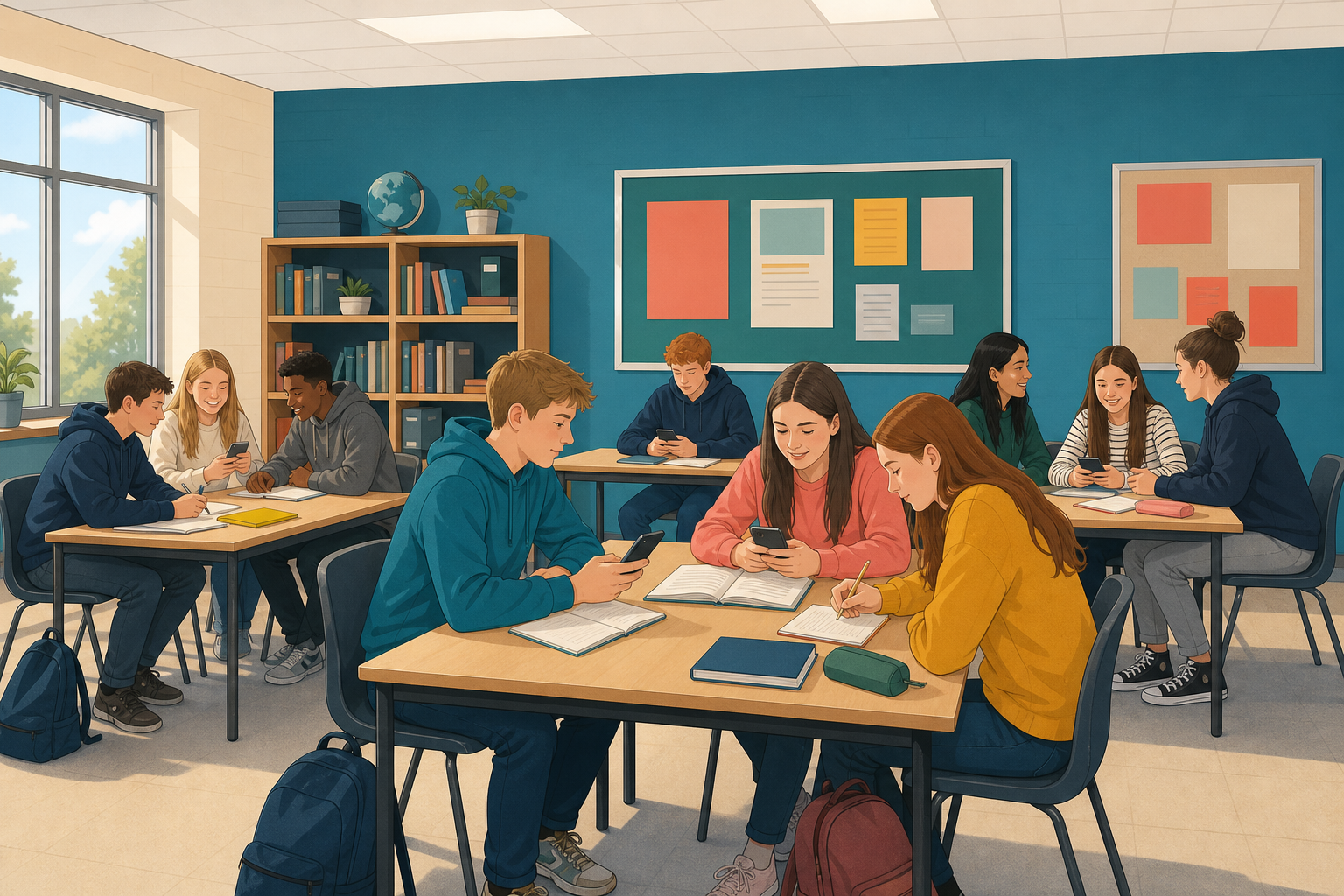
 Today nobody will ask how good you think you are online. Instead, you will show what you can already do. Digital media literacy means the skills for using the internet and digital devices well and safely.
How today works
- You work with a partner.
- You do five timed rounds, one for each area of digital media literacy. Rounds 1 to 4 are in an interactive called Prove It, and in round 5 you make a card.
- The class scores each round together, and nobody is named.
- At the end, you fill in an evidence card about what you did today.
Digital media literacy means using technology and the internet safely, creatively and critically. Critically means thinking carefully about what you see. There are five areas, with one round for each:
- Safe use: looking after yourself and others online.
- Searching: finding useful answers and reading results carefully.
- Spotting dodgy content: noticing media that is unreliable, paid for or biased, which means showing only one side.
- Sharing: putting work online with credit, respect and consent, which means asking permission.
- Creating: making your own digital work.
What you do
- With your partner, play rounds 1 to 4 in Prove It below. Start each round when your teacher says go.
- Each round has a 90-second clock. If you finish early, press Finish this round.
- After each round, read the right answers and your colour: green, amber or red.
- At the end, write down your four colours and their lines, on a printed evidence card if your teacher gives you one, or wherever your class keeps short notes. Prove It saves nothing, so do this before round 5. You will use them for your evidence card after round 5.
After each round, your teacher counts the pairs that got green and writes that one number on the board. Nobody is named and nothing is graded.
Prove It
Last, with your partner, make one square picture card about your day online in the activity below. You have six minutes, and the instructions are in the activity.
Round 5: prove you can make something
Now finish your evidence card on your own. It has one line for each round, and every line must point to something you did today.
- Your first four lines are the colours and lines you wrote down from Prove It: safe use, searching, spotting dodgy content and sharing. If you missed one, your partner has the same four lines.
- Add the fifth line, creating, from round 5. Three things scored there: a picture you were allowed to use, a headline in your own words, and a card that reads in five seconds. Write green if your card had all three, amber if it had one or two, or red if it had none or you did not finish it.
- Beside the colour, write a few words about what you got or missed in that round, like the example below.
Searching, amber: my search worked, but it was seven words long.
Then write down:
- Two things you can already do. Take them from your greens, and write one short sentence for each.
- Two things you want to get better at by the end of the course. Take them from your reds and weak ambers, and make each goal about one clear thing you could check, like the example below.
Too vague: Be better online.
Clear enough to check: Tell a sponsored result from an ordinary one without being told.
When you finish, save everything the class way. That means saving it in the place where your class keeps its work, and your teacher will show you where that is. Do not just leave it in the browser, because it can disappear on a shared device.
Unlock the full learning experience
You're previewing this lesson. Get full access to this lesson and hundreds more — each one ready to teach, with interactive activities, printable resources and pupil progress tracking built in.
This lesson is copyright of 123Learn.ie 2017 - 2026. Unauthorised use, copying or distribution is not allowed.