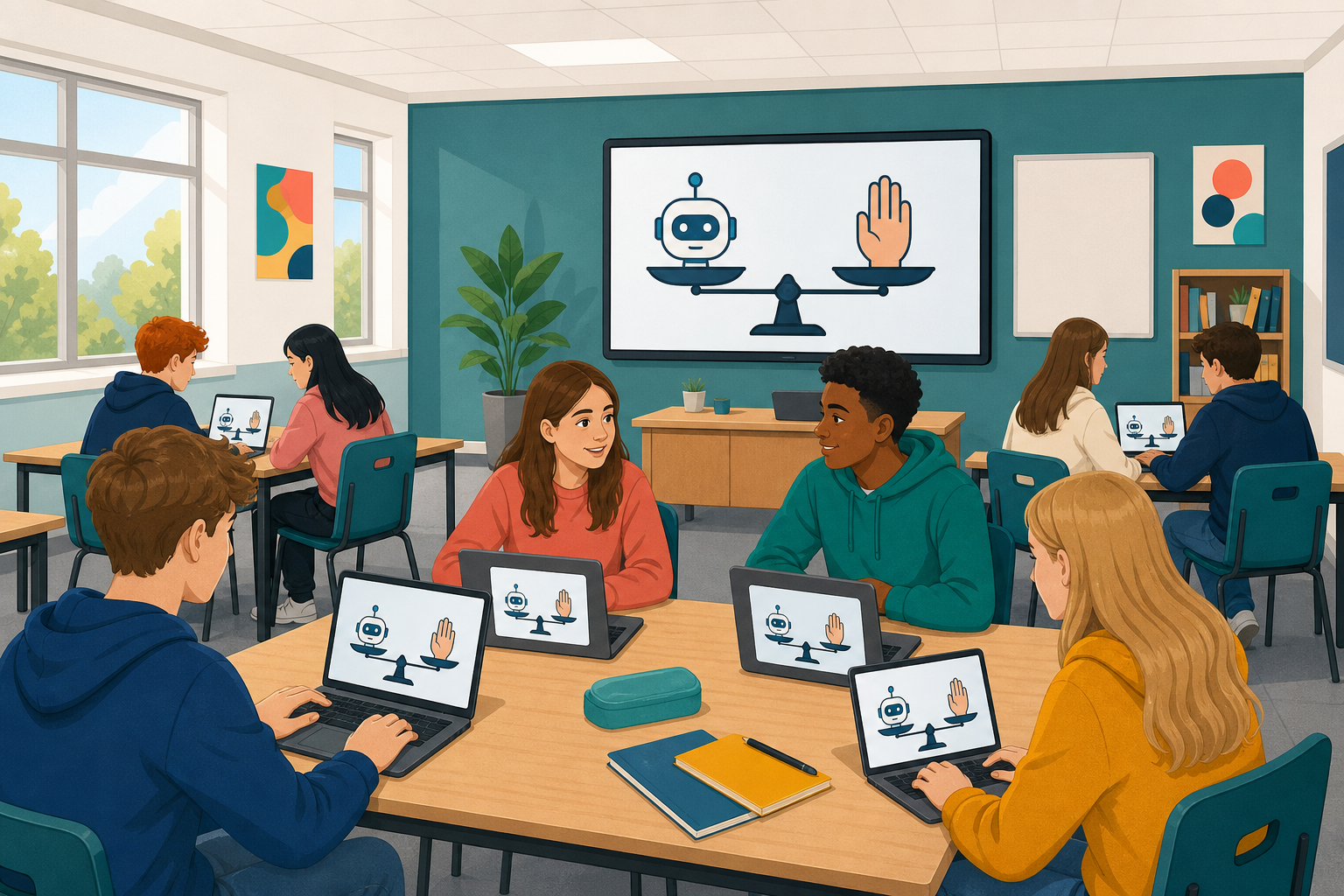
 You have trained a model, coded against it, and watched an agent plan and act. Today the question flips: when is AI help a good idea, and when does it go wrong? You will practise one human check on a short AI suggestion, then put five real cases on trial: you hear what happened, you give your verdict, and the reasoning behind the fairest verdict is revealed. After that you write the ground rules the class will work to when you start your own big project.

AI tools sit on a spectrum. Some only suggest: they explain a loop, draft a line of code, or rank search results, and a person decides what to do next. Others can act: an agent given a goal can plan steps, use tools, and change the world (send a message, edit a file, run a program) without asking every time.
That power is useful, and it is also where the risk lives. The person who sets the goal, reads the output, and accepts the result stays responsible. Keep three questions in mind for every case today:
- Did a human stay in the loop before anything irreversible happened?
- Who is responsible if it goes wrong: the tool, the person, or both?
- Was the AI used to learn, or used instead of thinking?
Practise staying in the loop before the courtroom.
Your teacher will show a short AI-suggested snippet on the board (a tiny score or print line that may hide a mistake). Before anyone runs it:
- Read every line.
- Say what you think it will do, and whether anything looks wrong.
- Fix anything that is wrong (or agree the safe line with your teacher).
- Only then type that checked version into your editor and run it.
That pause is the human check. Suggest is fine; act without reading is how unread code causes real problems.
Five short cases, and in each one somebody used AI to help them code. Read the facts on screen, choose the verdict you think is fair, and commit to it before the reasoning is revealed, because guessing after the answer teaches you nothing.
Verdicts you can choose:
- Fine: good use of AI
- Fine, with a check: useful, but only if a human verifies
- Not OK: crossed a line
After each reveal, name who was responsible.
The AI courtroom
Unlock the full learning experience
You're previewing this lesson. Get full access to this lesson and hundreds more — each one ready to teach, with interactive activities, printable resources and pupil progress tracking built in.
This lesson is copyright of 123Learn.ie 2017 - 2025. Unauthorised use, copying or distribution is not allowed.