 You already know how to make things happen in Scratch: sequences, variables, loops, decisions, and fixing bugs. Today the question is different. How do you turn a fuzzy idea into a plan you can actually build?
You will meet four steps coders use to break a problem down, use them on a build you choose, and start that build in Scratch.

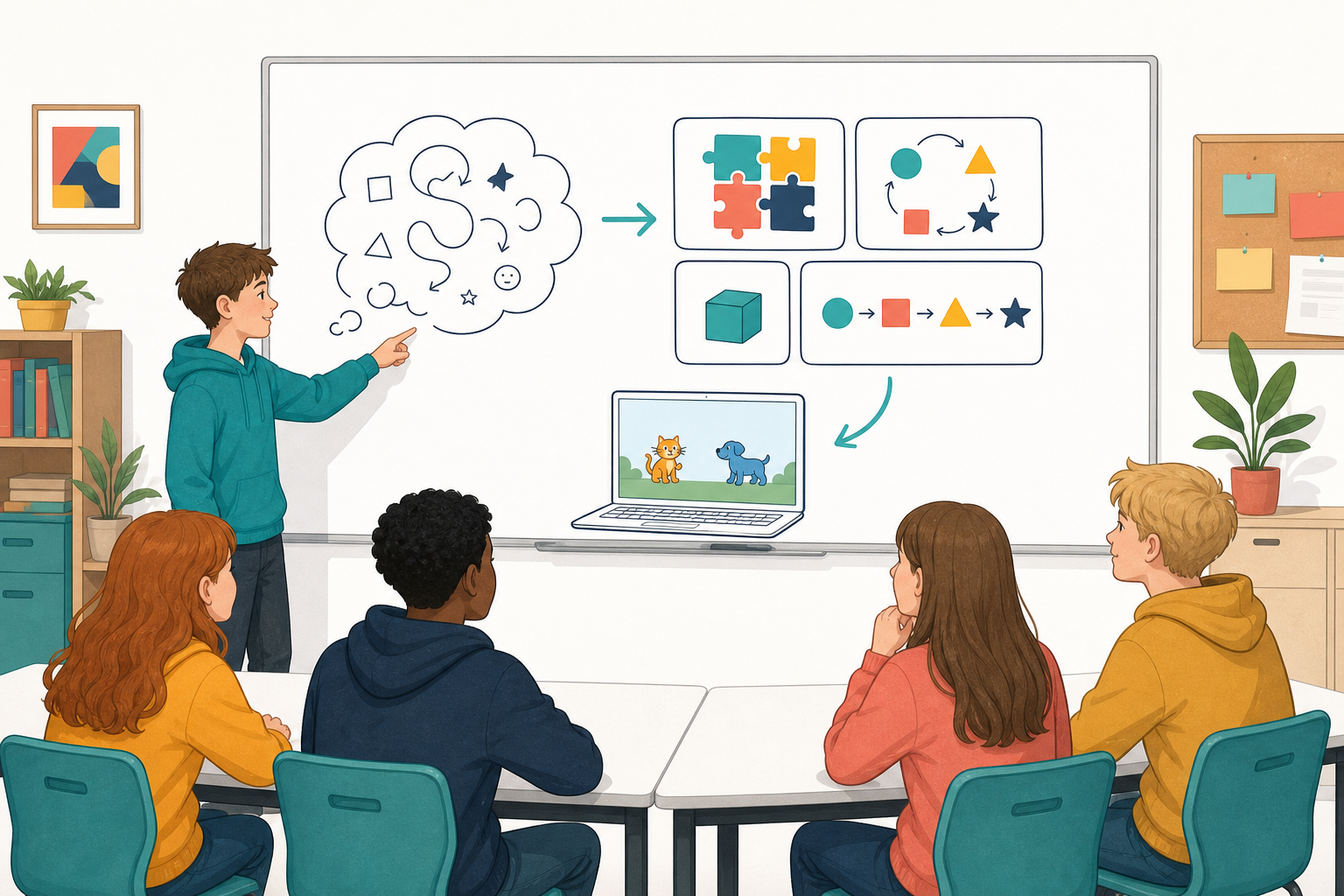
Coders use four steps of computational thinking to turn a big idea into something they can build. Meet each step on a worked example as you go.
Idea: a simple chase where your sprite catches another sprite and the score goes up.
- Decomposition (smaller pieces): your sprite moves; the target moves; detect a touch; score changes.
- Pattern recognition (what repeats or what you already know): arrow-key movement and a score variable are things you have used before.
- Abstraction (keep only what matters): one sprite you control, one target, one score. Ignore lives, levels and extra enemies for now.
- Algorithms (steps in order): when the green flag starts the program, forever: move your sprite on the arrow keys; if your sprite is touching the target, change score by 1 and move the target to a new place.
That plan is short enough to build. Yours will be too.
Here is that plan as Scratch blocks. You are not building this one — it is the worked example, so you can see how the four steps turn into code:
when green flag clicked
set [score v] to (0)
forever
if <key (right arrow v) pressed?> then
change x by (10)
end
if <touching (Target v)?> then
change [score v] by (1)
broadcast [move target v]
end
end
Choose one build idea, or invent a close cousin of one of these:
- an animated scene (two sprites that take turns doing something)
- a short quiz round (ask a question, check the answer, change a score)
- a simple chase (catch a target, score goes up)
Once you have picked, you will write a short four-step plan for it on the next step, then start building it in Scratch.
Open Scratch. Reopen a project you saved earlier if it helps, or start a fresh one. If your saved project is missing, ask your teacher or begin a new project from your plan.
- In your copybook, fill in a short plan for your idea using all four steps. Copy these four headings and complete each with one short line (like the chase example above):
- Decomposition: Pieces I will build: …
- Pattern recognition: I will reuse: …
- Abstraction: Only what matters for now: …
- Algorithms: In order, the program should: …
- Build only the first piece of that plan in Scratch. For a chase, that might be movement for the sprite you control. For a quiz, the question and answer check. For a scene, the first sprite's actions.
- Run what you have. Does that first piece match the algorithm you wrote?
Unlock the full learning experience
You're previewing this lesson. Get full access to this lesson and hundreds more — each one ready to teach, with interactive activities, printable resources and pupil progress tracking built in.
This lesson is copyright of 123Learn.ie 2017 - 2025. Unauthorised use, copying or distribution is not allowed.
Scratch is developed by the Lifelong Kindergarten Group at the MIT Media Lab. It is available for free at https://scratch.mit.edu