1 - Introduction ~5 mins
Welcome
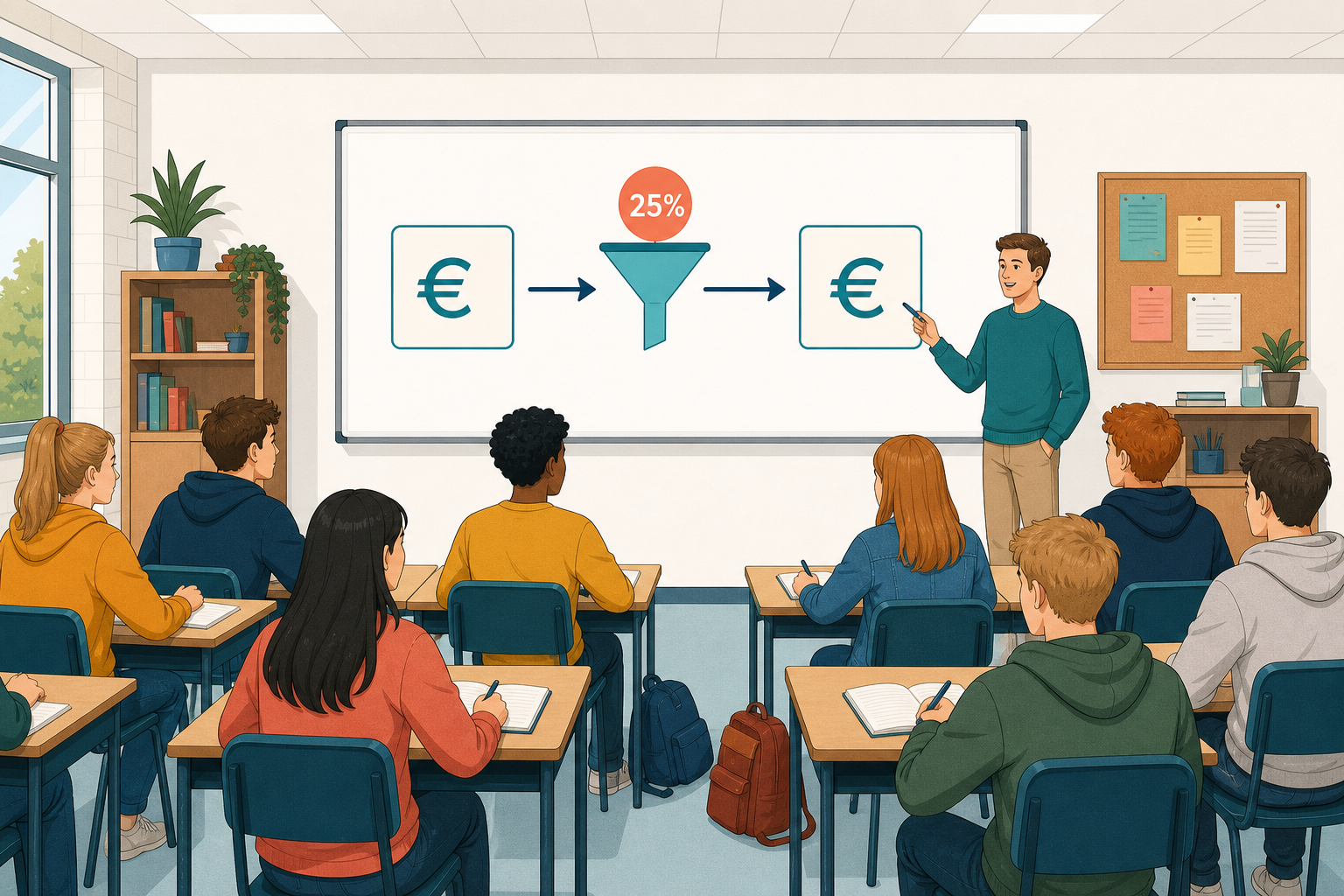 Gross pay is the figure on the job ad. Take-home pay is what is left after deductions. Today you will build a simple practice spreadsheet that turns a gross figure into an estimated take-home figure using one flat rate.
If you do not have a project wage yet, your teacher will give you a sample figure. If you do not have {{code:sm3_vat_calc.xlsx}} in {{code:sm3}}, create a new workbook there with that name and build only the {{code:TakeHome_Pay}} sheet today.
By the end of this lesson, you will be able to:
- Model a simplified take-home pay calculation from gross salary
- Recognise that real Revenue calculators are spreadsheets under the hood
- State clearly on the sheet that the model is for class practice only and is not real tax advice
Warm-up
Think of a weekly or monthly gross figure that matters to your project: a Work Experience rate, a target salary, or an owner's draw, which is the amount the owner of a small business pays themselves out of the business each week or month. Roughly what fraction do you think would remain as take-home pay in Ireland?
2 - Key Concepts ~8 mins
Before formulas, lock in four ideas. Real Irish take-home uses PAYE bands, tax credits, USC and PRSI. Your model uses one flat rate so the spreadsheet logic stays clear.
| Concept | Why it matters | Example |
|---|---|---|
| Gross pay: full amount before deductions | Job ads and contracts usually quote gross first | Centra weekend: €14 × 12 hrs = €168 gross |
| Take-home (net): what remains after deductions | Rent, travel and project costs come from take-home | 25% off €168 → €126 for planning only |
| Flat tax rate (classroom): one percentage on the whole gross | Lets you practise formula structure without every Revenue band | Type 0.25, format as 25%; never type 25 |
| Not tax advice: school model must not set real payroll or a return | Real deductions depend on credits, bands, USC, PRSI and personal circumstances | Label the sheet classroom-only before you share it |
You will type the full disclaimer into the sheet in the next activity. Keep the flat rate as 0.25 under the hood.
3 - Step-by-step Task ~15 mins
You are staying in the same workbook you used for VAT and adding a new sheet inside it, so there is no new topic file to make. Open your sm3 workbook ({{code:sm3_vat_calc}}) and add a sheet named TakeHome_Pay, then work through the instructions on the tab that matches what you are using, either Excel Online or Google Sheets. Every figure you type today is for classroom practice only.
Here is the example you are building: a gross monthly figure of €2,400 with a flat rate of 25% gives €600 of tax and €1,800 take-home. Tax = gross × rate, and take-home = gross − tax. When you change the gross figure, both results update on their own.
4 - Common Issues ~3 mins
Common Issues
| Issue | Solution |
|---|---|
| Tax amount looks huge (thousands of percent of pay) | You probably typed 25 instead of 0.25. Clear the rate cell, type 0.25, then format as Percentage. |
| Changing gross pay does not update tax or take-home | Those cells may contain typed numbers. Re-enter {{code:=B3*B4}} and {{code:=B3-B5}} so they are live formulas. |
| Currency shows $ or no euro symbol, or B4 no longer shows 25% | Format only B3, B5 and B6 as euro with 2 decimal places. Do not format B4 as currency. Do not type the € sign into the formula cell itself. |
| I cannot find my VAT workbook | Check {{code:Project_Portfolio/09_specialism/sm3/}}. If the file is missing, create a new workbook there named {{code:sm3_vat_calc.xlsx}} (Sheets: {{code:sm3_vat_calc}}) and build only the TakeHome_Pay sheet today. |
5 - Independent Practice ~20 mins
Independent Practice
No project figure? Use one of these classroom samples: €14 × 12 hrs week, €2,200 monthly entry-level, or €500 owner draw.
- A clear project label and gross figure that come from your own project work (or a named classroom sample)
- Tax and take-home update automatically when you change the gross figure; money cells use euro formatting and the rate stays a percentage
- Source note in {{code:A10}}, two gross trials recorded in a small comparison block, and one decision sentence in {{code:A12}}
- A visible disclaimer states that the sheet is a classroom model, not tax advice
- Workbook is {{code:sm3_vat_calc}} in folder {{code:sm3}} with a sheet tab exactly named {{code:TakeHome_Pay}}
Unlock the full learning experience
You're previewing this lesson. Get full access to this lesson and hundreds more — each one ready to teach, with interactive activities, printable resources and pupil progress tracking built in.
This lesson is copyright of 123Learn.ie 2017 - 2025. Unauthorised use, copying or distribution is not allowed.