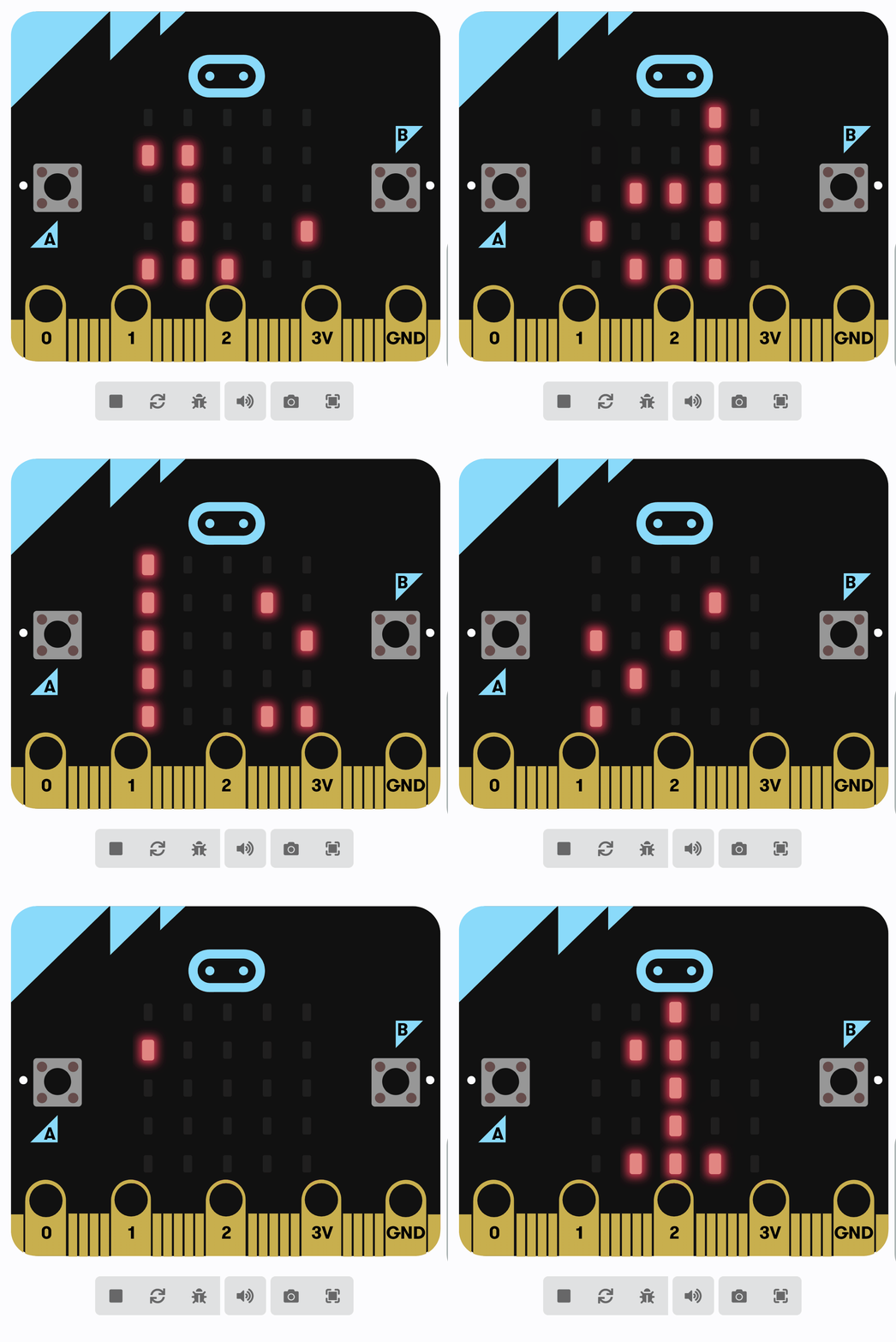
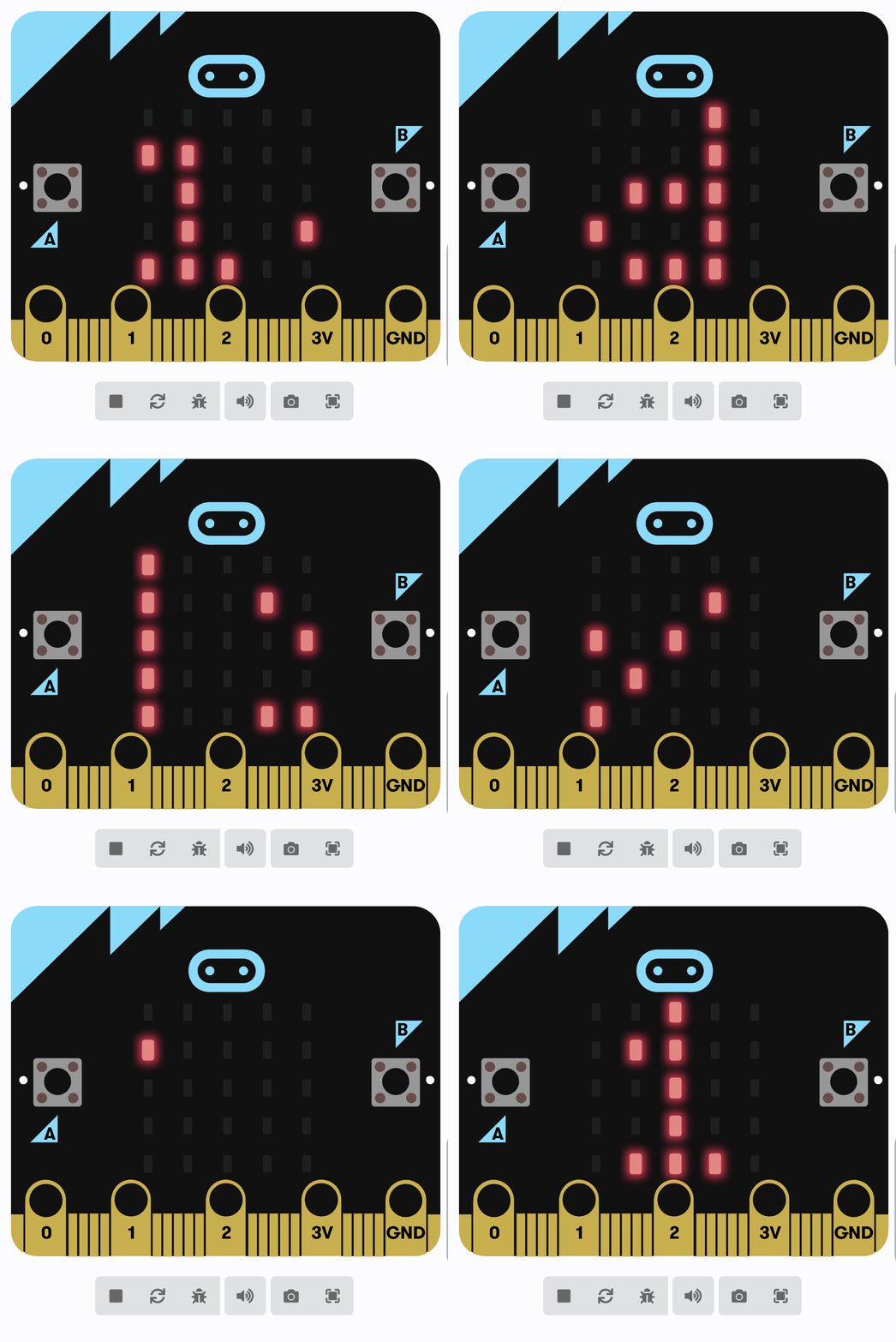
You can already show messages and numbers on the micro:bit and respond to a button.
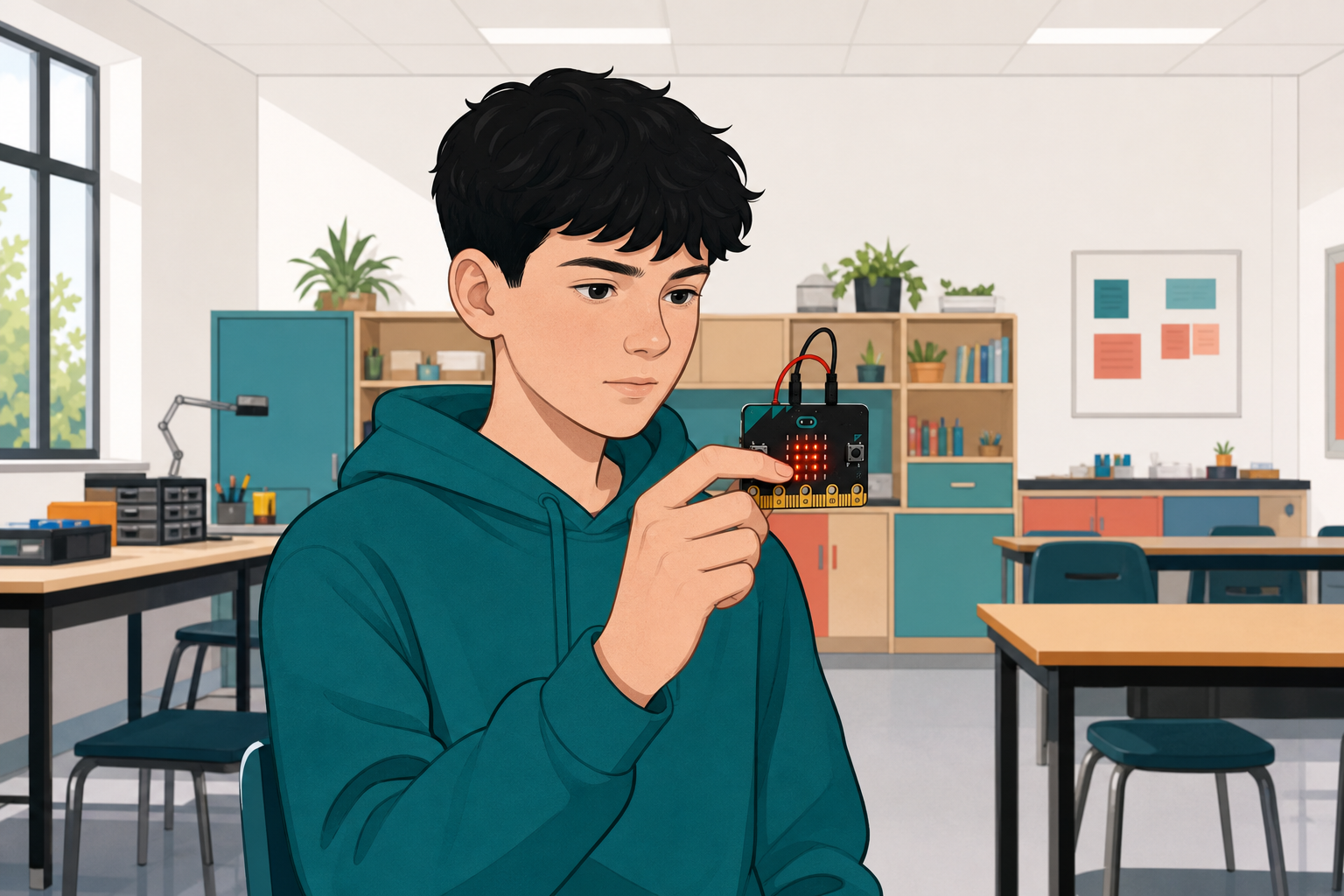
Today you will build a Reaction Timer: a short countdown, a random wait, a full-screen signal, and a reading in milliseconds when you press A. You will then run fair attempts and compare times as a class.
Before anyone runs the finished idea: when do you think the full screen should appear, and what should the number on the screen mean?
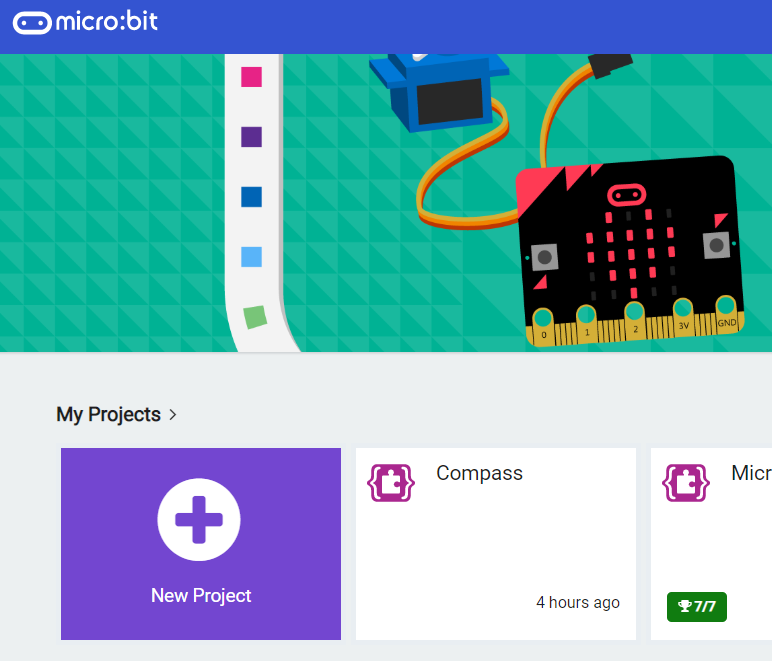
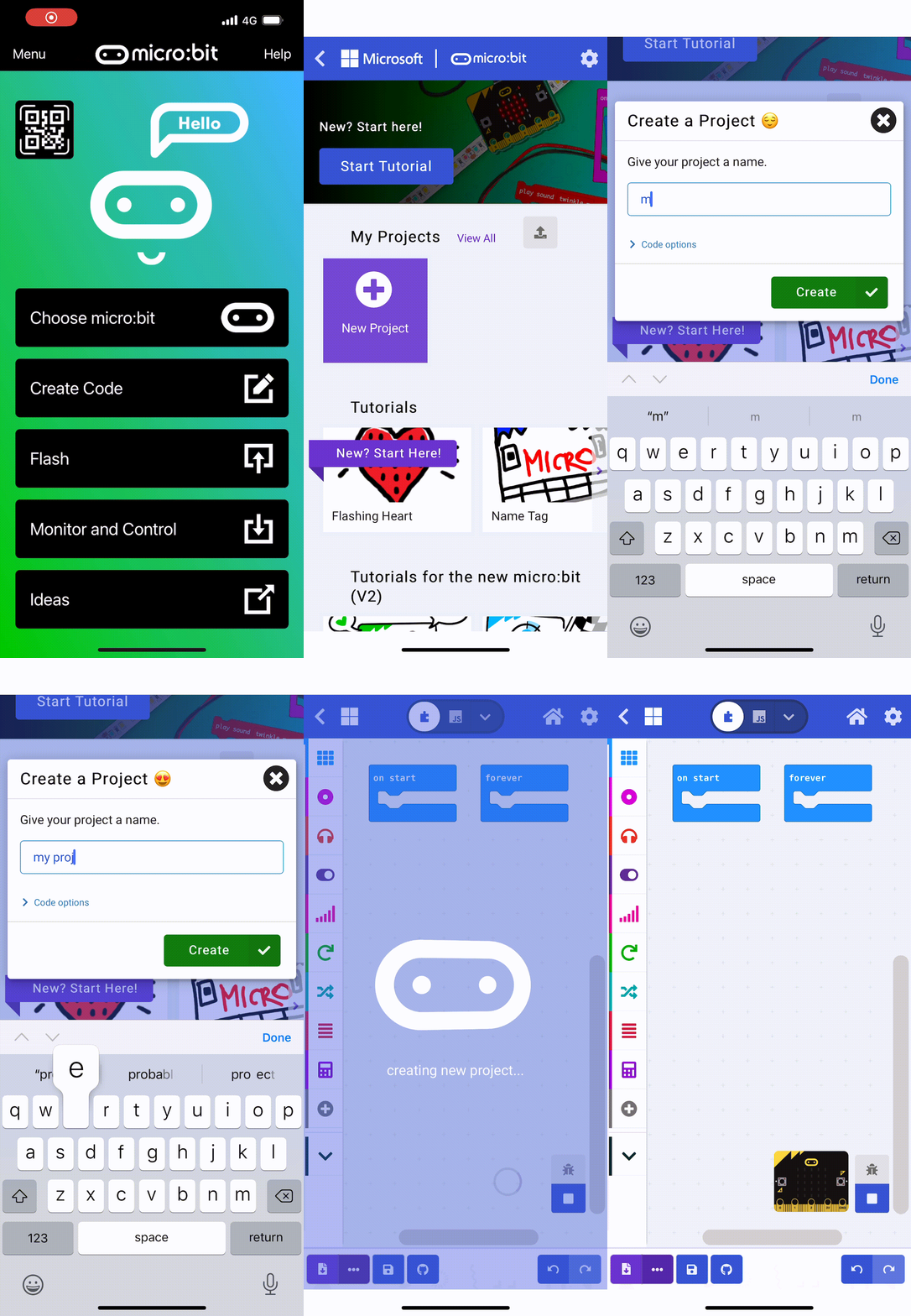
First, go to the Micro:bit website. Click on 'New Project' and name your project as 'Reaction Timer'.
Go to the Makecode.com Microbit website using the link below and click on the 'New Project' button underneath the 'My Projects' heading.
https://makecode.microbit.org/
Install the micro:bit app on your iPad or tablet.
Open the app, tap 'Create code' and then create a new project.

Let's start by creating a welcome message that will be displayed when you power on your Microbit.
Add the following code to your project:
basic.showString("Get Ready")
After the welcome message, we are going to create a countdown from 3 to 1 and then show a line on the screen.
Add the following new code to your project:
basic.showString("Get Ready")
basic.showNumber(3)
basic.pause(1000)
basic.showNumber(2)
basic.pause(1000)
basic.showNumber(1)
basic.pause(1000)
basic.showLeds(`
. . . . .
. . . . .
# # # # #
. . . . .
. . . . .
`)
To make the game unpredictable, let's add a random delay after the countdown.
Add the following new code to create a random delay between 1 to 5 seconds (1,000 to 5,000 milliseconds) and then show the signal (a fully lit up LED screen) to the player.
basic.showString("Get Ready")
basic.showNumber(3)
basic.pause(1000)
basic.showNumber(2)
basic.pause(1000)
basic.showNumber(1)
basic.pause(1000)
basic.showLeds(`
. . . . .
. . . . .
# # # # #
. . . . .
. . . . .
`)
basic.pause(Math.randomRange(1000, 5000))
basic.showLeds(`
# # # # #
# # # # #
# # # # #
# # # # #
# # # # #
`)
You're previewing this lesson. Get full access to this lesson and hundreds more — each one ready to teach, with interactive activities, printable resources and pupil progress tracking built in.