1 - Introduction ~5 mins
Welcome
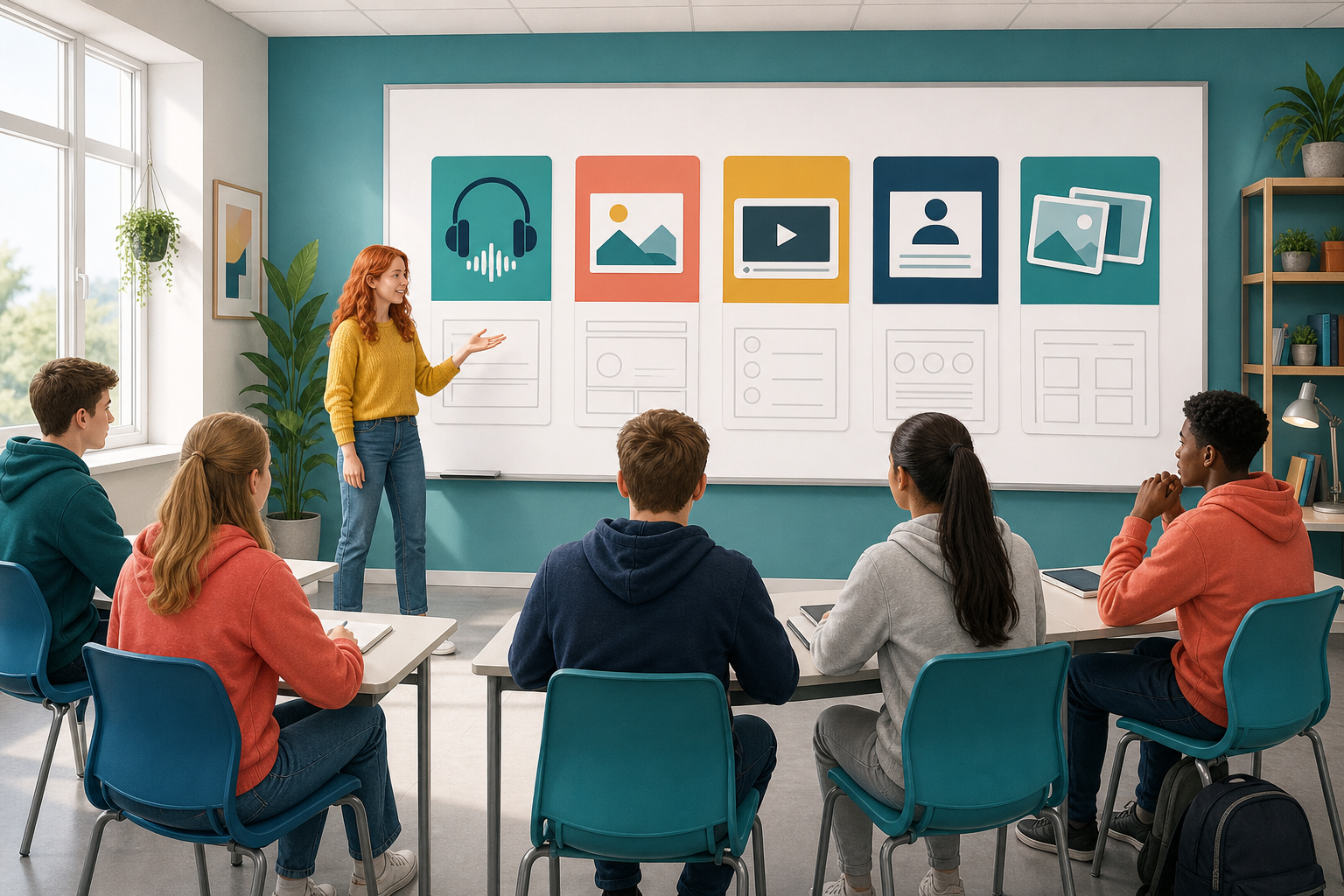 A client or employer will not sit through a messy video or a muddled podcast. Structure still comes first. Design and polish wait until the skeleton is solid.
Today you lock the structure for formats that are not slide decks. You will use three core patterns: a timed podcast outline, an infographic hierarchy, and a hook-first short-form storyboard. A beat is one chunk of your piece with a job to do — one frame, one point, one section. An explainer video and a carousel use the same running order as these three, just with longer beats or more slides.
So that you have it in front of you, open your Two Format Plan (it is in {{code:Project_Portfolio/09_specialism}} if you saved it there) and copy three things onto a sticky note or the top of a blank page: the name of your second format, its audience, and its purpose. Everything you write today has to answer to those three.
No plan yet? Pick one now — podcast, infographic, short-form video, explainer or carousel — and write it on your sticky with an audience and a purpose, so you have something real to build on.
By the end of this lesson, you will be able to:
- Build a structural skeleton for your second format using one of the three core patterns (audio outline, infographic hierarchy, or short-form storyboard)
- Place a strong hook first and lock your timings or order before you design anything
- Save your skeleton as {{code:sm2_format2_skeleton}} in your project portfolio, where it counts as the structure work for your specialism
Warm-up
Without opening any design app, picture your second format. What is the very first thing the audience should notice or hear in the opening three to fifteen seconds? Hold that answer. You will put it at the top of your skeleton today.
2 - Key Concepts ~6 mins
Every non-slide format still needs a skeleton before you touch colours, music, or effects. Keep these three rules in view while you build.
- Structure first — lock order, timings, and hierarchy before design or recording.
- The hook earns attention — the opening seconds decide whether anyone stays.
- Hierarchy and timings beat decoration — plain beats with a job still work; pretty design cannot rescue a muddled sequence.
A storyboard runs on four kinds of beat. The hook is the opening line or image that makes someone stop. The setup tells them where they are. A payoff is the thing you promised in the hook, finally delivered — the real skill, the real result. The CTA, or call to action, is the closing ask: what you want the viewer to do next.
Your teacher will demo these three core patterns live. Use the table as a quick checklist, not a full reading task.
| Concept | Why it matters | Example |
|---|---|---|
| Podcast / audio outline — timed hook, 3 key points, clear close | Listeners cannot skim; weak openings lose them | — |
| Infographic hierarchy — headline, 3 points, one takeaway | Readers scan in seconds; size and order show what matters | — |
| Hook-first short-form storyboard — 15–60s vertical: hook, setup, payoff, CTA | First three seconds earn the rest of the watch | Niamh's six frames below (main teach) |
Variants (same running order): Explainer video stretches the same beats into 2–5 minutes with narration notes. Instagram carousel turns them into six square slides: {{code:1 problem · 2 proof · 3 step · 4 step · 5 result · 6 ask/sources}}.
Worked example: Niamh's second format
Niamh's real-world project is a report on her work experience in a local café. Her first format is the slide deck she presents at her interview. Her second format is a 45-second vertical video for classmates thinking about the same kind of placement. Watch the board as your teacher marks the timings. Notice: no filters, no music, no font yet — only order, timing, and what each beat must achieve.
- Frame 1 (0–3s) hook: On-screen text "The skill nobody told me I'd need on day one"
- Frame 2 (3–8s) setup: "Week 1 on the till at a busy café"
- Frame 3 (8–18s) payoff: calm under queue pressure
- Frame 4 (18–28s) payoff: accurate cash-up
- Frame 5 (28–38s) payoff: clear handover notes
- Frame 6 (38–45s) CTA: "Want the full log? Ask me after class"
3 - Step-by-step Task ~15 mins
Build a short reference sheet of non-slide structure patterns while your teacher demos on the board or screen. Your teacher has already put a shared template in your specialism folder, in the sub-folder called {{code:sm2}}, with the headings and empty sample lines ready for you. You are capturing labels and one sample line per beat from the projected model, not inventing your own project yet and not finishing full media.
Everyone completes sections A–C by pasting or typing the board samples. Section D is the variants section of that same template, already filled with the carousel slots and the explainer beginning, middle and end lines; copy it across if there is time. Keep pace with the board; do not worry if you tidy a heading after the demo moves on.
4 - Common Issues ~4 mins
Common Issues
| Issue | Solution |
|---|---|
| I started designing in my head or opened a template before the beats were locked | Stop decorating. Return to your skeleton document. You only open the creative tool after every beat has a job and a rough time or order. |
| My short-form hook is buried in frame 3 | Move the strongest line or image to frame 1 (0–3s). Setup comes second. If a stranger would not stop scrolling in three seconds, rewrite the hook. |
| My podcast outline has eight "key" points | Cut to three points (hook, three points, close). Merge overlaps; audio cannot carry a long list without losing the listener. |
| My infographic treats every fact as equal size | Rewrite the hierarchy: one headline, three to five supporting points, one takeaway. The takeaway should answer "so what?" for your audience. |
5 - Independent Practice ~20 mins
Independent Practice
- Hook rewrite (about one minute). Rewrite only Niamh's Frame 1 hook in one line for your project. Example swap: Niamh's "The skill nobody told me I'd need on day one" becomes "Three stocktakes taught me more than the till training" for a Centra placement. Your teacher may hear one or two hooks aloud against the three-second stranger test.
- Create {{code:sm2_format2_skeleton}}. Make the file in {{code:09_specialism/sm2}}. At the top type your format name, audience, and purpose. Tick one pattern from the slot list below.
- Fill that one pattern with real beats. Copy only the matching pattern headings from your practice sheet (or the board). Replace every sample line with real content from your own project, not placeholders.
If a line feels awkward, keep it and tighten the hook first; design comes next lesson.
If you do not have enough of your own material yet: use Niamh's café running order and swap two lines for your placement, then write your real format choice at the top for next lesson.
- {{code:sm2_format2_skeleton}} sits inside {{code:09_specialism/sm2}} and names your format, audience, and purpose at the top
- The skeleton follows one correct pattern for that format (timed audio beats, infographic hierarchy, hook-first frames, explainer arc, or carousel slots)
- Every beat uses real content from your own project (or the café fallback with two personalised lines), and the opening hook or headline would make sense to a stranger in under three seconds of reading or listening
- You could hand this page to a partner and they could explain the whole piece without asking what happens next
- Podcast / audio: Hook (0–15s) · Point 1 · Point 2 · Point 3 · Close
- Infographic: Headline · Point 1 · Point 2 · Point 3 · Takeaway
- Short-form (15–60s): 1 Hook · 2 Setup · 3–5 Payoff · 6 CTA
- Explainer (2–5 min): Beginning (hook + problem) · Middle (2–3 proof beats + narration notes) · End (result + CTA)
- Carousel (6 slides): 1 problem · 2 proof · 3 step · 4 step · 5 result · 6 ask/sources
Unlock the full learning experience
You're previewing this lesson. Get full access to this lesson and hundreds more — each one ready to teach, with interactive activities, printable resources and pupil progress tracking built in.
This lesson is copyright of 123Learn.ie 2017 - 2025. Unauthorised use, copying or distribution is not allowed.