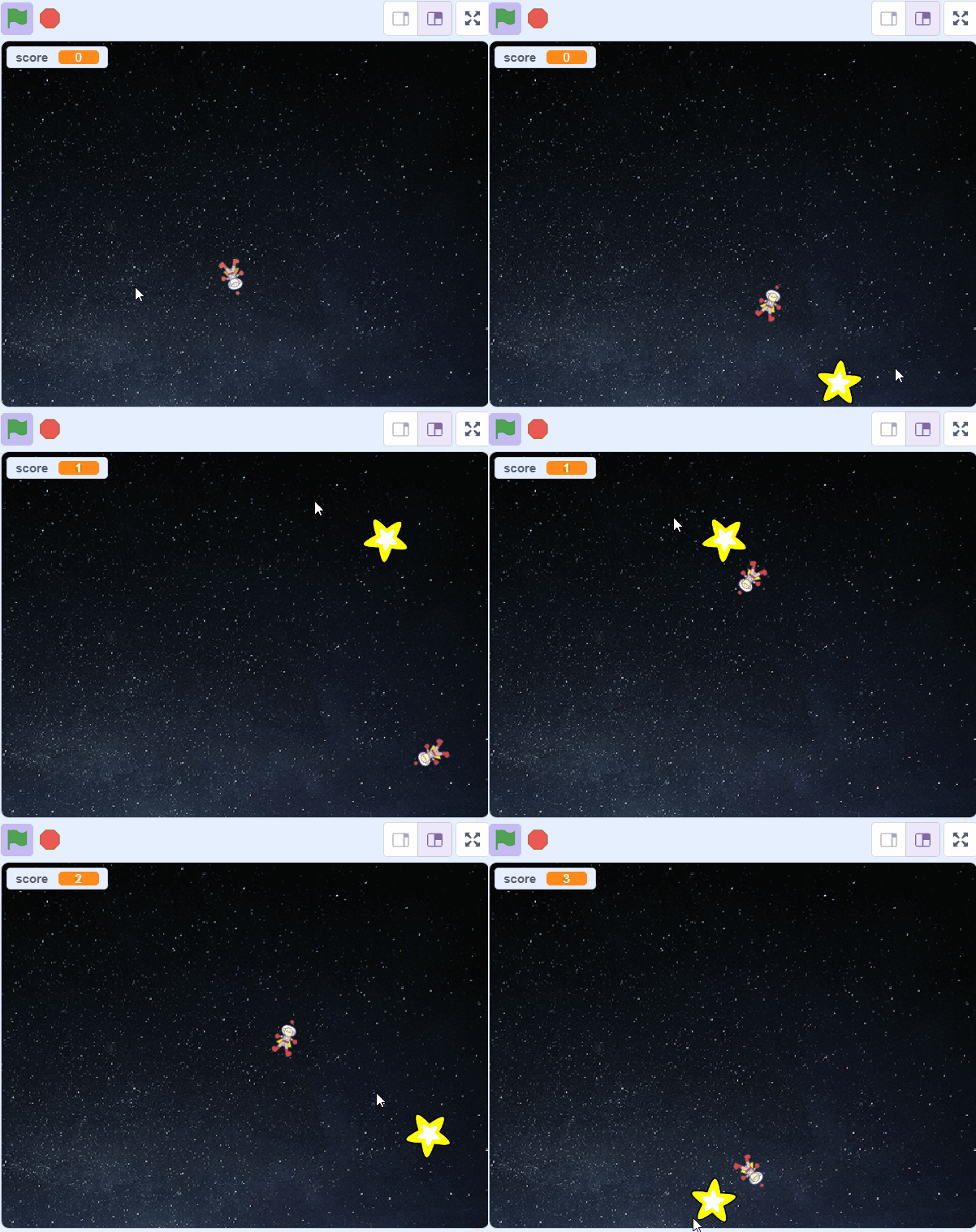
Welcome to the 'Star Chaser' lesson! In this exciting lesson, you will create a fun game where a character named Ripley chases stars. You will learn how to use something called 'variables' to keep score and how to create and control 'clones'. Don't worry if you don't know what these terms mean yet, you will understand them by the end of this lesson. So, are you ready to start your coding adventure? Let's go!
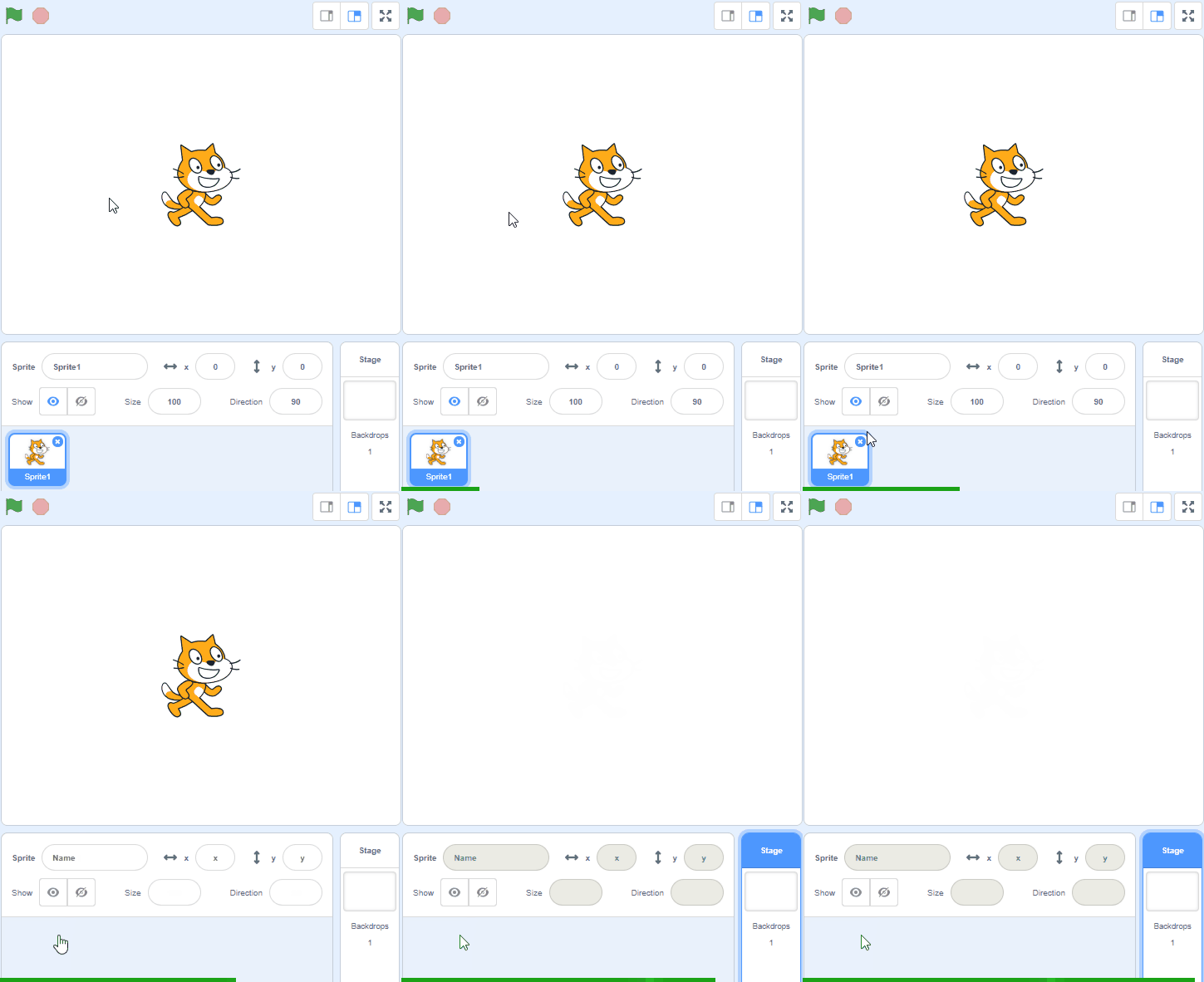
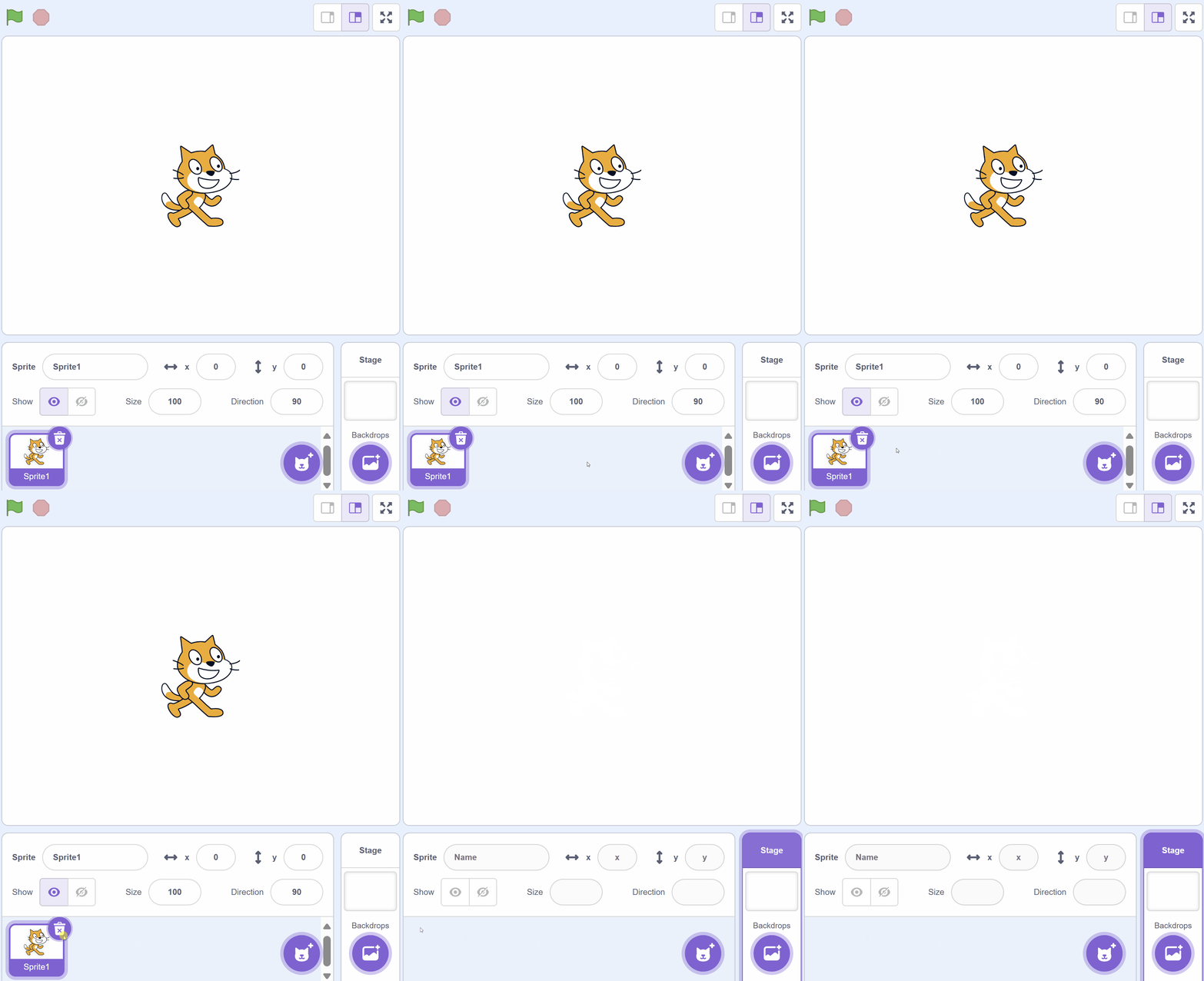
Start by creating a new Scratch project and then delete the cat sprite as we don't need it for this project.
Go to the Scratch website using the link below and click on the 'Create' link in the blue bar at the top.
By default, each new project starts with the cat sprite already added. To delete the cat click on the x in the blue circle beside the cat in the sprite list.
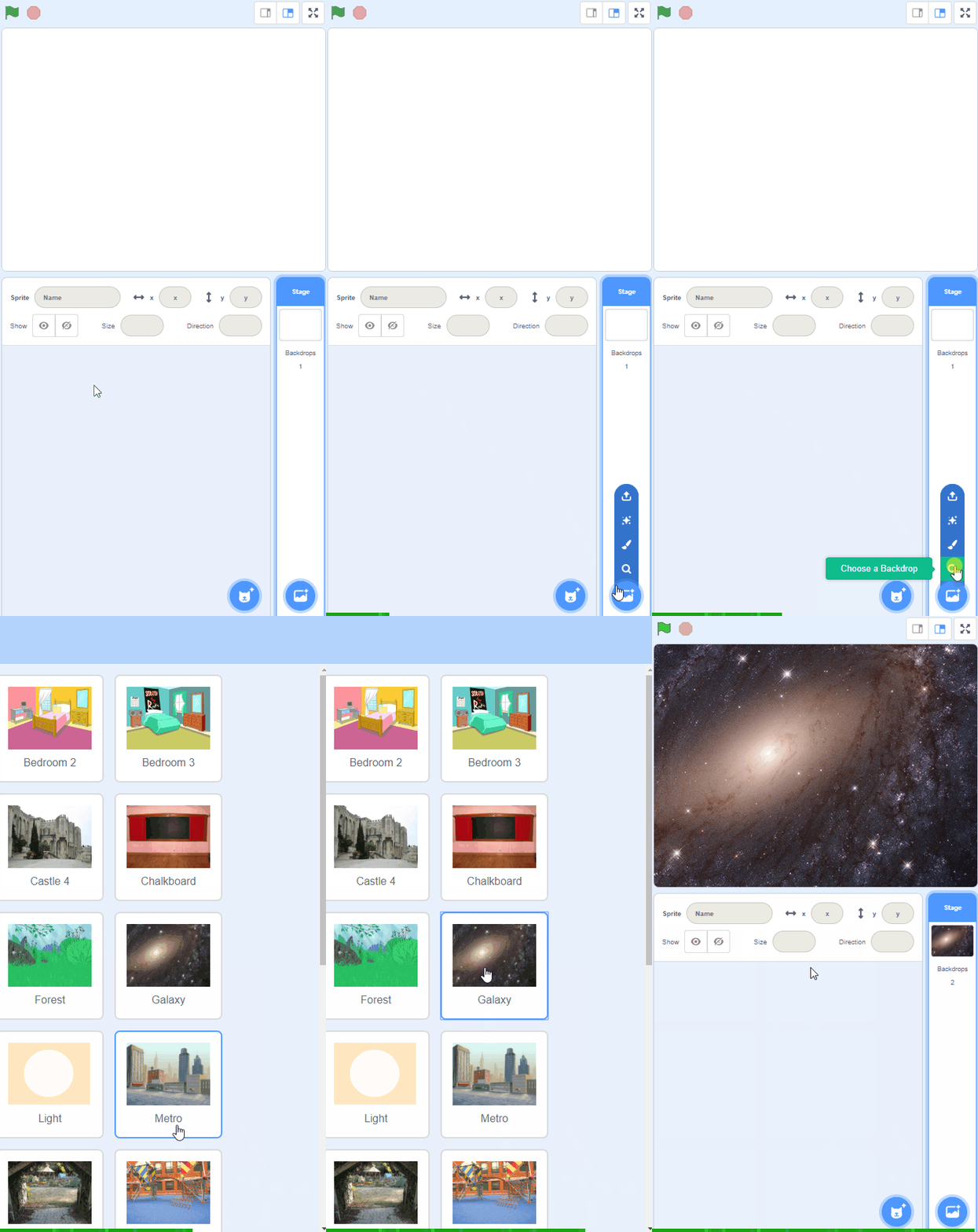
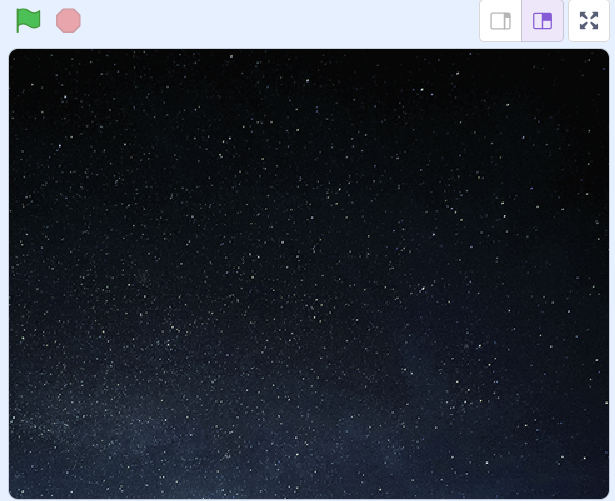
Add the Stars backdrop from the backdrop library.
To add a backdrop from the backdrop library follow these steps:
You can use search box or the filter links (Fantasy, Music, Sports etc) to locate your backdrop.
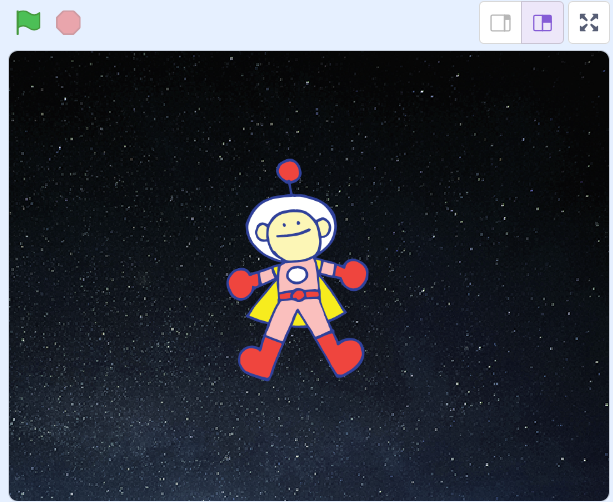
Add the 'Ripley' sprite from the Scratch library to your project.
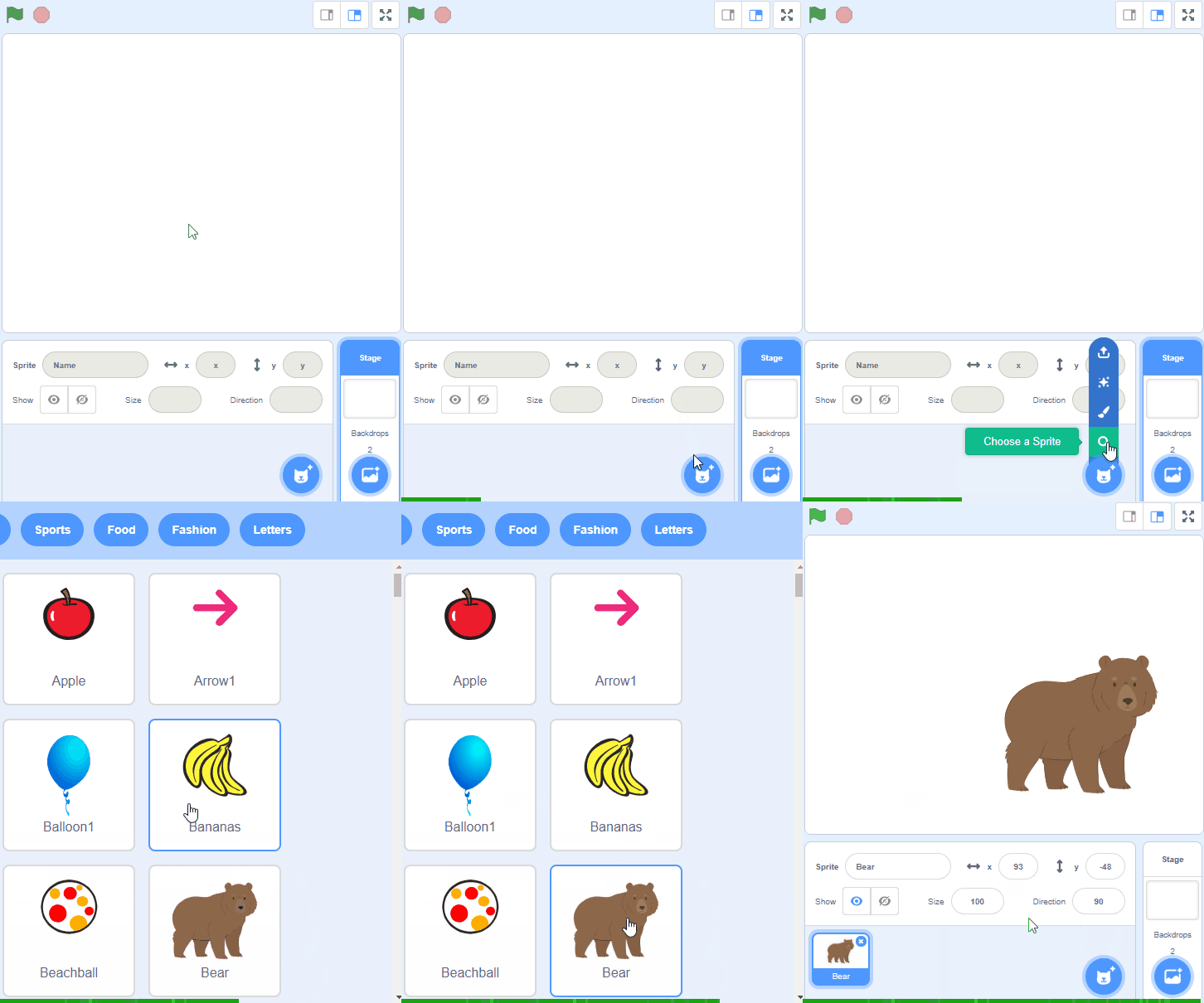
To add a sprite from the sprite library follow these steps:
You can use search box or the filter links (Animals, People, Fantasy etc) to locate your sprite.
You're previewing this lesson. Get full access to this lesson and hundreds more — each one ready to teach, with interactive activities, printable resources and pupil progress tracking built in.