Welcome
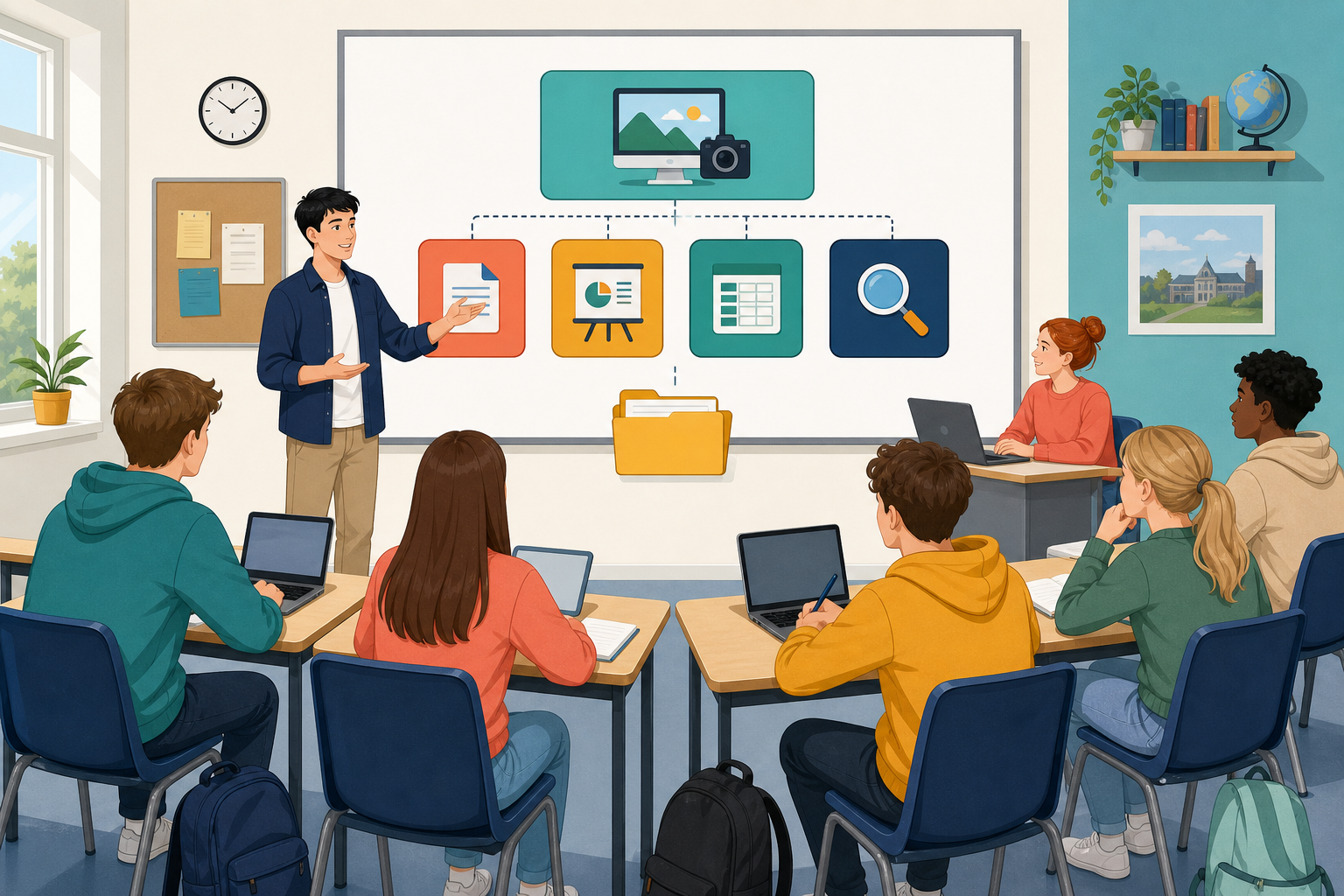 Today you pick or continue one real project you will carry through the whole ICT Vocational Specialism. The course runs for 120 hours across four modules, and along the way you will make eight substantial pieces of work that get stored in your portfolio as proof of what you can do. By the end of today you will have a folder home for that work and a short plan for Module 1.
The project you carry through it all has a name on this course: your Something Real project. It is one genuine, work-related job of your own, not a made-up exercise, and every module adds to it. If you already have a Something Real project from Introduction to ICT on this platform, you will reopen it and take it further here. If you are starting fresh, you will pick one option in a moment and build the portfolio from scratch.
What today gives you
- A clear picture of how this course goes deeper than Introduction to ICT, and how the four modules fit together
- An idea of why Module 2 matters so much: it is the module that gets your project ready for the interview where you sit down and talk an examiner through your work
- A Something Real project, either continued or chosen today, with the {{code:09_specialism}} filing framework and its {{code:sm1}}–{{code:sm4}} folders built
- A Specialism Plan naming your project, where it stands right now, and three goals for Module 1
Warm-up
Think quietly for a moment, then be ready with one choice:
- Continuing: What was your project in Introduction to ICT, and is it still the thing you want to take further?
- Starting fresh: Pick one starter now so folders can begin on time: a CV pack for a local part-time job, a Work Experience report for a placement, or a community project proposal. (Other strong options later: small enterprise pitch, Practical Achievement log.)
Over the next 120 hours you will carry one Something Real project through four modules, and you will finish and save eight major pieces of work in your portfolio, two from each module, as the evidence of what you can do.
| Module | What you will build |
|---|---|
| SM1 Word processing | Real documents for your project (templates, letters, newsletters) |
| SM2 Presentations | Two presentations in different digital formats; one is ready for the VET interview |
| SM3 Spreadsheets | Project numbers turned into problem-solving sheets and charts |
| SM4 Online investigation | Research a project-linked topic and present your findings |
Key ideas you will use today
| Concept | Why it matters | Example |
|---|---|---|
| Something Real project — one work-related project you carry across all four modules | Every big piece of work comes together faster when the topic is already yours | A Work Experience report for a placement in a local Centra, deepened into polished docs, a VET pitch, a budget sheet, and a research piece |
| {{code:09_specialism}} filing framework — one top-level folder (the Specialism section of your portfolio; keep the 09 so it sorts with any earlier portfolio folders) with {{code:sm1}}, {{code:sm2}}, {{code:sm3}}, and {{code:sm4}} inside | Your teacher checks your finished work from this structure; messy folders slow everything down when the evidence is being gathered | {{code:sm1_specialism_plan}} always lives in {{code:sm1}}, never loose in the root |
| Vocational Education Task (VET) — the interview where you present work from Module 2 | SM2 is second in the sequence so your presentation is ready before interview season | At interview you open your Module 2 presentation and talk through your Work Experience placement slides for five to ten minutes |
| Specialism Plan — a short page naming the project, status, and three Module 1 goals | Clear goals stop Module 1 drifting into random documents | Goal: "Make a price-list template for five local product lines" |
You stay with one project the whole way. Today you only need two things: the folder home for that work, and a short Module 1 plan with three clear goals.
You will set up the Specialism folder framework inside {{code:Project_Portfolio}} and open a short sample plan so the live layout is clear before you write about your own project. This bit is clicky rather than creative: copy the sample shape first so you are not inventing layout and choosing a project at the same time. If a folder name goes wrong, rename it; nothing here is permanent.
What you need to get right on screen
- Exact folder names: {{code:Project_Portfolio}} → {{code:09_specialism}} (Specialism section of the portfolio; the 09 keeps it sorting with any earlier folders) → {{code:sm1}}, {{code:sm2}}, {{code:sm3}}, {{code:sm4}}
- Plan shape: four headings (Something Real project, Status, Module 1 goals, Notes) in a file named {{code:sm1_specialism_plan_sample}} inside {{code:sm1}}
Primary model (board + sample): Work Experience at a local Centra
- Project: Work Experience report for a placement at a local Centra
- Status: Plan (starting this term)
- Module 1 goals: (1) Make a simple price-list template for five product lines; (2) Type and edit a one-page placement newsletter; (3) Use a table to lay out item, price, and notes for those five lines
What good goals look like (same Centra idea, upgraded):
- Vague wish: "get better at Word" → a teacher cannot picture a file.
- Pictureable goals: "Make a price-list template for five Centra lines", "Type and fix a one-page placement newsletter", "Use a three-column table for item, price, and notes".
- Formulas if you get stuck later: "Make a ___ for ___", "Type and fix a ___ about ___", "Use a table (or heading and footer) to ___".
Another example (if retail is not your world): match-day phone photography for local GAA clubs → professional price-list template, one-page club newsletter, table of five package prices. Your teacher may project a finished sample on the board so you only need headings in your own sample file if time is tight.
Exact folder names feel picky. That is deliberate so Key Assignments are easy to find later. If your project choice is still fuzzy, pick the closest vocational option for now; you can tighten the title in the plan.
Common Issues
| Issue | Solution |
|---|---|
| I cannot find {{code:Project_Portfolio}} | Use the search box at the top of OneDrive or Google Drive and type {{code:Project_Portfolio}}. If nothing appears, create it now at the root of My files / My Drive, then build {{code:09_specialism}} inside it. |
| My new document saved in the wrong place | Online apps save where you create them. Move the file into {{code:sm1}} now, or delete it and create a fresh file while you are already inside {{code:sm1}}. |
| I typed a folder name with a space or capital letters differently | Rename it to match exactly: {{code:Project_Portfolio}}, {{code:09_specialism}}, {{code:sm1}}, {{code:sm2}}, {{code:sm3}}, {{code:sm4}}. Exact names keep later lessons and Key Assignment checks simple. |
| I only have the sample file and no real plan yet | That is fine after the demo. In the Portfolio Build, create a new file named {{code:sm1_specialism_plan}} inside {{code:sm1}}. Do not rename the sample into the real plan name if it still holds placeholder text. |
Independent Practice
Work through these steps in order. Keep {{code:sm1_specialism_plan_sample}} open only as a model on screen. Do not create extra module folders unless one is missing.
- Open {{code:Project_Portfolio}} in your cloud storage. Create it at the root first if you are new to the platform.
- Confirm {{code:09_specialism}} exists with {{code:sm1}}, {{code:sm2}}, {{code:sm3}}, and {{code:sm4}} inside. Add any missing folder with the exact name.
- Inside {{code:sm1}}, create a new Word Online or Google Docs file and name it {{code:sm1_specialism_plan}} (this is separate from the sample).
- Add the four headings: Something Real project, Status, Module 1 goals, Notes. Write your real project name and a clear status (plan, in progress, or about to finish).
- Write three Module 1 goals in plain language: (1) one document you will design or template, (2) one document you will type and edit, (3) one document that uses a table, or a clear heading and footer. Goal formulas if you are stuck: "Make a ___ for ___", "Type and fix a ___ about ___", "Use a table (or heading and footer) to ___".
No project yet? Tell your teacher and use a starter (CV pack for a part-time job, or Work Experience report). Do not copy the Centra or GAA sample into the real plan.
Models you can adapt: Centra Work Experience (price-list template, placement newsletter, three-column price table), or GAA side hustle (price-list template, club newsletter, table of five package prices).
- {{code:Project_Portfolio}} / {{code:09_specialism}} / {{code:sm1}}–{{code:sm4}} exist with the exact folder names
- {{code:sm1_specialism_plan}} is saved inside {{code:sm1}}, separate from any {{code:sm1_specialism_plan_sample}}
- The plan names one real Something Real project and a clear status; no sample or placeholder lines remain in the real plan
- Three Module 1 goals name documents a teacher can picture (not vague wishes such as "get better at Word")
Unlock the full learning experience
You're previewing this lesson. Get full access to this lesson and hundreds more — each one ready to teach, with interactive activities, printable resources and pupil progress tracking built in.
This lesson is copyright of 123Learn.ie 2017 - 2025. Unauthorised use, copying or distribution is not allowed.