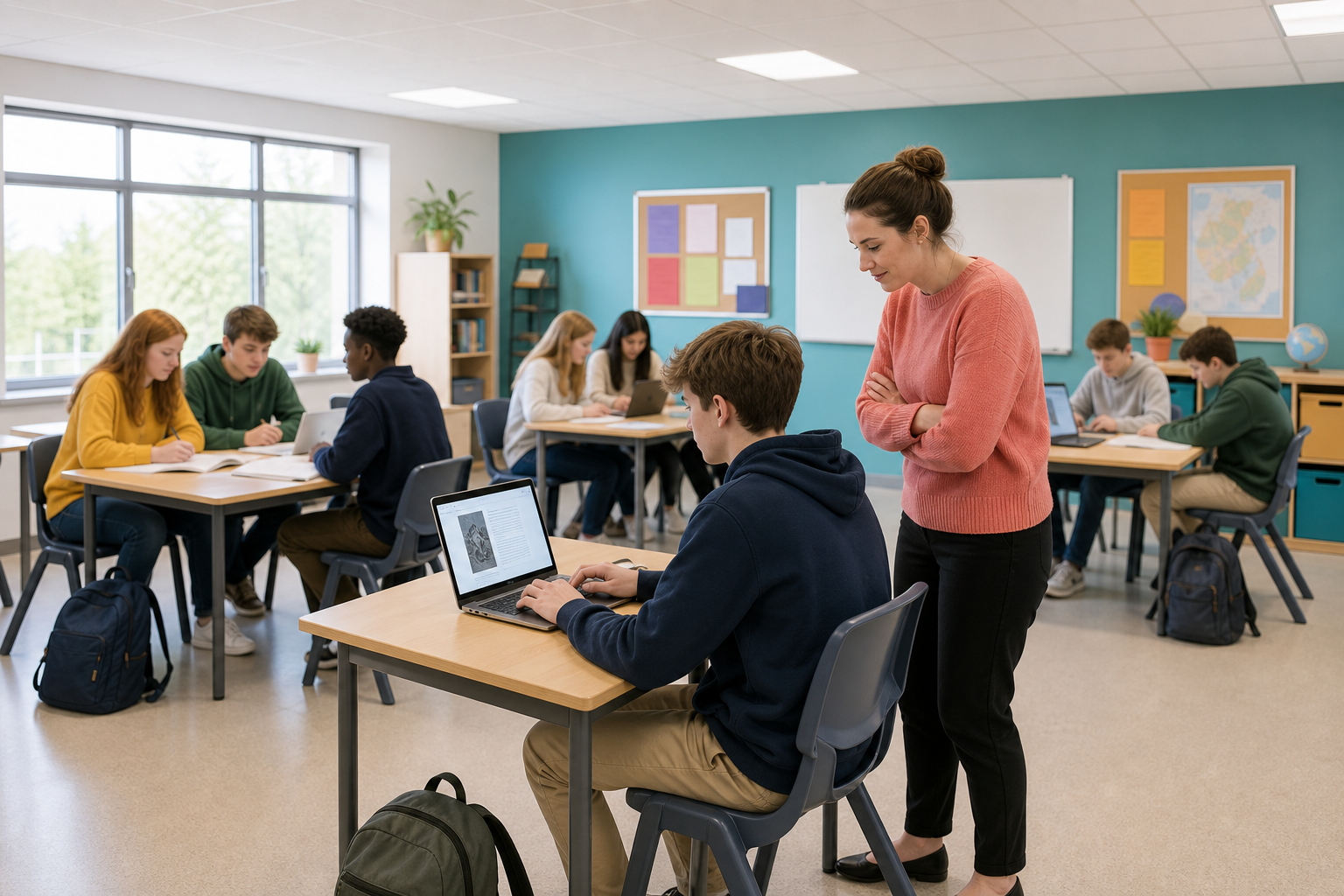
 In this course you have been asked to keep a research log. Today you will make it into a real document you can add to for weeks.
A record of the sources you checked, the decisions you made and any AI help you used.
Today you will
- create the document
- give it a name you can still find in six weeks
- set it out with proper headings
- write your first entries
 Three things decide whether you can find and read your log weeks later.
- The file name. Aoife_Murphy_Research_Log_2026 makes sense in June, but doc1 does not.
- Where it is saved. Use the class drive or your school cloud, not only a shared laptop.
- Headings. Use the app's ready-made heading styles instead of making text big and bold yourself. Then the app knows they are headings and can list them at the side, so you can click one to jump there.
With a partner, take one minute to decide which of these three things would stop you finding your log in June. Be ready to share one answer.
Follow the steps in the activity below to create your research log. The activity has steps for Microsoft Word and for Google Docs, so follow the ones for the app your school uses.
By the end you should have a named, saved document with a title and three Heading 2 sections, ready for your entries.
Use the table below to finish setting up your research log.
| Section | What to put in it now |
|---|---|
| Sources | Two entries, each starting with the date and three or four lines long. Use sources you checked earlier, or make up short examples that give the site's name, its topic and whether you would trust it. |
| Decisions | One short note about a choice you made in research or publishing, for example why you trusted one source more than another. If you have not made one yet, write No research decisions yet. |
| AI help | One honest line about any AI tool you used and how you checked it. If you have not used any, write No AI help used yet. |
Before you finish, check that you have two dated source entries, one decision note and one line about AI help. Then save your log the class way.
Unlock the full learning experience
You're previewing this lesson. Get full access to this lesson and hundreds more — each one ready to teach, with interactive activities, printable resources and pupil progress tracking built in.
This lesson is copyright of 123Learn.ie 2017 - 2026. Unauthorised use, copying or distribution is not allowed.