1 - Introduction ~5 mins
Welcome
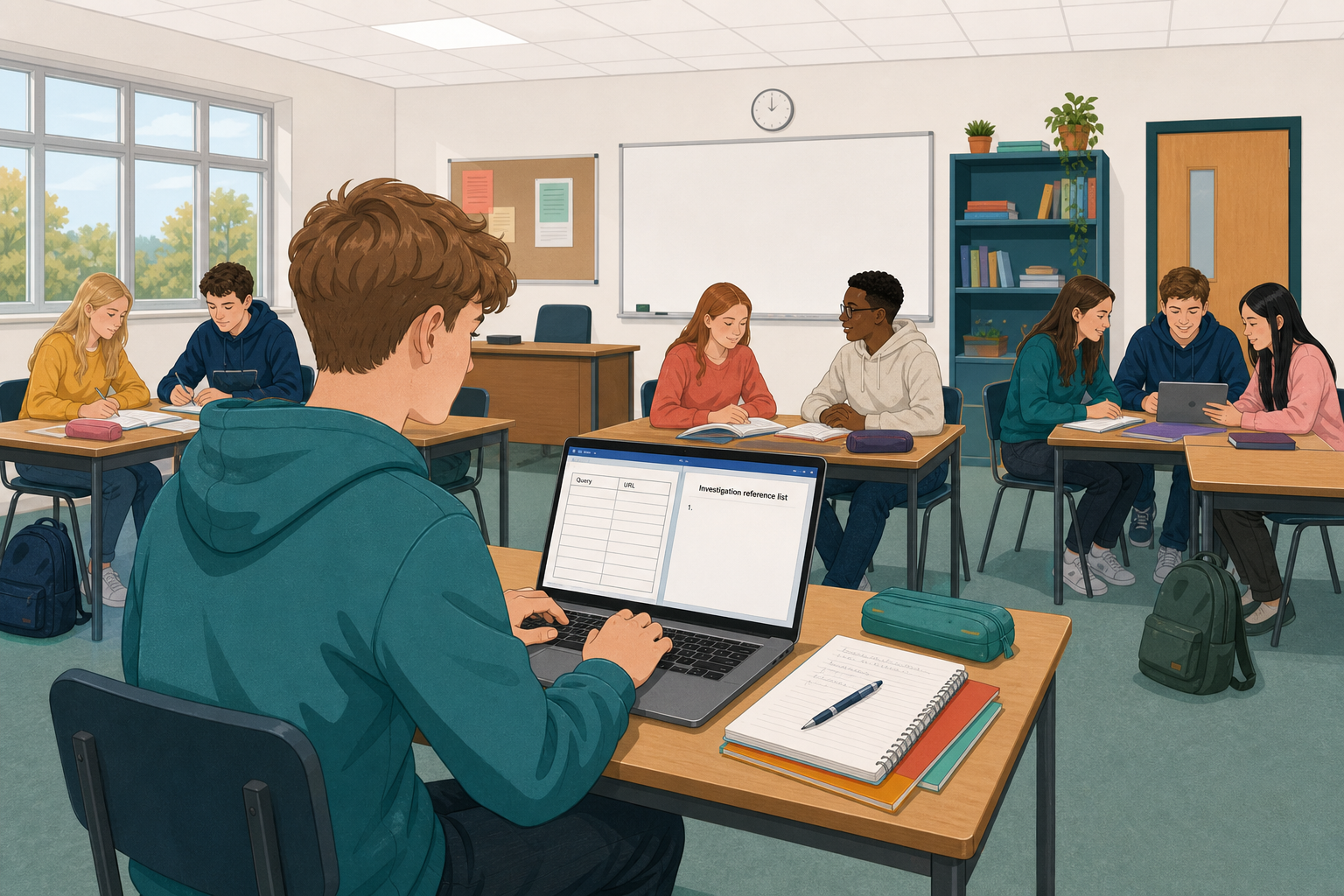 Your investigation is only as strong as the trail of sources behind it. Today you learn a clean, repeatable way to record who said what, where you found it, and when you checked it, so a teacher, examiner, or work-experience supervisor can trust your findings.
By the end of this lesson, you will be able to:
- Explain why referencing supports credible investigation
- Format references with author or organisation, title, source, date published (or not stated), URL, and date accessed
- Create {{code:sm4_references}} with project sources from your search log (aim for five; at least three complete before you leave)
Warm-up
Think about the last time someone shared a bold claim online with no link and no name attached. Would you put that claim in a Work Experience report? What single missing detail would make you trust it more?
Before you start: Open {{code:sm4_search_log.xlsx}} from {{code:Project_Portfolio}} → {{code:09_specialism}} → {{code:sm4}}. If you cannot find it, tell your teacher straight away — you will pair with a neighbour's log today and catch up your own log after class (or in a short catch-up slot your teacher sets).
2 - Key Concepts ~5 mins
Referencing is how you show your working — in jobs, apprenticeships, community projects, and school investigations alike.
Six fields, every time: organisation or author · title · site or publisher name · date published (or not stated) · full page URL · date accessed.
| Concept | Why it matters | Example |
|---|---|---|
| Reference — a short, consistent record of a source so another person can find the same page | Without a reference, a claim is just an opinion; with one, a reader can check your evidence | Your Something Real investigation cites a Citizens Information page on starting a business so a teacher can open the same advice you used |
| Core reference fields — the six pieces above, always in the same order | Missing one field often makes the source hard to re-find when web pages change | Organisation, title, site, date published or not stated, full URL, accessed date |
| Date accessed — the day you opened and used the page (separate from date published) | Pages update; the access date shows which version you relied on. A missing publish date is common; a missing access date is not acceptable | Use today's date on your list unless your search log already recorded a different access day |
Class reference pattern (lock this on the board)
1. Organisation or author. Title of the page or document. Site or publisher name. Date published: DD Month YYYY or not stated. Full page URL. Accessed: DD Month YYYY.
Worked example (model topic: supports for starting a small enterprise in Ireland). Always use the full page URL from your search log, not the site homepage:
- Citizens Information. Starting a business. Citizens Information. Date published: not stated. https://www.citizensinformation.ie/en/employment/types-of-employment/self-employment/starting-a-business/. Accessed: 3 September 2026.
Your live titles and URLs come from {{code:sm4_search_log.xlsx}}. The pattern stays the same when the topic changes.
3 - Step-by-step Task ~12 mins
Build the reference document shell and lock the class pattern with two model samples. You will create {{code:sm4_references}} in your Specialism Module 4 folder, add a clear heading, type two fully worked sample references, and leave a field scaffold ready for your own sources.
4 - Common Issues ~3 mins
Common Issues
| Issue | Solution |
|---|---|
| I only have a URL in my search log, not an author or title | Open the page again. Use the organisation name in the header or About section as the author, and use the page's own main heading as the title. Copy the full page URL from the address bar (not just the homepage). Add today's date as date accessed. |
| There is no published date on the page | Write {{code:Date published: not stated}} in that slot, and still include a clear {{code:Accessed:}} date. A missing publish date is common; a missing access date is not acceptable. |
| My references all look different from each other | Copy the class pattern for entry 1, then rebuild each entry in the same order: organisation, title, site, date published or not stated, full URL, accessed date. Consistency matters more than fancy punctuation. |
| I cannot find {{code:sm4_search_log.xlsx}} | Check {{code:Project_Portfolio}} → {{code:09_specialism}} → {{code:sm4}}. Tell your teacher. Use the mini catch-up (three URLs from your investigation notes into the log) so your project sources are still yours, then finish the full log after class if needed. |
5 - From Page to Reference ~10 mins
Watch, then do one
Copying a finished sample is not the same as reading a live page. Your teacher will open one real URL (from a sample search log or a volunteer's log) on the projector and build a full six-field reference out loud.
Harvest checklist (keep this beside you):
- Organisation or author — site header, logo text, or About page
- Title — the page's main heading (not the browser tab junk)
- Site or publisher name — often the same as the organisation, or the site name in the footer
- Date published — look near the title or at the foot of the article; if none, write not stated
- URL — copy the full address from the address bar for this page
- Date accessed — today's date (unless your log already recorded one)
Your turn (one source, with support): Open one URL from your {{code:sm4_search_log.xlsx}}. Fill the scaffold under {{code:My project sources}} (entry 3) using the checklist. When your teacher has checked the six fields, you may rewrite it as a single numbered line in the class pattern.
Use two browser tabs or split screen: log in one tab, live page in another, {{code:sm4_references}} ready to type into. Work one source at a time so fields do not get mixed.
Unlock the full learning experience
You're previewing this lesson. Get full access to this lesson and hundreds more — each one ready to teach, with interactive activities, printable resources and pupil progress tracking built in.
This lesson is copyright of 123Learn.ie 2017 - 2025. Unauthorised use, copying or distribution is not allowed.