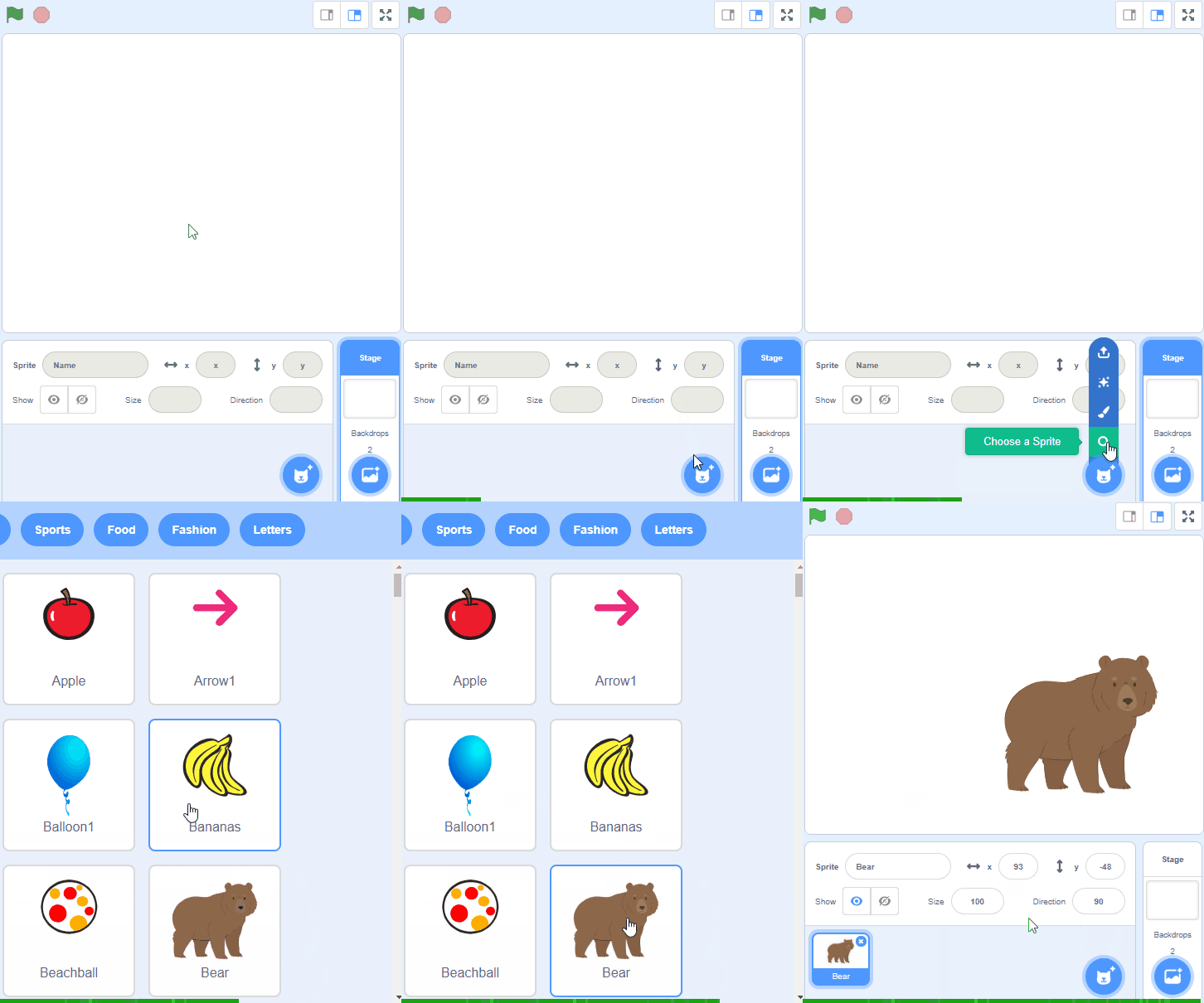
Scratch
Digital Art
Beginner
40 mins
Teacher/Student led
+125 XP
 Chromebooks, laptops, and PCs are crucial tools for coding and digital skills education. Chromebooks are ideal for web-based applications and collaborative projects, while laptops and PCs support a wider range of programming environments and software for more intensive tasks like software development and data analysis.

Rainbow Paintbrush
In this lesson, students will learn how to create a rainbow paintbrush using Scratch's pen blocks, colour changing, and mouse movement features. They will create a drawing tool that changes colours as it moves, following their mouse pointer.