1 - Introduction ~5 mins
Welcome
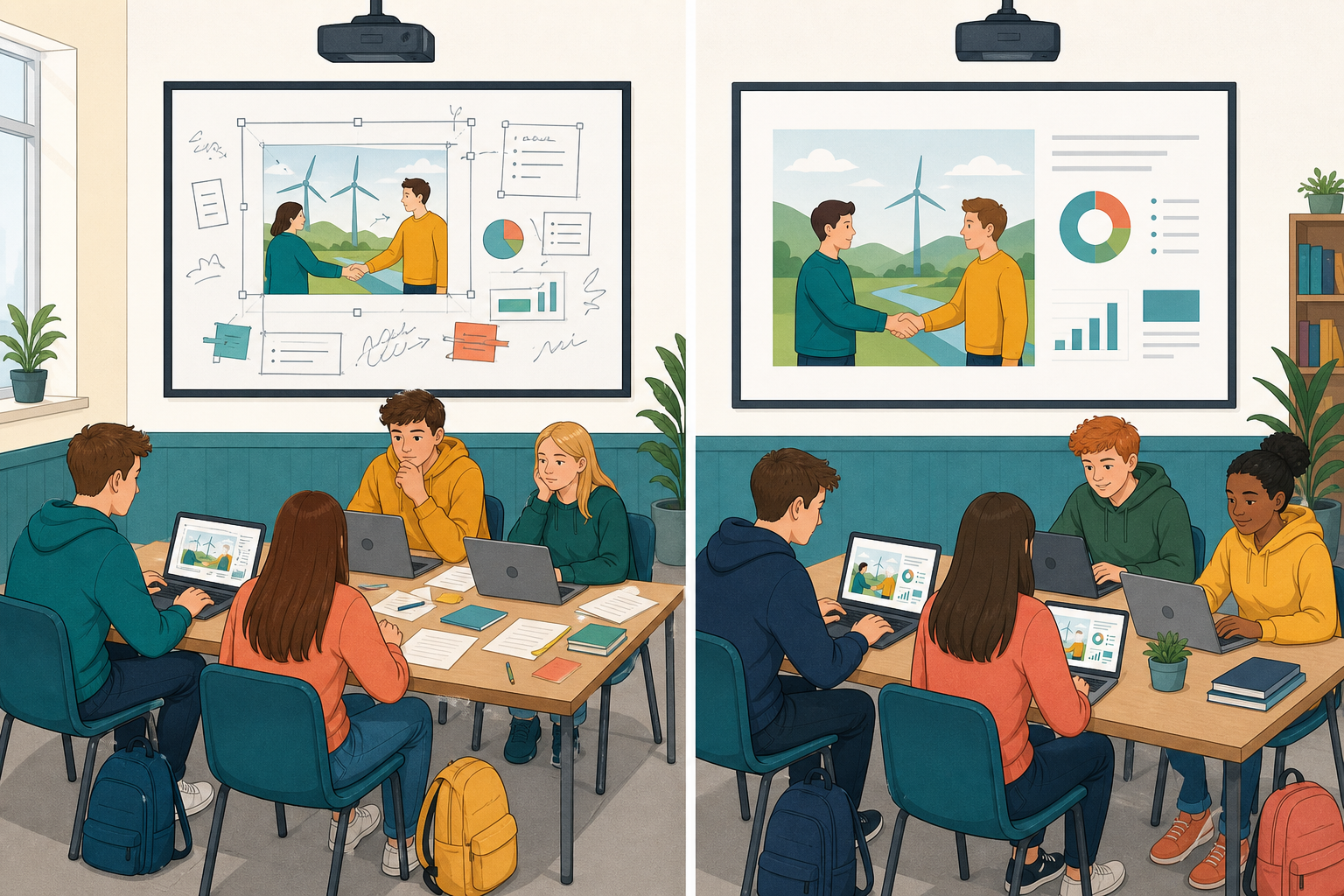 The piece you have been building for your specialism project — slides, a short video, an audio explainer, or an infographic — is nearly ready for a real audience: the VET interview examiner, a Work Experience supervisor, or a community contact. Today you turn the working file into a clean publication copy in the right final format, while keeping the editable source safe so you can still fix things later.
Before you start: your working file should already be in {{code:Project_Portfolio/09_specialism/sm2/}}. If it is not there yet, tell your teacher straight away. Open the class sample {{code:sm2_sample_deck}} from the shared path your teacher shows (it lives in the shared class folder or in {{code:sm2/}}). Using the sample still counts as today’s practice, and you can catch up on your own piece with your teacher later in this lesson or after it. Nobody is left behind for not having it ready.
What you will be able to do by the end
- Save your finished piece in the format the audience needs: a PDF, an MP3, an MP4, or a sharp picture file
- Get the file small enough to send without making it look or sound bad
- Keep the version you can still edit right beside the version you hand over
Warm-up
Think about the last time someone sent you a file you could not open, or a video that took forever to load. What went wrong: the format, the size, or both? Keep that in mind as you choose how to publish your piece today.
2 - Key Concepts ~6 mins
One rule for today: every Format 1 piece needs a publication copy for the audience and an editable source for you. Both live in {{code:Project_Portfolio/09_specialism/sm2/}}.
| Concept | Why it matters | Example |
|---|---|---|
| Publication copy — the finished file you hand over or present (usually locked or harder to edit) | Examiners, supervisors, and sponsors need something that opens cleanly and looks finished, not a half-built working file | Slides as {{code:sm2_vet_presentation.pdf}}; video as {{code:sm2_vet_video.mp4}}; audio as {{code:sm2_vet_audio.mp3}}; infographic as {{code:sm2_vet_infographic.png}} |
| Editable source — the original working file you can still change ({{code:.pptx}}, Google Slides, CapCut project, Canva design, raw recording) | Peer feedback and last-minute interview fixes need a file you can still edit; a PDF or MP4 alone is a dead end | You keep the editable deck or project in {{code:sm2/}} next to the publication copy so a spelling fix takes two minutes, not a full rebuild |
| Format match — pick the final format that matches how the audience will use the piece | The wrong format blocks the audience; the right one matches how they will watch, listen, print, or open on interview hardware | Slides become PDF; short video becomes MP4; voice explainer becomes MP3; infographic becomes high-res PNG or PDF |
Quick export chooser (Format 1)
- Slide deck (PowerPoint for the web / Google Slides): PDF; keep the editable deck. Name: {{code:sm2_vet_presentation.pdf}}
- Short video (CapCut or similar): MP4 at a medium quality preset; keep the project. Name: {{code:sm2_vet_video.mp4}}
- Podcast or voice explainer: MP3 (or M4A if that is all the tool offers); keep the project or raw recording. Name: {{code:sm2_vet_audio.mp3}}
- Infographic or carousel (Canva or similar): high-res PNG or PDF Print; keep the Canva design editable. Name: {{code:sm2_vet_infographic.png}} or {{code:sm2_vet_infographic.pdf}}
File size and compression come next in the live demo, once you have a real number on screen.
3 - Step-by-step Task ~15 mins
How this segment works: your teacher demos a slide deck on the board first (about four minutes on {{code:sm2_sample_deck}}). That shows the habit: open source, quick quality pass, export, open the publication copy, name it, confirm both files, read the size, then one reduce action if needed.
Then everyone does a dry-run only (about ten minutes): sample or class project, not a full polish of your own Format 1. Your own Format 1 publish with the real KA filename is Independent Practice only, for every medium.
Jump to your path: Slides (platform tabs below) · CapCut (video) · Canva (infographic) · Voice tool (audio). Follow only your path after the board demo. Non-slide students skip the slide tabs after watching the habit once.
Mini-path: CapCut to MP4 (dry-run on sample/class project)
- Open the class sample CapCut project your teacher names (or a temporary copy). Do not fully publish your own Format 1 yet.
- Play a short stretch and fix anything critical in the project before you export.
- Tap or click Export. Choose a medium / 1080p preset. Avoid the top “highest quality” or 4K option unless your teacher asks for it. Match the control on the CapCut export screenshot your teacher shows if you are unsure.
- Save or move the practice file into {{code:Project_Portfolio/09_specialism/sm2/}} using the practice name your teacher gives (your real piece later will be {{code:sm2_vet_video.mp4}}).
- Open the MP4 and play enough to confirm picture and sound are clear for a classroom or interview screen.
- Confirm the CapCut project (editable source) is still safe, and both project and MP4 are accounted for.
- Check the MP4 file size. If it is large for school email or upload limits (often about 20–25 MB), re-export on the medium preset again or plan a cloud link instead of an attachment.
Mini-path: Canva to PNG or PDF (dry-run on sample/class design)
- Open the class sample Canva design your teacher names (or a temporary copy). Do not fully publish your own Format 1 yet.
- Scan text and images for anything that must be fixed before a practice export.
- Use Share then Download (or Download directly). Choose PDF Print for multi-page or print-ready, or PNG at high quality for a single graphic. If size is huge, drop PNG quality one step or choose PDF Standard instead of Print. Match the panel on the Canva download screenshot your teacher shows if you are unsure.
- Move or upload the practice file into {{code:sm2/}} using the practice name your teacher gives (your real piece later will be {{code:sm2_vet_infographic.pdf}} or {{code:sm2_vet_infographic.png}}).
- Open the publication copy and check edges, text, and image sharpness.
- Confirm the Canva design stays editable in Canva, and the practice publication file sits in {{code:sm2/}}.
- Read the file size; use a cloud link if it will not travel as an attachment on school systems.
Mini-path: Voice tool to MP3 (dry-run on sample/class recording)
- Open the sample recording or voice project your teacher names (phone voice memo, online recorder, or editor your teacher approved). Do not fully publish your own Format 1 yet.
- Listen once for long dead air or a false start; trim in the editable project if you can.
- Export or share as MP3 (use M4A only if MP3 is not offered, and tell your teacher). Match the export or share dialog your teacher shows if you are unsure.
- Transfer into portfolio: upload the MP3 to your school OneDrive or Google Drive (email-to-self only if your teacher allows it), then move it into {{code:sm2/}} with the practice name your teacher gives (your real piece later will be {{code:sm2_vet_audio.mp3}}). Ask your teacher to check the transfer before Independent Practice if the file is still only on a phone.
- Play the publication file on the school machine.
- Keep the editable project or raw take; do not delete it after export.
- Note the file size and whether you would attach it or share a cloud link.
File-size rule of thumb (all formats): check against your school’s email or upload limits (often about 20–25 MB). If the file is larger, compress (medium video preset, Compress pictures in a slide deck, fewer full-resolution photos, shorter audio) or share a cloud link instead of attaching. Tell your teacher before the Portfolio Build ends if you are stuck.
4 - Common Issues ~4 mins
Common Issues
Your teacher will run a short clinic on the rows that match live problems. Keep this table open as a reference during Independent Practice.
| Issue | Solution |
|---|---|
| I only have a PDF (or MP4/MP3/PNG) and cannot find my editable source | Check {{code:sm2/}}, the browser Downloads folder, and OneDrive/Drive trash (and CapCut/Canva project lists). Next time export a copy; never use “replace” on the only working file. If the online source still exists, open it and export again. |
| The PDF cuts off edges or looks different from my slides | Re-open the source, check slide size (widescreen vs standard), and export again. Avoid huge objects hanging off the slide edge. Spot-check first, middle, and last pages before you call it done. |
| My video or audio file is enormous and will not email or upload | Re-export at a medium quality preset in CapCut or your audio tool. Shorten dead air. Check your school’s limits (often about 20–25 MB) and use a shared cloud link when the file stays large. |
| I cannot find Export or Download in the menu | You may be in a view-only link or a different app surface. Open the file from your own {{code:sm2/}} folder so you are the owner/editor, then look under {{btn:File}} for Export or Download. Ask your teacher to point to the exact label on the classroom screen. |
5 - Independent Practice ~20 mins
Independent Practice
Line 1 Publication: [exact filename, e.g. sm2_vet_video.mp4]
Line 2 Source: [filename in sm2/] OR [CapCut/Canva/voice project: exact name]
Line 3 Share or run on VET day: [attach / upload / cloud link / USB]
Must-bank (before you leave the machine):
- {{code:sm2/}} holds a publication copy with the correct name for your medium ({{code:sm2_vet_presentation.pdf}}, {{code:sm2_vet_video.mp4}}, {{code:sm2_vet_audio.mp3}}, or {{code:sm2_vet_infographic.png}} or {{code:sm2_vet_infographic.pdf}})
- The editable source is still safe (in {{code:sm2/}} or still opens in CapCut/Canva/your voice tool) and can still be edited
- {{code:sm2_vet_handoff}} lists publication name (line 1) and source location (line 2)
If time (should-bank):
- The publication copy opens cleanly from start to finish with no missing media or cut-off text
- You know the approximate file size and can explain how you would share it (attach, upload, or cloud link), including on handoff line 3
Unlock the full learning experience
You're previewing this lesson. Get full access to this lesson and hundreds more — each one ready to teach, with interactive activities, printable resources and pupil progress tracking built in.
This lesson is copyright of 123Learn.ie 2017 - 2025. Unauthorised use, copying or distribution is not allowed.