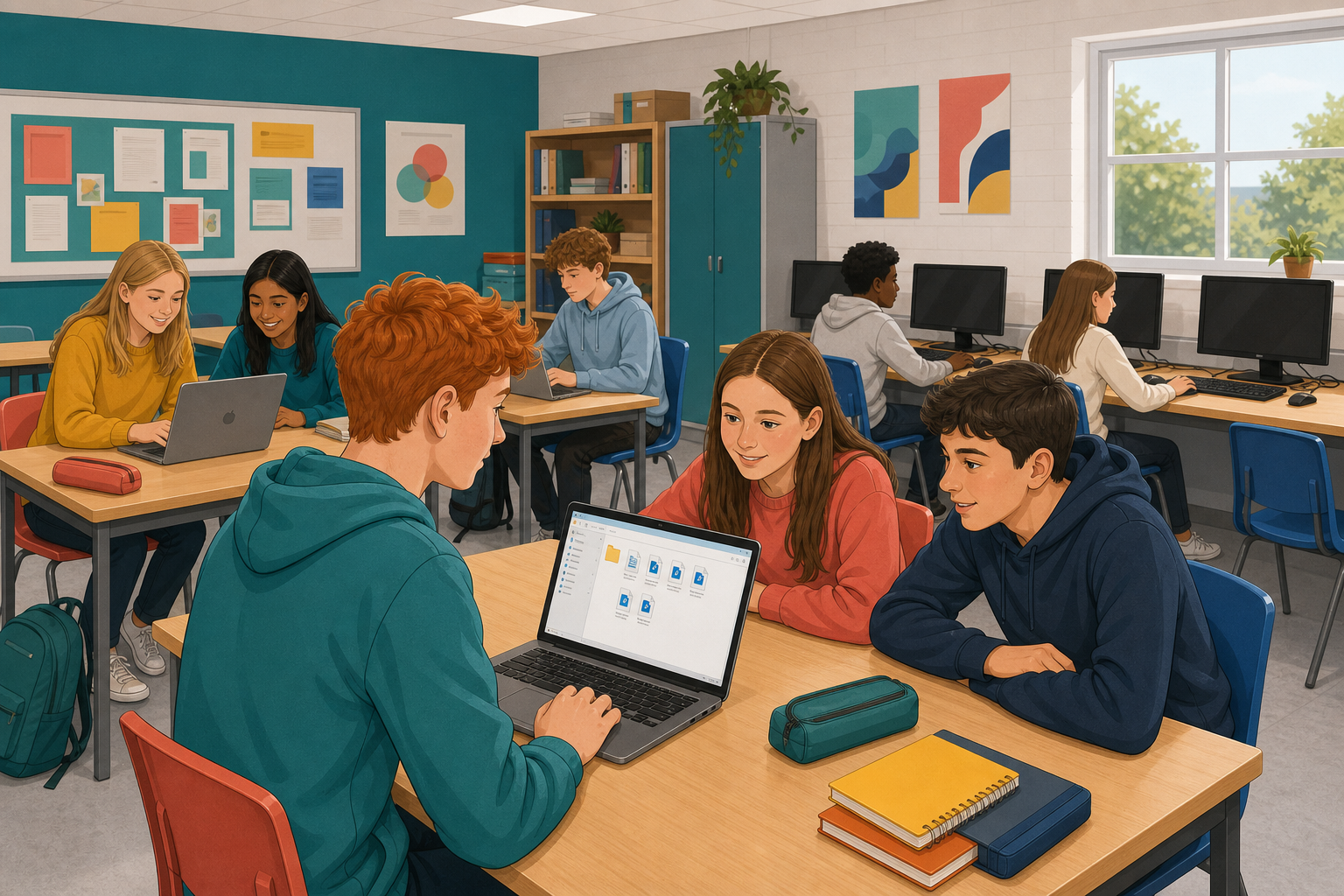
 You already have a showable piece, a research log, and a reference list from earlier project work. Today you package those parts so your whole project is ready to hand in: the piece itself, the log, the references, and any consent notes, named clearly and in the structure your class agreed. By the end, a partner who has never seen your folder should be able to open it and find everything without asking you.
A package is the form your project will be submitted in, organised so a teacher can open it cold and see what you made, how you got there, and that you credited and consented properly.
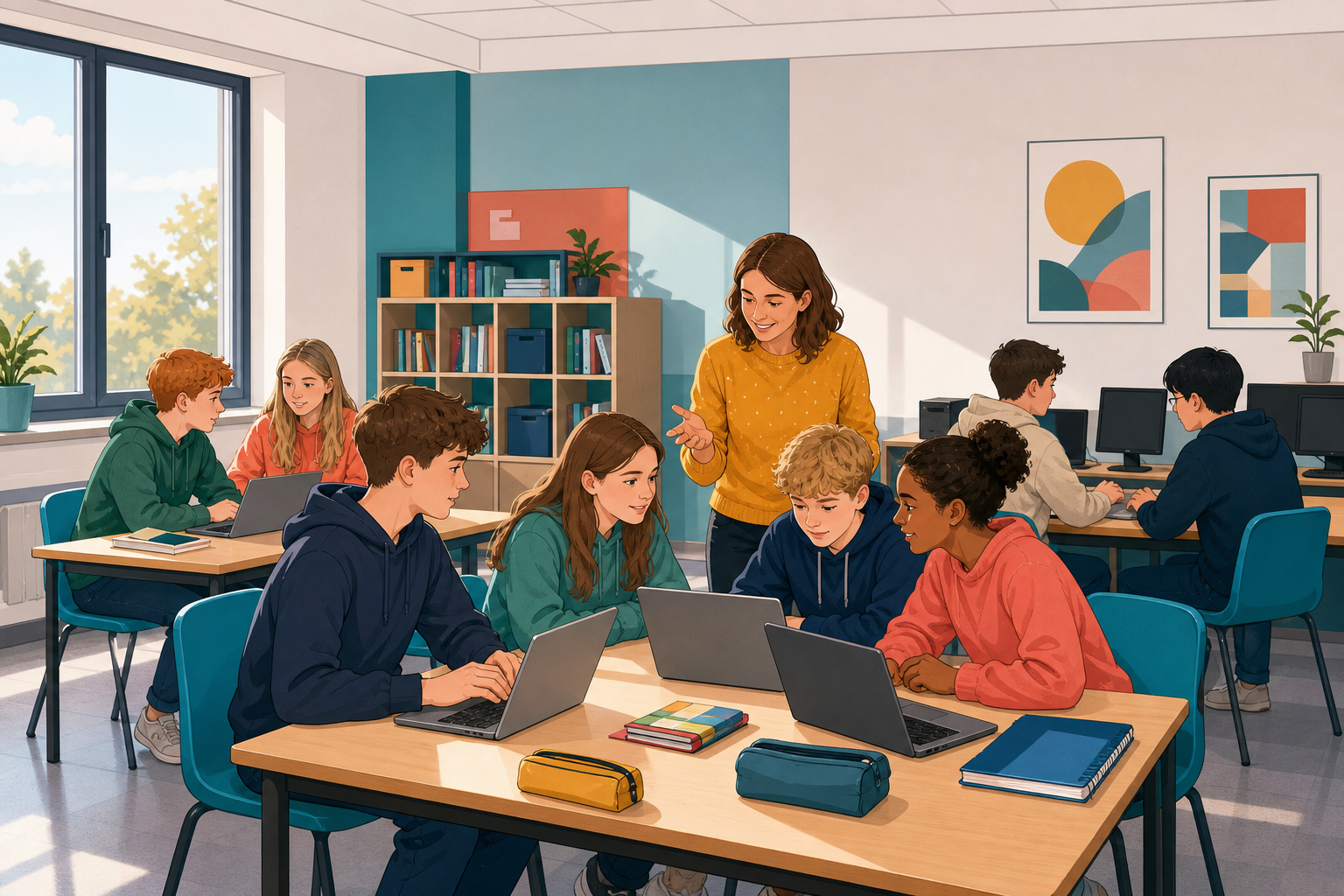 Confirm the structure on the board, then start your folder. A clear package usually includes:
- The piece: your published digital work in the format you chose
- The research log: the record of planning, sources and decisions
- The references: every source credited in the agreed format
- Consent notes: only if your piece needed someone else's permission (a photo of a person, a quote they gave you, a group clip)
Naming matters. A file called finalfinal2 helps nobody. Prefer plain names such as piece, research-log, references, consent, plus your name or class code the way your teacher asked. Before you submit, every file must open on a school device.
Build your submission package from what you already have, working in the place your class saves project work.
- Start by creating or opening your project folder, following the structure on the board.
- If a file is still on your phone or sitting in a chat, move it into the class save location before you rename anything, because renaming a copy you cannot find later helps nobody. If transfer is slow, get the piece and the log in first and rename those, then leave references or consent for after the partner check or for a gap-list note. If a file simply will not move off your phone in class, write a gap-list note naming the file and where it lives, and package everything that is already on the school device rather than spending the period stuck on transfer.
- Add your finished piece in the format you will submit, which means the actual file a viewer would open.
- Add your research log and your full reference list alongside it.
- If your piece needed someone's permission, add the consent notes now. If you needed none, do not invent a file; leave that slot empty, or mark it not needed if that is what your teacher asked for.
- Rename every file so that someone else can tell what it is without opening it.
- Open each file once on this device, and if something fails, fix the format or replace the file while you still have time.
- Finally, save the whole package the class way so that it is still there next session.
If a required part is still missing, put in what you have, add a short note file called gap-list naming what is missing, and still rename and open-check everything that is there. Do not invent files.
One folder, the required parts inside it (or a clear gap-list), clear names, and every file that is there opens.
Swap devices with a partner, or share your folder link with them, and do not explain your package first. The point is to find out what someone sees when nobody is there to guide them.
One partner opens the package for about two minutes. Run down this list in your head as you look, rather than reading it out as a quiz:
- Can I find the piece quickly?
- Can I find the research log and the references?
- Does every file I click actually open?
- Are the names clear enough that I know what each file is for?
- If consent was needed, is the note there? If not needed, is that obvious?
When the two minutes are up, say just two things: one strength and one gap, naming the exact file each time. Then swap over and do the same for your partner's package. Spend whatever minutes are left on the one gap your partner named, and save the package the class way before you stop.
Pull together what the cold-open showed. A strong package is not only complete; it is navigable. If a partner could not find the log, open a clip, or tell which file was final, the work was still unfinished even if the piece itself was good.
That is the point of packaging before you present: the evidence of how you worked sits beside the piece, named and openable, so your process is visible as well as your product. Any fix you did not finish today is still useful evidence of what the package needs next.
Unlock the full learning experience
You're previewing this lesson. Get full access to this lesson and hundreds more — each one ready to teach, with interactive activities, printable resources and pupil progress tracking built in.
This lesson is copyright of 123Learn.ie 2017 - 2025. Unauthorised use, copying or distribution is not allowed.