1 - Introduction ~5 mins
Welcome
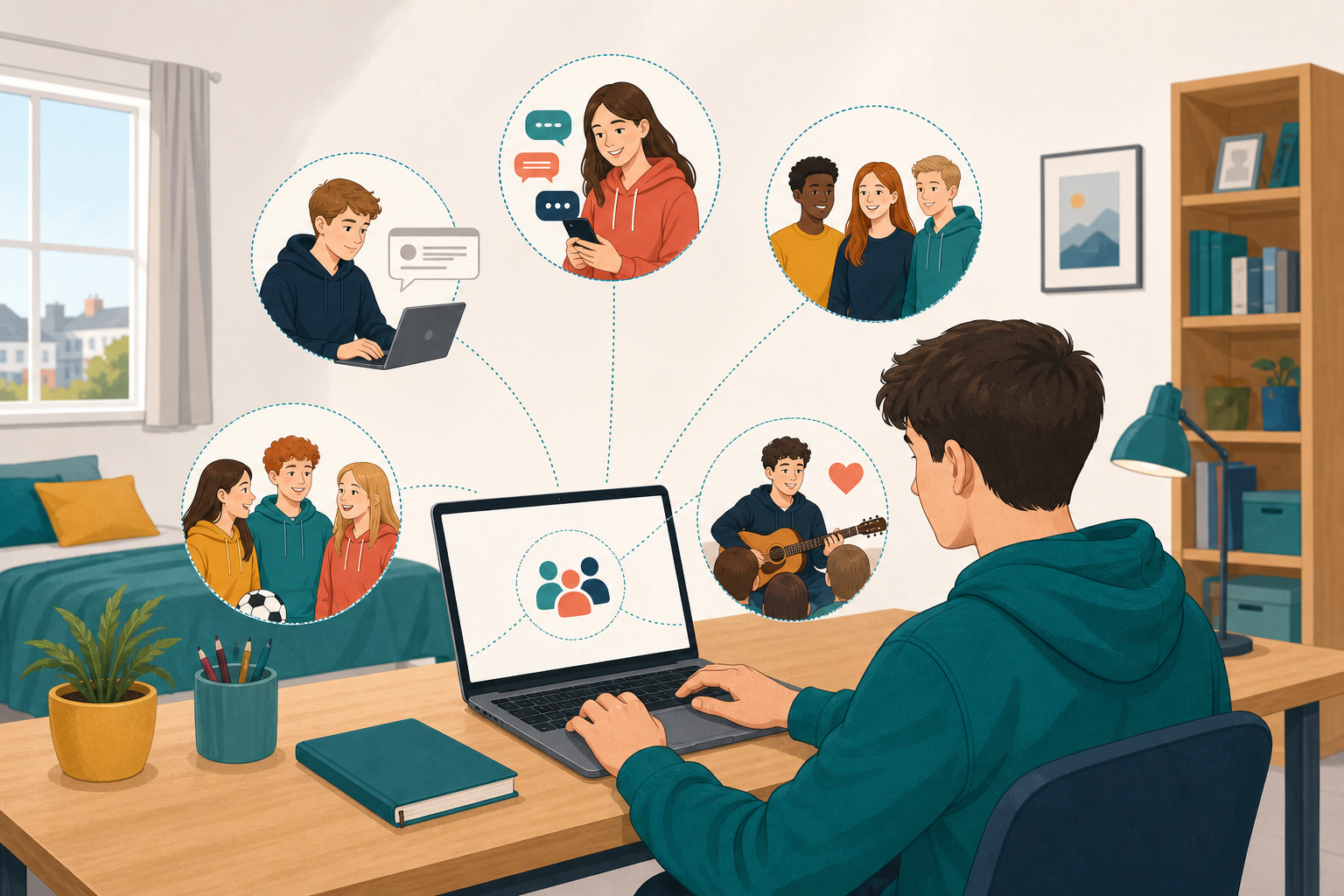 Where do people who share your interests actually gather online in 2026? Not only in big social feeds. Creators, GAA clubs, trades apprentices, gamers, and side-hustle operators meet in Discord servers, Subreddits, LinkedIn groups, Facebook groups, and platform communities. Today you will learn how to spot a useful community, join it safely, and record one teacher-approved space linked to your Something Real project — the practical piece of work you are building across this course for a real audience, such as a club organiser pack, a small enterprise idea, or a career plan.
By the end of this lesson, you will be able to:
- Identify modern community spaces such as Discord, Reddit, LinkedIn, Facebook groups, and creator platforms
- Apply lurk-first and read-the-rules participation habits
- Document one teacher-approved community relevant to your project
Warm-up
Think of one hobby, sport, trade, or creator niche you care about. Where have you already seen people talking about it online: a group chat, a comment section, a forum, or somewhere else? Keep that space in mind. You will not join anything live until your teacher approves it.
2 - Key Concepts ~6 mins
Follow on the board: do not work ahead. Your teacher will talk through these ideas with live examples.
Online communities are where people with a shared interest gather, talk, share tips, and set their own rules. The platform is only the venue. What matters is purpose, rules, tone, and whether the space is safe and useful for your work.
| Concept | Why it matters | Example |
|---|---|---|
| Online community — a group of people who gather around a shared interest, skill, or goal, usually with rules and regular posts | The right community can give you real advice, contacts, and context for your Something Real project that a random web search will not | A local GAA club Facebook group sharing fixture updates and volunteer calls |
| Community platforms — the venues where groups live (Discord servers, Subreddits, LinkedIn or Facebook groups, creator spaces such as channel replies or memberships) | Knowing the common venues helps you look in the right place for your project audience instead of only scrolling a main feed | Gamers and creators often use Discord channels; apprentices may use a LinkedIn group; local clubs often use Facebook groups |
| Lurk first, read the rules — watch and read before you post; check pinned rules, welcome posts, and recent threads | Posting the wrong way can get you muted, banned, or ignored; lurking first shows respect and protects your digital footprint | — |
| Teacher-approved community — a space your teacher has checked as safe, public enough, and relevant before you document or join it | Keeps class work on safe ground and stops anyone wandering into private, hostile, or age-restricted spaces | — |
Worked example: a filled community profile
This is the standard your own profile should reach. Read down the headings and notice how every line gives a concrete detail — a real platform, a rough size, an actual rule — rather than vague praise.
- Name: Example County GAA Club Updates
- Platform: Facebook Group
- URL: (public group link supplied by teacher)
- Approximate size: several thousand members
- What it is for: match notices, volunteer calls, fundraising, and club news
- Why it matters to my project: my Something Real is a club organiser pack; this group shows the tone and information real members expect
- Rules / lurk notes: no personal attacks; event posts go in the pinned format; I will read for a week before posting
3 - Step-by-step Task ~12 mins
Your teacher will tour 3–4 safe community examples on the board. You will open a starter community profile that already has the headings built, then fill it for one teacher-chosen sample community so you know the exact layout expected for your own project community next.
4 - Common Issues ~3 mins
Common Issues
| Issue | Solution |
|---|---|
| I cannot find a community that fits my Something Real project | Start from the four project types — club, enterprise, career or apprenticeship, and creator — and ask your teacher which of the examples already shown on the board matches yours. Get that one ticked before you write it up. |
| The group looks useful but I cannot see any rules | Look for pinned posts, an About or Description panel, or a Welcome channel. If rules are still invisible or the space feels hostile, stop and pick a different teacher-approved community. |
| I only wrote "it's good" under every heading | Rewrite with concrete detail: platform name, rough size band, what members actually post about, and one rule you noticed. Vague praise is not portfolio evidence. |
| My document is not in the sm4 folder | Open {{code:sm4_community_profile}} from inside {{code:09_specialism/sm4/}}. If you created a stray file on the root, move the content into the starter file in sm4 and use that one. |
5 - How We Pick a Safe Community ~4 mins
Watch the board first. Your teacher will model this once with the class examples before you edit your own page.
Use this same path when you choose your project community:
- Start from your project type — club, enterprise, career or apprenticeship, or creator — and look at the examples your teacher has put on the board for it, because those have already been checked as safe.
- Find the rules panel before you read anything else. It may be a pinned post, an About or Description panel, or a Welcome channel, and if you cannot find one at all, that tells you something about the space.
- Copy the public URL only, and only from a space your teacher has already shown or ticked, so that nobody ends up inside a private server.
- Reject it and swap if the space turns out to be private, has no visible rules, feels hostile, or is age-restricted. Your teacher will show you one example worth rejecting so you know what that looks like.
Unlock the full learning experience
You're previewing this lesson. Get full access to this lesson and hundreds more — each one ready to teach, with interactive activities, printable resources and pupil progress tracking built in.
This lesson is copyright of 123Learn.ie 2017 - 2025. Unauthorised use, copying or distribution is not allowed.