Scratch
Game
Beginner
60 mins
Teacher/Student led
+105 XP
 Chromebooks, laptops, and PCs are crucial tools for coding and digital skills education. Chromebooks are ideal for web-based applications and collaborative projects, while laptops and PCs support a wider range of programming environments and software for more intensive tasks like software development and data analysis.

Maze Game
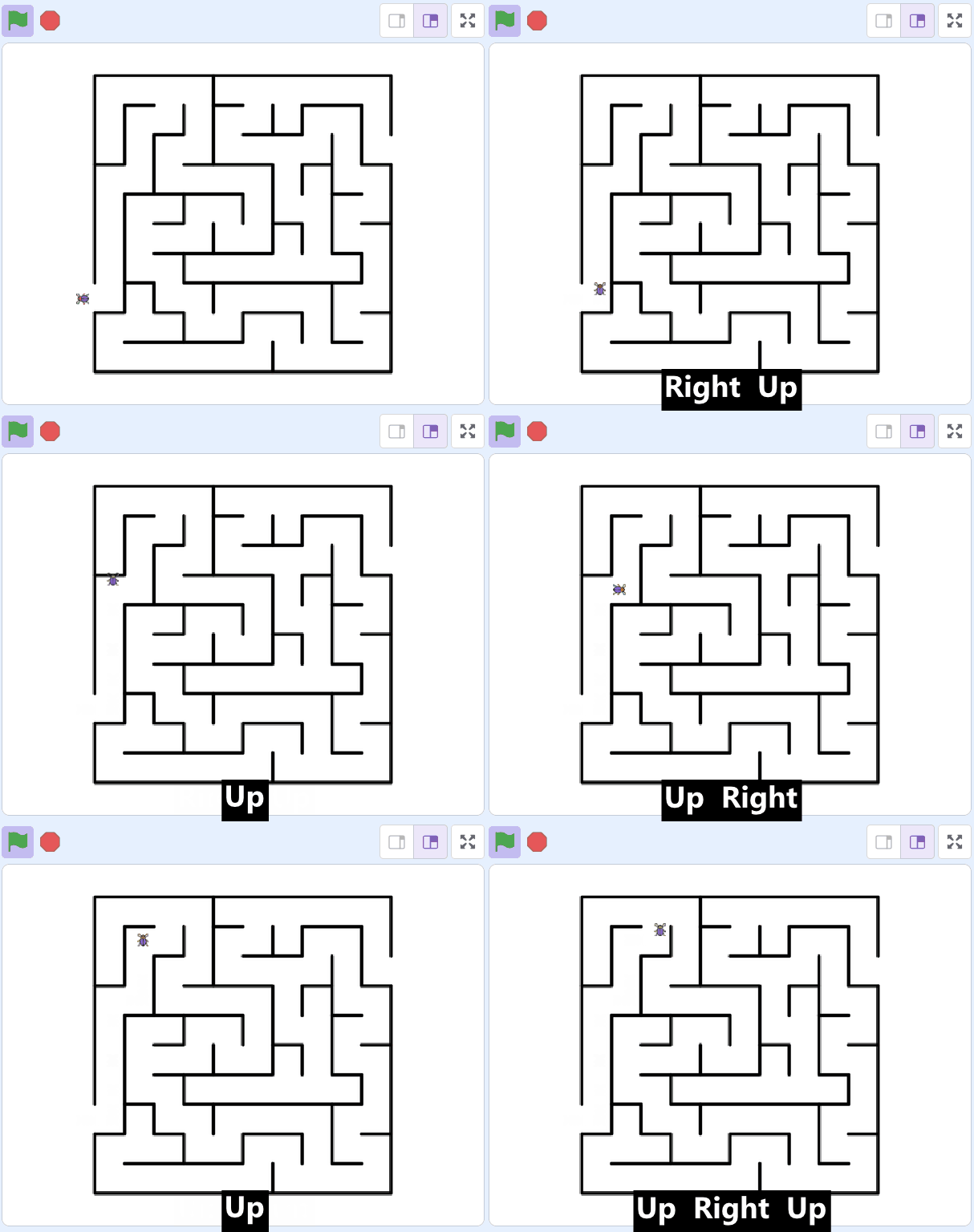
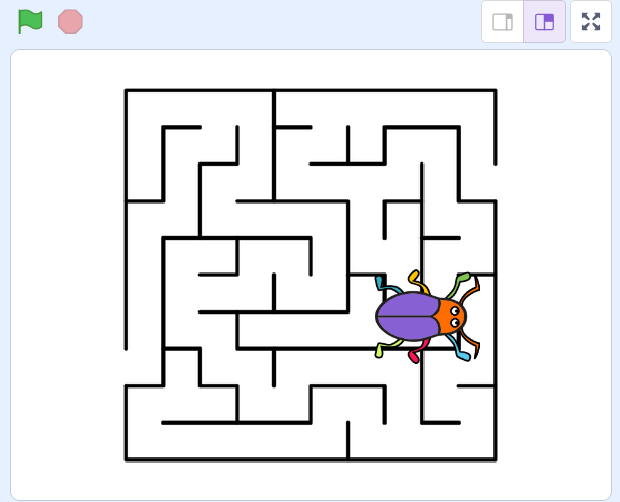
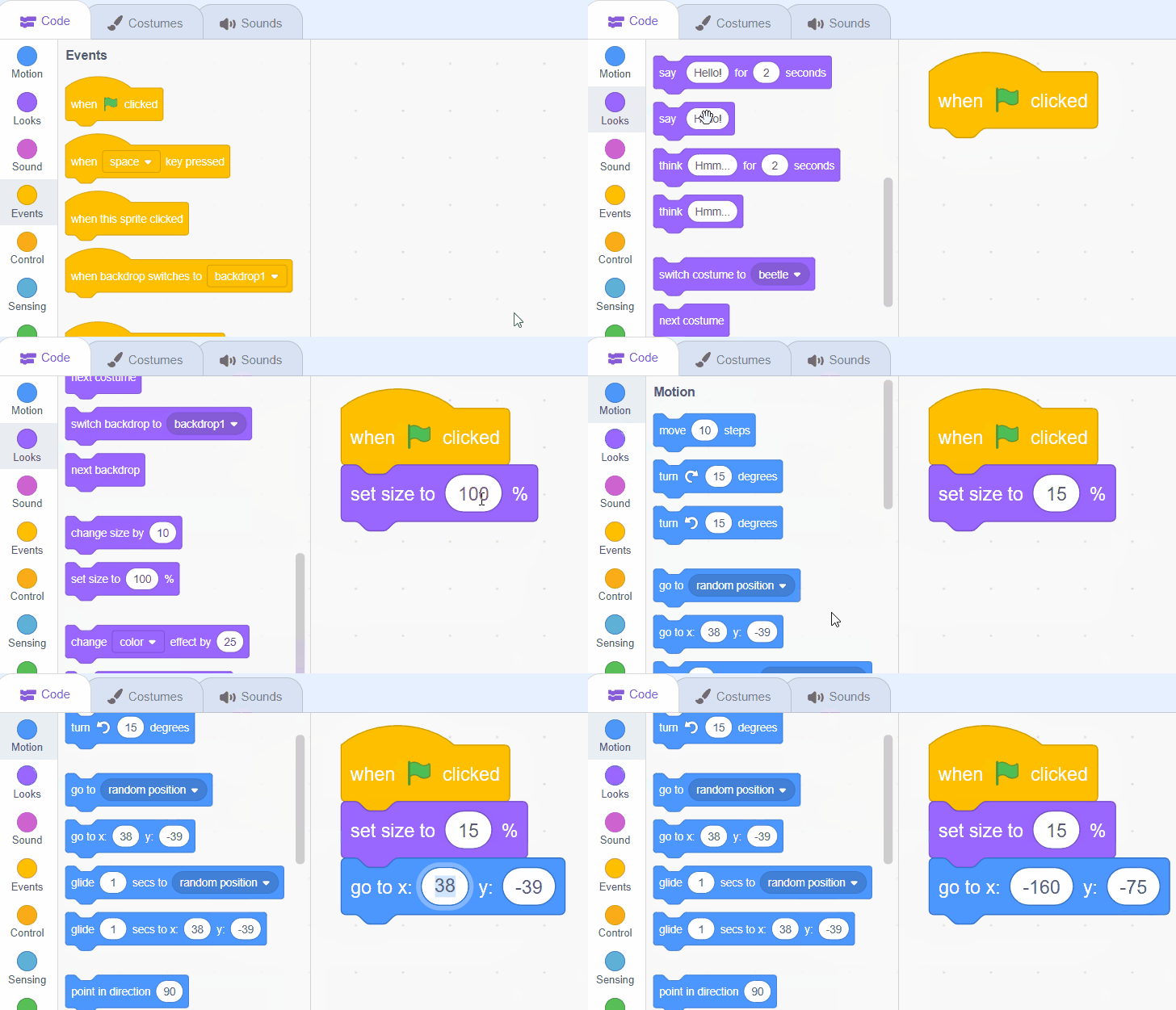
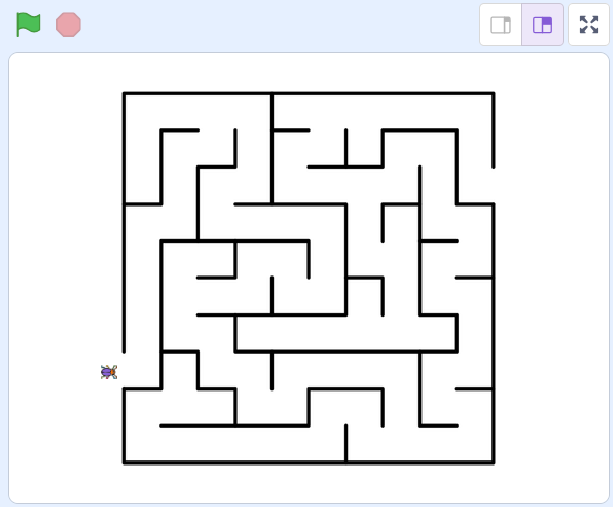
This lesson guides students through creating a Maze Game using Scratch. They'll learn to program a character to navigate a maze, modify sprite size and position, and code keyboard controls. The lesson also includes instructions on how to prevent the character from passing through maze walls.