1 - Introduction ~5 mins
Welcome
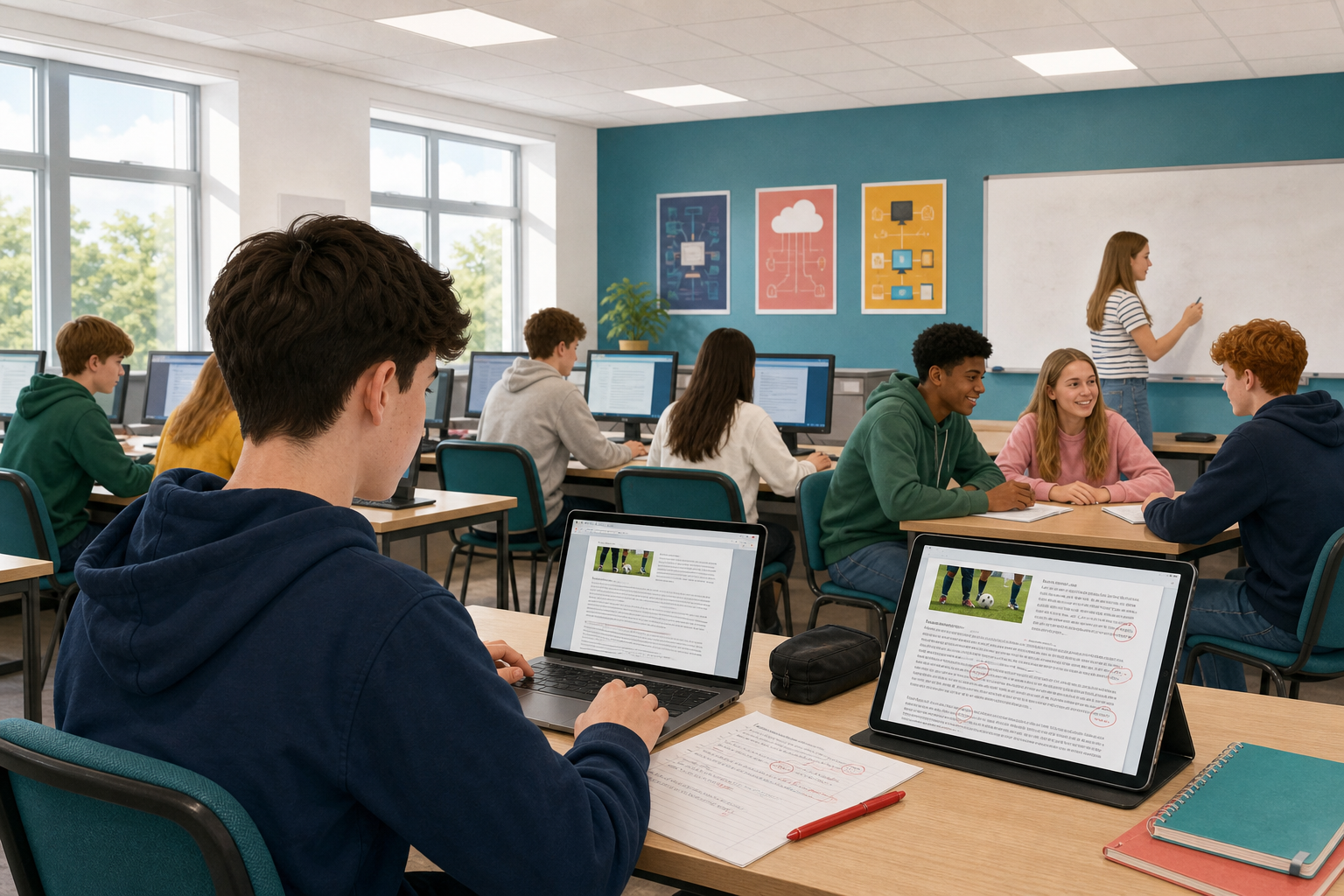 Spell-check and grammar tools are useful, but they still miss a lot: the wrong word spelled correctly, a missing word, a name that drifts halfway through a page. Today you use human proofing methods on a short practice piece, then on the newsletter you have been building for your Something Real project — the one-page update about your club, group or work placement that you started earlier in this unit. The aim is that the version you keep is one a work supervisor, club coach, or examiner could trust.
By the end of this lesson, you will be able to:
- Apply manual proofing methods: read aloud, reverse reading, and paper or zoomed PDF markup
- Find errors that software missed
- Apply at least three human-caught fixes to your project newsletter
Warm-up
Think of the last time you sent a message and only spotted a mistake after you hit send. What kind of mistake was it: a wrong word that still looked right, a missing word, or something else?
2 - Key Concepts ~7 mins
Manual proofing is a set of deliberate human checks you run after the software has done its pass. Spell-check and grammar tools only flag what their rules recognise, so homophones, real words in the wrong place, and missing little words often sail through. Use more than one human method: each catches a different kind of slip.
| Concept | Why it matters | Example |
|---|---|---|
| Read aloud — read the full text out loud at a steady pace, as if presenting it to someone else | Your ear catches missing words and clumsy sentences | Reading a Work Experience newsletter aloud reveals "Please bring clean kits the hall" is missing the word "to" |
| Reverse reading — start at the last sentence and work back up, reading each sentence slowly word by word | Stops your brain filling in what it expects | Reading bottom-up flags "form 10am" when you meant "from 10am" on a drop-off notice |
| Paper or zoomed PDF markup — print a page, or export a PDF and zoom it large, then mark errors with a pen or sticky notes | A slower second view catches layout and name slips | A zoomed PDF of a club fundraiser page shows two different spellings of the project name on the same sheet |
Later you may also use fresh eyes (a short partner swap) if your teacher runs a pair pass. That is optional practice, not a fourth method you must master today.
Worked example: errors software often misses
Practice paragraph (errors left in on purpose):
Welcome too our March update. Their are now four drop-off points across Cork city. We except clean boots and jerseys. Its free too drop kit off any Saturday morning form 10am. Thank you for you're support of the Northside Kit Swap.
After a class hunt using read aloud and reverse reading, you might catch slips such as:
- Read aloud: a missing or wrong little word that makes a sentence stumble when spoken
- Reverse reading: a homophone that is spelled correctly but is the wrong word (for example their/there or form/from)
- Zoomed PDF: a name or capital letter that drifts when the page is large and static
Your teacher will confirm the full set of fixes after you have tried the methods yourself. That is the standard you will apply to your own newsletter next.
When someone marks up a page for you, they use the same short symbols an editor or a printer would. Learn to read them, not just to write your own: the whole point is that a marked page can be handed to anyone.
| Mark | What it asks for |
|---|---|
np | start a new paragraph here |
run on | no new paragraph, join this to the line above |
# | insert a space |
| a word struck through | delete it |
a word circled, marked bold | set it in bold |
| a word struck through with another written above | replace it with the one written above |
Swap your marked page with a partner and carry out their marks exactly, without asking them what they meant. If they cannot make your change from your mark alone, the mark was not clear enough.
3 - Step-by-step Task ~12 mins
Create a short manual-proofing practice document, paste the sample paragraph, run read aloud and reverse reading, then fix every error you catch. Your teacher will demonstrate PDF or zoom markup on the board. This is rehearsal before you touch your real newsletter.
Everyone does the same six things today, in this order. First you create the file and rename it, then you paste in the sample paragraph. Next you whisper-read the paragraph so your ear can catch the gaps, and then you read it again in reverse so your eye stops filling in what it expects. After that you apply every fix you caught, and you finish with one more quiet read to check the sentences now sound right. Skip the software pass and the pair pass unless your teacher starts them, and leave the PDF export to your teacher's demo on this practice file.
4 - Common Issues ~4 mins
Common Issues
| Issue | Solution |
|---|---|
| Spell-check already said the document was fine, so I cannot find three errors | Look for homophones (to/too/two, their/there, your/you're), missing little words (to, of, the), repeated words, and project names spelled two ways. Those often pass software checks. Keep this list on your desk while you work on your own newsletter. |
| I have no printer for paper markup | Use whisper-read and reverse reading as your two required methods. Paper or zoomed PDF is optional only if your teacher already demoed export or a printer is available. The goal is a slower second view, not the printer itself. |
| Reverse reading feels slow and pointless | Use it on one dense paragraph only (about 4–6 sentences). You are training your eye to stop auto-correcting, not rewriting the whole newsletter backwards. |
| Reading aloud is awkward in a quiet room | Use a low voice at your desk, or mouth the words clearly while tracking with a finger. Whispered read-aloud still catches missing words. Follow your teacher's direction for whisper or partner read. |
5 - Independent Practice ~22 mins
Independent Practice
- Open your Something Real newsletter in {{code:Project_Portfolio/09_specialism/sm1}}. It should be called {{code:sm1_doc2_newsletter.docx}}. If yours has a different name, rename it to {{code:sm1_doc2_newsletter.docx}} now. Each time you save a new stage of this file, you add the next version number to the end of the name so the older stages stay untouched; today's human-proofed stage is version 7, saved as {{code:sm1_doc2_newsletter_v7}}.
- Run whisper read-aloud and reverse reading on the opening sections (required). Paper or zoomed PDF markup is optional only if your teacher already demoed it or a printer is available.
- On scrap paper, list every issue software did not catch. Aim for at least three.
- Apply at least three fixes in the live newsletter.
- Type a short bulleted fix list at the bottom of {{code:sm1_manual_proofing_practice}} (this is the only place for digital evidence).
- Save or export the updated newsletter as {{code:sm1_doc2_newsletter_v7}} in {{code:Project_Portfolio/09_specialism/sm1}}.
If you catch a wrong-but-real word a spell-check ignored, that is the whole skill — note it on your fix list and take the win before you save version 7.
- At least three software-missed issues are listed as a short bulleted note at the bottom of {{code:sm1_manual_proofing_practice}}
- Those three (or more) fixes are applied in the live newsletter; any deliberate seeds are removed after the fix is demonstrated; when the real file exists, at least one fix is a genuine live catch
- A final quiet read-aloud of the opening section sounds smooth, with no obvious missing or wrong words
- {{code:sm1_doc2_newsletter_v7}} is saved inside {{code:Project_Portfolio/09_specialism/sm1}}
Portfolio evidence for this lesson: {{code:sm1_manual_proofing_practice}} (methods practice + fix list) and {{code:sm1_doc2_newsletter_v7}} (three human fixes applied).
Unlock the full learning experience
You're previewing this lesson. Get full access to this lesson and hundreds more — each one ready to teach, with interactive activities, printable resources and pupil progress tracking built in.
This lesson is copyright of 123Learn.ie 2017 - 2025. Unauthorised use, copying or distribution is not allowed.