1 - Introduction ~6 mins
Welcome
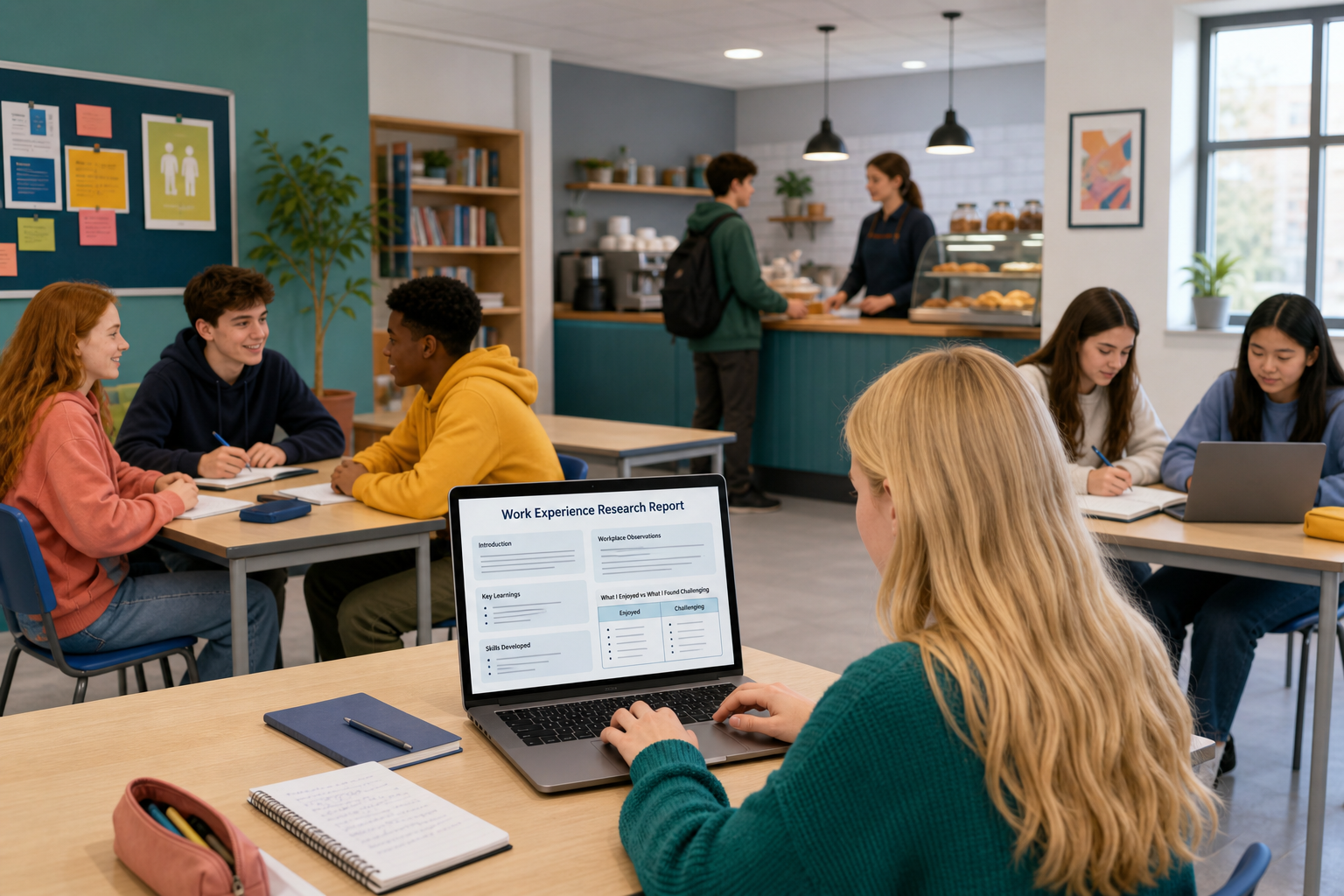 Today's job: lock the topic you will research for KA2, build a practice version of the report together, then start your own draft file.
ICT1 Key Assignment 2 asks you to ethically research a topic for another LCA module and produce a short report with formatted text and graphics. Next session you will polish it, export a PDF, and email it to a named recipient.
By the end of this lesson
- Topic locked to another LCA module and your Something Real project
- A practice report file built step by step from one worked example: Sam, who is on a café placement and is researching allergens
- {{code:04_ka2_research_report}} started with headings, real sentences begun, sources started, and one table
Warm-up
You will see three two-line examples on the board, and the class will open Project Portfolio together and create {{code:04_research_report}} if you do not already have it. Then, on a sticky note or a blank line in a doc, write two short lines of your own:
- Topic question: one thing your project still needs facts about
- Other LCA module: which other course that question also fits
Example patterns (copy the shape, not the exact words):
- Placement / safety — "What must café staff know about allergens?" · Vocational Preparation
- Enterprise / costing — "What costs should I track for a small side hustle?" · Mathematical Applications
- Community / rights — "Where do people get clear housing or benefits info?" · Social Education
Keep the note beside you. You will lock it properly before you build the practice report.
2 - Key Concepts ~6 mins
KA2 is not a long essay. It is a short, honest research report that another teacher could recognise as useful for their module, with sources you can stand over.
Worked example plan (Sam) — teach from this
Sam's Something Real is a Work Experience report for a café placement. For Vocational Preparation, Sam researches: Food allergen awareness for café staff in Ireland.
- Introduction: why allergen awareness matters on a busy café counter
- Body 1: what staff are expected to know (reliable Irish guidance)
- Body 2: how this changes Sam's day-to-day tasks on placement
- Conclusion: one clear takeaway Sam will use
- Sources: three named sources when finished
- Graphic: a simple "customer asks / safe staff response" table
Your topic will differ. The shape should not.
Filled snippet (quality bar) — listen once
Introduction (sample): This report explains food allergen awareness for café staff in Ireland. It matters for Sam's Work Experience because counter staff must answer customer questions safely.
One source line (exact pattern): Food Safety Authority of Ireland — Allergen information for non-prepacked food — fsai.ie
Finished KA2 needs three named sources so a reader can find them. Today's draft only needs the sources list started — aim for three if you can.
| Concept | Why it matters | Example |
|---|---|---|
| Topic with two anchors — the subject must serve another LCA module and still help your Something Real project | Keeps the work useful for SEC wording and for your real project | Work Experience at a local Centra plus a Social Education / VPG angle on customer service skills Irish employers want |
| Report skeleton — introduction, two body sections, conclusion (about 1–2 pages when finished) | A clear shape stops a dump of notes and makes headings easy to format | Title → Introduction → Body 1: key facts → Body 2: link to my project → Conclusion → Sources |
| Cited sources — named so a reader can find them (three when finished) | Unnamed links or "I saw it online" will not pass finished KA2 | Today: list started. Finished KA2: three lines such as Citizens Information, a gov.ie page, and one verified organisation site |
| KA2 must-haves — honest AI line if AI helped, plus at least one formatted table or image | Shows ethical habit and meets the formatted graphics-and-text requirement | AI use: none · a clean 2-column table of pros and risks (table alone is enough today) |
Leave the table on screen as a reference while you build. You do not need to re-read every cell before you start.
3 - Lock Your KA2 Topic ~3 mins
Two-anchor lock (before you build the practice report)
Before you build the practice report from Sam's café plan, write these two sentences somewhere you can see them (sticky note, subtitle lines, or a scratch doc):
- Other LCA module: "This research supports [module name] because…"
- Something Real link: "It helps my project because…"
If either sentence is still blank, pick the family below that is closest to your project and start from one of its sites. Short and honest is enough, and you only need a first version now.
- Placement, food or safety — fsai.ie, safefood.net
- Rights, benefits or housing — citizensinformation.ie
- Enterprise or rules for a small business — gov.ie, or your Local Enterprise Office pages
- Community or health — hse.ie
Put your hand up with a thumbs-up once both lines are filled, so your teacher knows you are ready to build.
When you open a starter site later
Open one approved page → write two facts in your own words under a body heading → add one source line (organisation — title — site). That is enough to start Body 1 today.
4 - Build the Report Shell from Sam's Plan ~14 mins
Build a model shell (not your final KA2 file) using Sam's café allergen topic. You create the file in the right folder, apply heading styles, paste short model sentences under each section, add three ready source lines, and insert one simple table. This is a practice shell, not a graded essay: short honest sentences beat perfect wording. Afterwards you will open a new file for your own locked topic.
5 - Common Issues ~3 mins
Common Issues
Keep this table on screen as a help sheet while you draft. You do not need to read every row before you start.
| Issue | Solution |
|---|---|
| I cannot decide on a topic | Pick one question your Something Real project already forces you to answer, then name the other LCA module that question also fits (VPG, English and Communications, Maths Apps, Social Education, SPHE, or a specialism). One sentence for each anchor is enough to start. |
| My draft is only a list of links | Stop collecting and write under the four main headings. Each body section needs full sentences in your own words, then sources at the end. |
| I used AI and I am not sure what to write | Add one honest line: what the AI did (brainstorm, outline, wording help) and which sources you opened to verify facts. If you cannot explain a paragraph yourself, rewrite it. |
| I have no image and the table looks messy | A clean 2-column table is enough for today's draft and meets the graphic requirement. Keep header text short, avoid merged cells. Image is a bonus only if you already have rights to one. |
| I saved the file in Downloads or the wrong folder | In your cloud drive, move the file into {{code:04_research_report}} inside your Project Portfolio. Next time, open that folder first, then create the file. |
| I edited the model file as my real KA2 | Leave {{code:04_ka2_research_report_model}} alone. Create a new document named exactly {{code:04_ka2_research_report}} for your own topic. |
Unlock the full learning experience
You're previewing this lesson. Get full access to this lesson and hundreds more — each one ready to teach, with interactive activities, printable resources and pupil progress tracking built in.
This lesson is copyright of 123Learn.ie 2017 - 2025. Unauthorised use, copying or distribution is not allowed.