Today you will
- finish format 2 of your Something Real project
- save it as a file anyone can open
- get your teacher to check both formats for Key Assignment 1
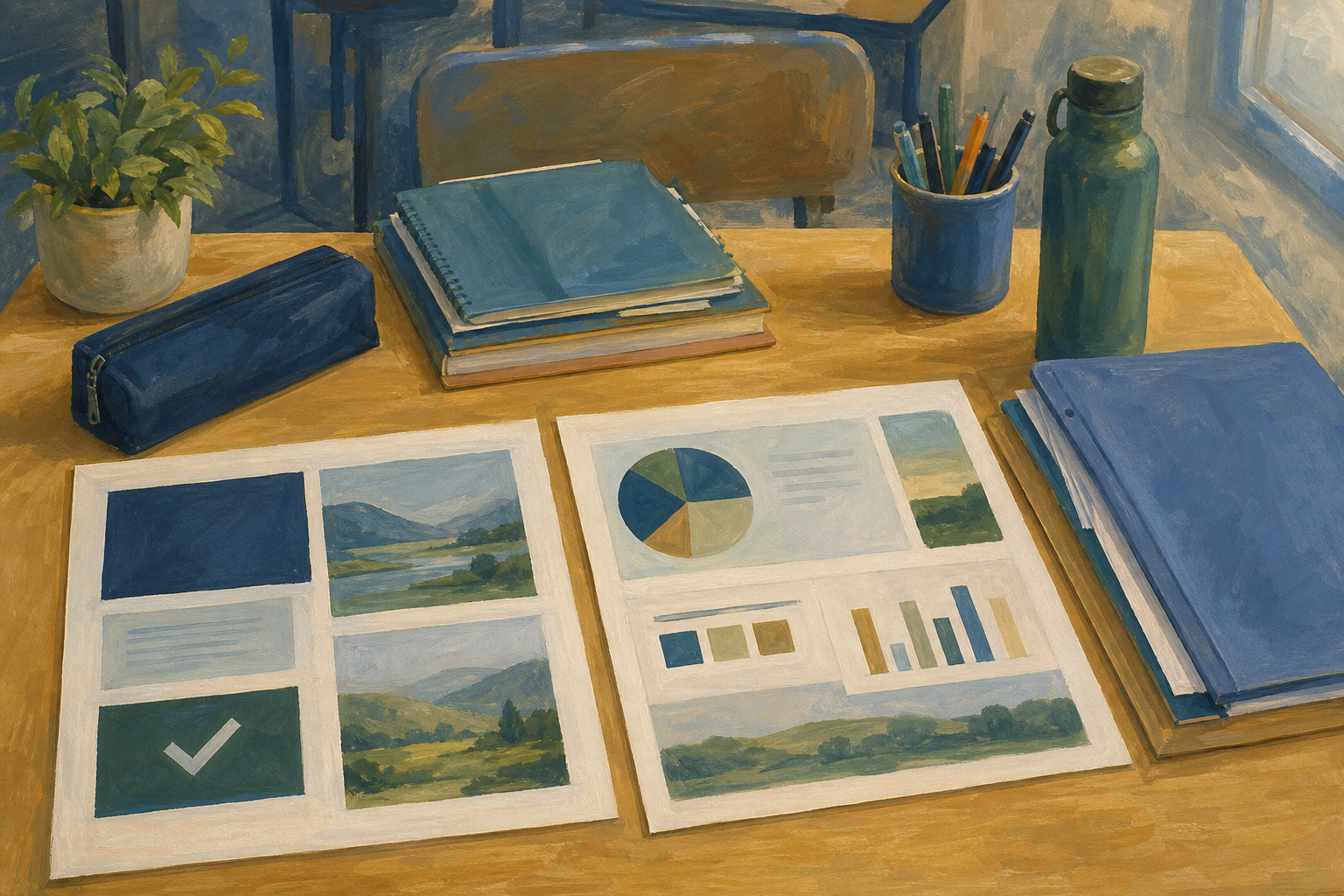 If format 1 is not finished, or you have no format 2 draft, tell your teacher now.
What is your format 2? Write one sentence on what it is for, and one line on who it is for.
Two different formats means two different kinds of piece, like a slide deck and a one-page flyer. A new colour on format 1 does not count.
A working file is the file you edit.
A publication copy is the finished file a real audience can open, such as a PDF, MP4, MP3 or PNG.
Example
Aoife's project is custom GAA boot laces. Format 1 is her VET slide deck. Format 2 is a one-page Canva promo. She saved it as {{code:sm2_ka1_format2.pdf}} in {{code:sm2}}.
Common issues
- My format 2 looks like format 1. Change the kind of piece, for example from slides to a one-page poster.
- I can't find my draft. Look in {{code:Project_Portfolio}}, then {{code:09_specialism}}, then {{code:sm2}}.
- I only have the file I edit. Download it as a PDF, MP4, MP3 or PNG, and keep both files.
Your goal is a clear, finished format 2 that is ready to download. Watch your teacher's polish pass, then polish your own draft.
- Open your format 2 draft in its own tool. Slides are in {{code:Project_Portfolio}}, then {{code:09_specialism}}, then {{code:sm2}}.
- Read your purpose sentence. Cut anything that does not help it.
- Make headings bigger than the rest, and make your key line easy to read. Add captions or a short transcript to video or audio.
- Check the spelling of names, places and euro amounts.
- Start the download. For slides, use {{menu:File -> Download -> PDF Document (.pdf)}}. In Canva, use Share, then Download.
Tell your teacher early if the download fails.
Check
- A new reader would get the point from the first screen.
- The words are checked.
- My download has started.
Unlock the full learning experience
You're previewing this lesson. Get full access to this lesson and hundreds more — each one ready to teach, with interactive activities, printable resources and pupil progress tracking built in.
This lesson is copyright of 123Learn.ie 2017 - 2026. Unauthorised use, copying or distribution is not allowed.