1 - Introduction ~5 mins
Welcome
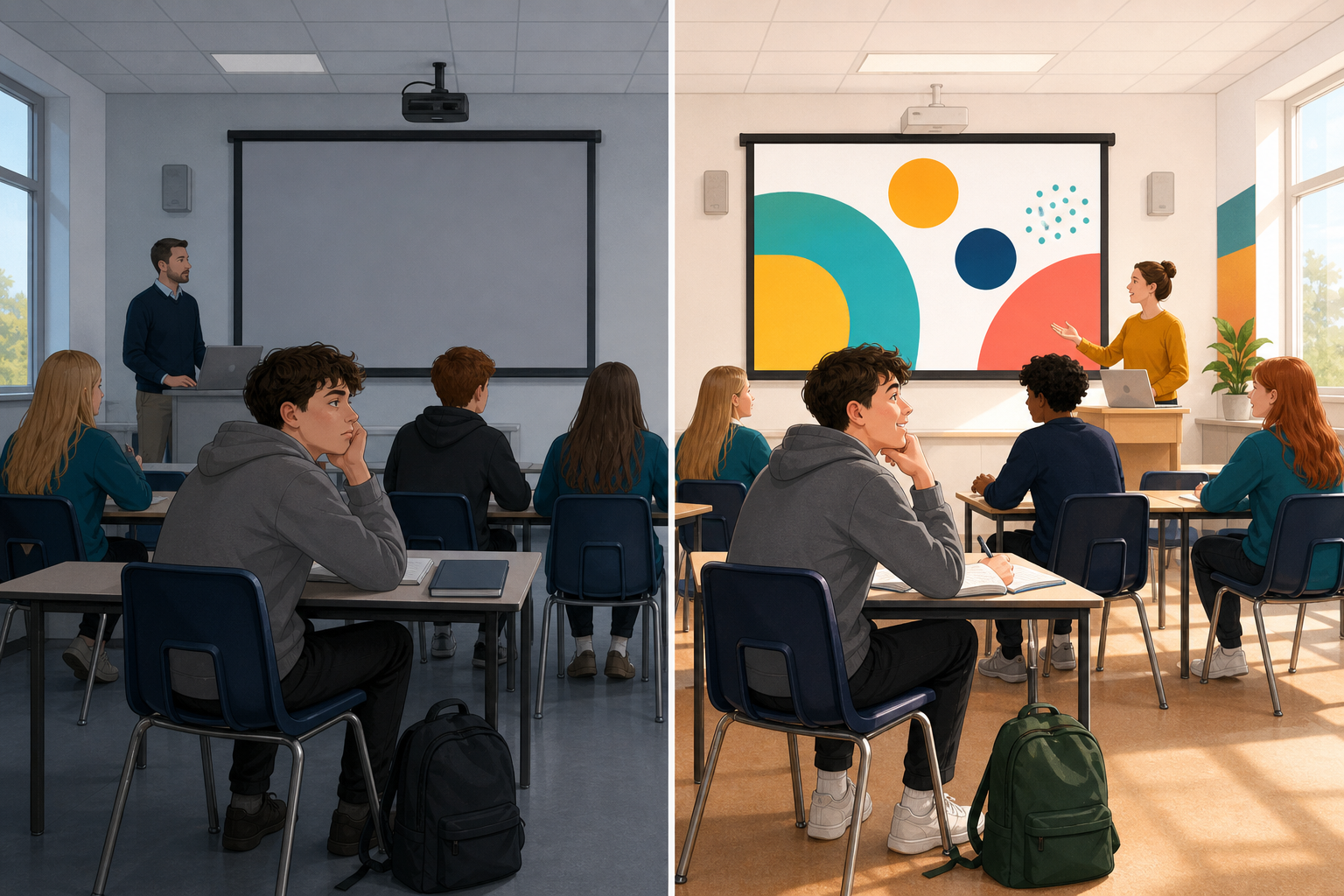 An audience decides in seconds whether to keep watching, listening, or scrolling on. Today you will add one engagement device that asks your audience to do something, not just sit there.
Which file you will be working on: you already have two finished pieces of your own making — the ones you built for real audiences rather than for practice. Format 1 is the piece you will present and talk through in your interview with the examiner; it is often a slide deck or a short video. Format 2 is your other piece. Both live in the same folder on your cloud drive, {{code:09_specialism/sm2}}. Today's device should help whichever audience you are polishing for. If you are not sure which file to open later, ask your teacher.
The rule is simple: if the device helps that audience, keep it. If it is only decoration, cut it.
What you are doing today
- Adding one device that pulls the audience in — an opening hook, a clear ask at the end, or something they can click or answer
- Getting that hook into the first few seconds (ideally the first three) if your piece is a short video
- Cutting anything that looks busy but does not actually make the piece better for the person watching
Warm-up
Think of the last short video, carousel, or pitch you stopped watching. Was it the opening seconds that lost you, or did something later feel pointless? Keep that moment in mind: today you will design the opposite.
2 - Key Concepts ~6 mins
Engagement is not gimmicks. It is a clear invite for the audience to notice, decide, or act. Today’s core moves are a hook, a call to action (CTA), and the cut rule. Your teacher will talk through this table while you listen; use it as a glance reference when you build.
| Concept | Why it matters | Example |
|---|---|---|
| Hook — the opening claim, question, or image that earns the next few seconds | In short-form video the opening seconds (ideally the first three) decide whether anyone stays; in a live pitch the first sentence does the same job | "Your club loses money every wet Saturday. Here is a 90-second fix." instead of "Hi, my name is… and today I will talk about…" |
| Call to action (CTA) — a clear end ask: what should the audience do next? | Without a CTA the pitch ends in a shrug; with one, the examiner or sponsor knows the next step | "If this plan is useful, I can send the full budget sheet before Friday." |
| The cut rule — every engagement device must improve the experience for this audience, or it goes | Extra quizzes, random animations, and fake swipe stickers waste time and look amateur in a VET setting | — |
Also counts when it helps: a tested hyperlink or jump in a deck, captions or on-screen text (especially for sound-off video), a swipe prompt on a carousel, or a direct question to a podcast listener. You will choose one device for your own format after the short slide drill.
3 - Step-by-step Task ~15 mins
Build a short three-slide practice deck that models three engagement moves (you will pick only one move for your own format next): a hook on slide 1, a clickable jump on slide 2, and a clear CTA on slide 3. Use the sample side-hustle content below.
Sample project for the practice deck: a student selling custom match-day stickers for a local GAA club fundraiser.
Slide 1 hook: Your club loses money every wet Saturday. Here is a 90-second fix.
Slide 2 body lines: Waterproof match-day stickers, €3 each · €12 cost per pack of 10 to produce · Club keeps the profit after costs. Then, at the bottom: See the full cost breakdown.
Slide 3 cost lines: Pack of 10 stickers: materials €8 · print €3 · pack €1 = €12. Sell at €3 each = €30 revenue · about €18 towards the club after costs.
Slide 3 CTA: If this plan is useful, ask me for the full budget sheet before Friday.
Even if your real format is video, carousel, or audio, complete this short slide drill first so we share the same moves. You will apply one device to your own format next.
Copy, do not invent: the hook, body lines, cost lines and CTA above are the wording to use, so copy them straight across instead of writing your own, and leave layout polish until everything works. If you fall behind on the typing, copy what you can and jump ahead to the link and the slideshow test, because those two checks matter more today than a tidy slide. Your teacher will pause the class at “add slide 3” and again at “Insert Link” so everyone hits those moves together.
4 - Common Issues ~4 mins
Common Issues
| Issue | Solution |
|---|---|
| My hook still starts with my name and project title | Move your name to a corner or the second slide. Lead with the audience problem or the bold claim in the first line (or the opening seconds on video). |
| The hyperlink does nothing in the editor | Links usually only jump in Slideshow / Present mode. Start the slideshow, then click the linked text. If it still fails, re-insert the link and pick the Cost breakdown slide again. |
| I added three quizzes, stickers, and animations and it feels messy | Apply the cut rule. Keep one device that serves this audience. Delete the rest. For the VET interview, clear beats clever. |
| My format is video or audio, not slides | Watch the teacher’s short non-slide screen share. The next step lists a few options for each kind of format — video, carousel, audio — and you take exactly one of them (a hook or a CTA, not a full mini-pattern). Captions count only if they help sound-off viewers and you are not already counting another device. |
5 - Independent Practice ~20 mins
Independent Practice
- First: open your format file in {{code:09_specialism/sm2}}. If you do not have one yet, open {{code:sm2_engagement_practice}} instead and rewrite one device there for your real audience and topic, because that file counts as interim evidence.
- Pick exactly one device. If you are unsure, choose a strong opening hook or a clear end CTA only.
- Add that one device. If your format is short-form video and you chose a hook, it must land in the opening seconds (ideally the first three).
- Cut any decoration that does not help this audience.
- Keep working in your existing format file in {{code:sm2}}. If you need to export or duplicate, save as {{code:sm2_format1_engagement}} or {{code:sm2_format2_engagement}} in {{code:09_specialism/sm2}}.
Default choices (pick one):
- Strong opening hook
- Clear end CTA (what to do next, with a time if useful)
Only if your format already needs it (still count as your single device):
- Tested hyperlink or jump (decks)
- Captions or on-screen text
- Swipe prompt (carousel)
- Direct question to the listener (audio)
If your format is not slides — pick one option only (scoring is still exactly one device):
- CapCut / short video: pick (a) large hook text on frame 1 via Text → Add text, stating the audience problem or claim, or (b) a final CTA card / on-screen ask in the last seconds — not both unless you finish early and your teacher agrees.
- Canva carousel: pick (a) hook on page/card 1 title, or (b) a swipe line such as "Swipe for the cost breakdown" on card 2, or (c) one clear CTA on the last card — one choice only.
- Podcast / audio: pick (a) record a new cold-open question aimed at the listener, or (b) a closing timed ask (for example, "Email me for the budget sheet before Friday") — not both for the scored device.
- Slide deck: reuse one move from the practice drill on your real content (hook, jump link, or CTA), not all three.
- Exactly one new engagement device is easy to spot in your chosen format
- The device asks the audience to do something (notice, click, swipe, answer, or act), not just decorate the screen
- If the format is short-form video and you chose a hook, it is clear in the opening seconds (ideally the first three); if it is a deck or carousel, the opening frame leads with the audience problem or claim when the device is a hook
- You can say in one sentence why this device helps your real audience, and the updated file is saved in {{code:09_specialism/sm2}} under your existing format name or as {{code:sm2_format1_engagement}} / {{code:sm2_format2_engagement}}
Unlock the full learning experience
You're previewing this lesson. Get full access to this lesson and hundreds more — each one ready to teach, with interactive activities, printable resources and pupil progress tracking built in.
This lesson is copyright of 123Learn.ie 2017 - 2025. Unauthorised use, copying or distribution is not allowed.