Intermediate
40 mins
Teacher/Student led
+75 XP
Pupils work on their own device

What you need:
Chromebook/Laptop/PC
Canva account (school email)

Editing Images with Canva, Part 1: Crop, Resize and Adjust

Students set up a canvas in Canva, place an image, crop and resize it, and adjust it with filters, brightness and contrast.
Teacher Class Feed

Load previous activity

    1 - Start ~4 mins

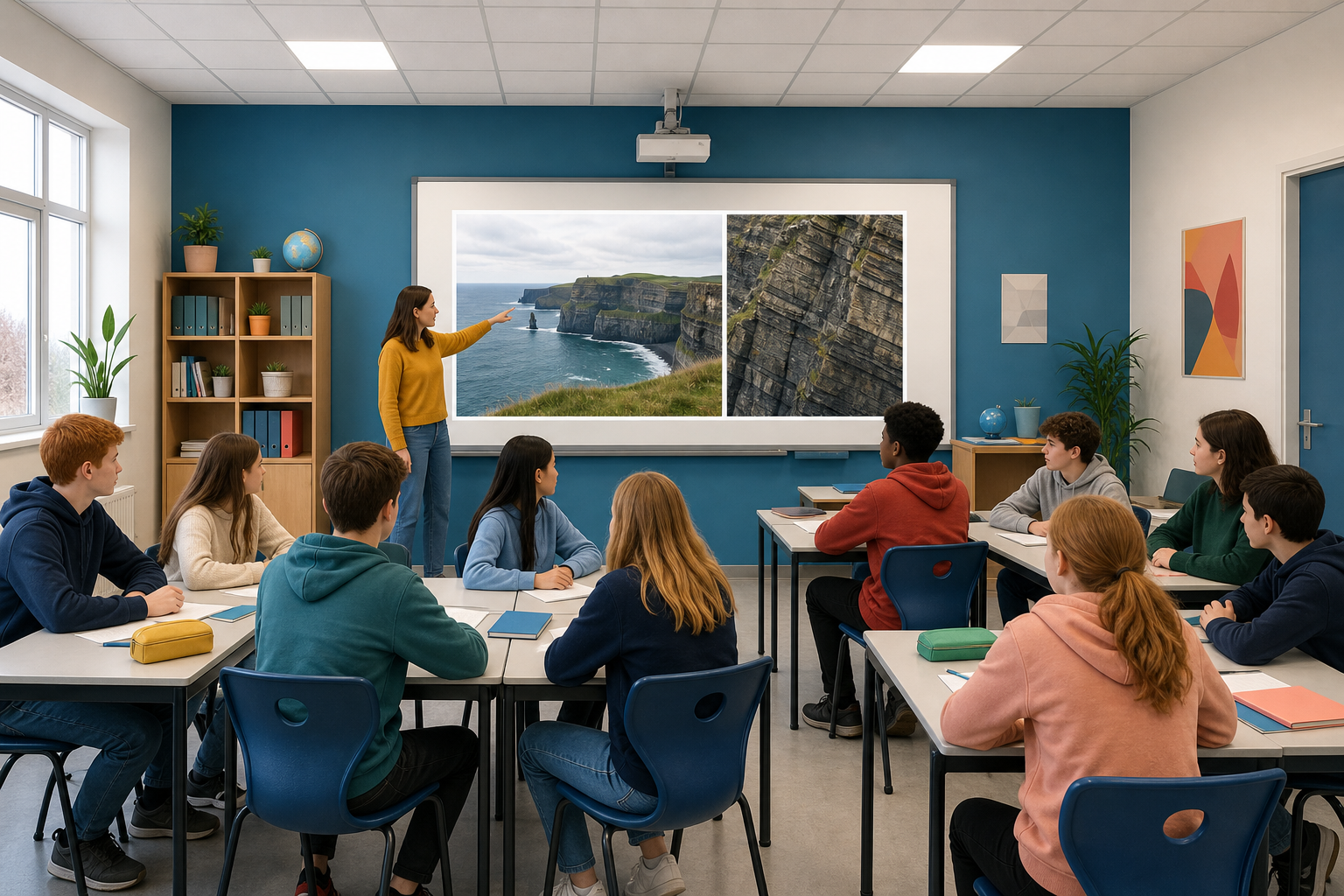
    Illustration for StartYou are about to see the same photograph twice: once wide, and once cropped in tight on one detail. Look at both and decide what each version tells you happened.

    The thing to notice

    Nothing was added and nothing was faked. The only decision was what to leave out, and it changed the story.

    Today you learn the tools. Next lesson you decide when using them is honest.

    Canva needs an account

    Sign up with your school email. If you have not done that yet, tell your teacher now rather than working through it alone.

    2 - The Words Editors Use ~5 mins

    Five words you will meet in any image editor.

    WordWhat it means
    PixelsThe tiny dots a picture is made of. More pixels, more detail.
    ResolutionHow sharp an image looks. Higher is sharper, and the file is bigger.
    CroppingCutting away the edges to change what is in frame.
    ResizingChanging how big the whole image is, without cutting anything out.
    Aspect ratioThe shape of the frame. Change it carelessly and everything stretches.
    Crop and resize are not the same thing

    Cropping removes part of the picture. Resizing keeps all of it and makes it bigger or smaller. Students mix these up constantly.

    3 - Hands-on: Open Canva and Place an Image ~8 mins

    Set up a canvas of a known size and get a picture onto it.

    4 - Hands-on: Crop and Resize ~12 mins

    Two different jobs. Crop changes what is in the frame; resize changes how big the whole thing is.

    5 - Hands-on: Filters, Brightness and Contrast ~9 mins

    A filter changes the whole mood in one click. Brightness and contrast fix a photo that is genuinely too dark to read.

    123learn · Online learning platform

    Unlock the full learning experience

    You're previewing this lesson. Get full access to this lesson and hundreds more — each one ready to teach, with interactive activities, printable resources and pupil progress tracking built in.

    Hundreds of curriculum-aligned lessons
    Interactive activities in every lesson
    Printable resources & progress tracking
    Copyright Notice
    This lesson is copyright of 123Learn.ie 2017 - 2025. Unauthorised use, copying or distribution is not allowed.
    🍪 Our website uses cookies to make your browsing experience better. By using our website you agree to our use of cookies. Learn more