1 - Introduction ~5 mins
Welcome
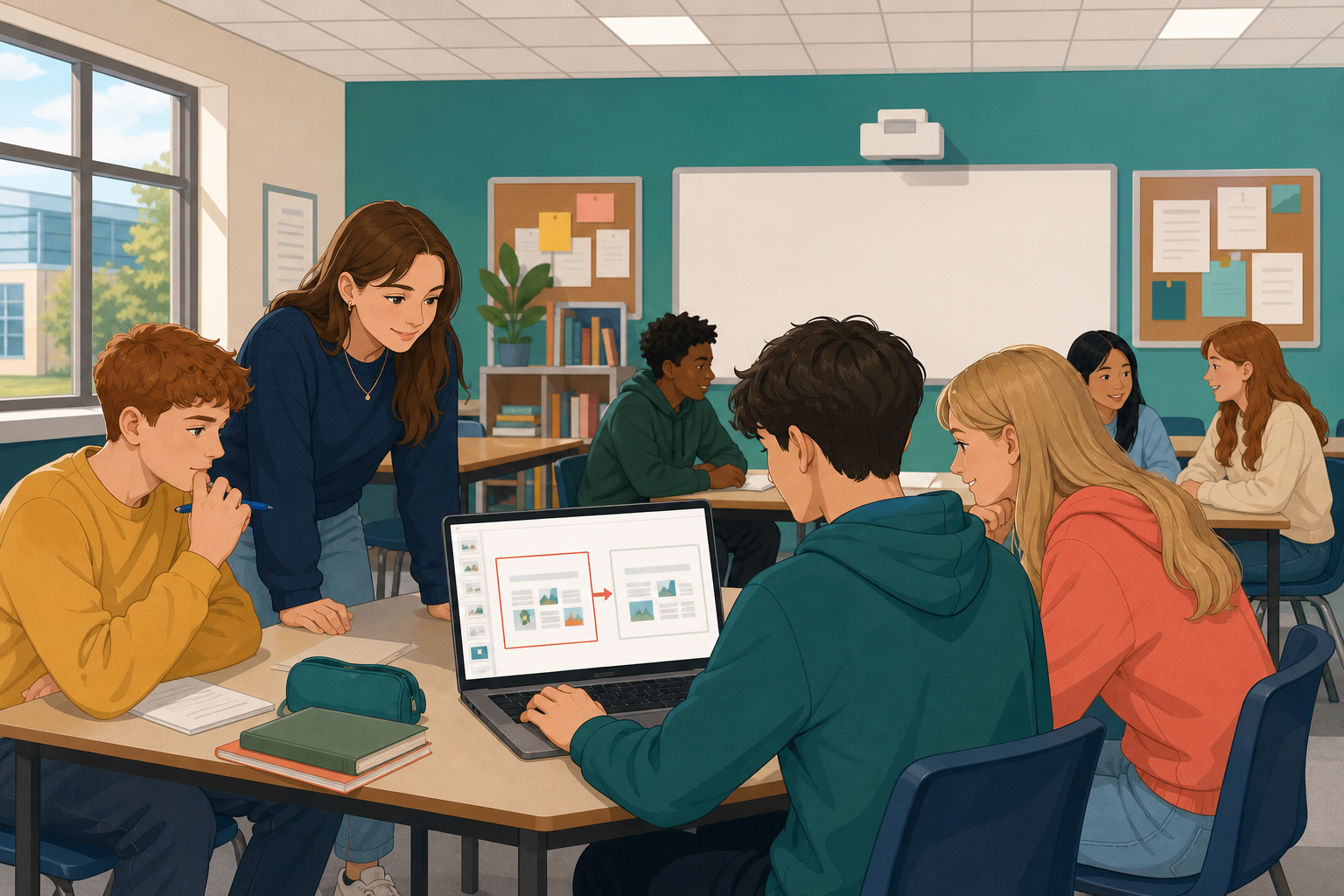 Format 1 is the main presentation piece you already built for your VET interview (slides, short video, audio, or infographic). It should be saved as a v2 file in {{code:Project_Portfolio/09_specialism/sm2/}}.
Your format 1 draft has structure and content. Today you make the first honest cut: strip anything that does not serve your purpose, proof every text and narration element, and leave a tighter version ready for peer eyes. A shorter, cleaner piece is easier to deliver in a VET interview and easier for an examiner to follow.
What you are aiming for today
- Cut slides, frames, or seconds that are not doing real work
- Check every piece of text and every line of narration for errors
- Come out at least a tenth shorter than you went in
Warm-up
Think of the last talk, video, or deck that lost your attention halfway through. Was it too long, too wordy, or full of slides that repeated the same point? Hold that feeling. Today you cut your own format 1 so a real audience (including a VET examiner) never feels that way about your work.
2 - Key Concepts ~5 mins
A first-pass edit is not decoration. It is a deliberate cut so every second of your format 1 earns its place. Your teacher will walk the example on screen; use this page only as a language checklist, not a silent read.
| Concept | Why it matters | Example |
|---|---|---|
| First-pass edit — full read-through: cut fluff, fix errors, check purpose | Examiners decide in seconds if your piece is worth their time | Ask of every slide or 10 seconds of video: does this show what I can do? |
| Cut for purpose (10% rule) — remove at least one-tenth of the length | Shorter work is easier to rehearse and harder to hide weak ideas in | 10 slides → 8 or 9; 60-second clip → about 50–54 seconds |
| Proofing — spelling, grammar, names, numbers, narration match | One wrong name or euro figure undercuts you before the idea lands | Catch "€45O" (letter O) and fix capitalisation on a school or club name |
| Honest peer feedback — one strength and one cut, with a reason | Fresh eyes spot repetition you no longer see | "Slide 4 repeats slide 2; keep the stronger one" not "Looks grand" |
Your job today: open format 1 v2 → cut at least 10% → proof everything → save as v3 → one short honest feedback swap.
3 - Step-by-step Task ~15 mins
Work through a short first-pass edit on the shared sample. Your teacher will give you a forced-copy link (or you make your own copy). You must edit your own copy only, named {{code:sm2_edit_practice_YourName}}, inside {{code:09_specialism/sm2/}}. Leave the class master file untouched.
Do not build a new practice deck. On your copy: count, cut one weak part, tighten one wordy line, fix one planted name or euro error, run spell-check, and confirm the piece is shorter. You will do the full pass on your real format 1 in the next activity.
Other formats (video, audio, infographic)
If your format 1 is not slides, stay in CapCut, Canva, or your audio editor. Use your own copy of the non-slide practice sample (or a short clip your teacher provides). Your teacher will demo your tool for a similar length to the slide demo. Follow the mini-steps:
CapCut
- Count the starting runtime in seconds (read the timeline end time). Write it on paper.
- Trim: tap the clip on the timeline, drag the trim handles inward to cut repeated B-roll or dead air (at least one clear cut).
- Proof: open any text stickers or captions; fix one spelling or name error so on-screen text matches the project purpose.
- Save/export a copy as {{code:sm2_edit_practice_YourName}} into {{code:sm2/}} (or the export name your teacher sets).
Canva (infographic or multi-page)
- Count pages or content blocks. Write the number on paper.
- Delete or merge one weak page/block that repeats another (trash control on the page thumbnail, or remove duplicated content).
- Proof every text box for spelling, names, and euro amounts; fix one clear error.
- File → Make a copy / Download so your practice file is {{code:sm2_edit_practice_YourName}} in {{code:sm2/}}.
Audio / podcast editor
- Count starting runtime in seconds. Write it on paper.
- Cut one section of dead air or a repeated line on the waveform/timeline.
- Proof any show notes or title text; if you have a script, check one name or figure against what you say.
- Export/save as {{code:sm2_edit_practice_YourName}} into {{code:sm2/}}.
Same standard as slides: shorter, cleaner, still clear about the project purpose.
4 - Common Issues ~3 mins
Common Issues
| Issue | Solution |
|---|---|
| I cut text but the slide count (or runtime) barely changed | Cut whole slides, sections, or clips, not just adjectives. Merge two weak slides into one strong slide, or delete a repeated section entirely, then recount. |
| Spell-check says everything is fine but my partner still finds errors | Run a human pass for names, euro amounts, and words that sound right but are wrong (there/their, your/you're). Read the piece aloud once; your ear catches what the checker misses. |
| My partner only said "it's good" and I have nothing useful to change | Ask them to point at one slide, frame, or sentence they would cut if the piece had to be 10% shorter, and why. Specific beats polite every time. |
| I am on video or audio, not slides, and the menus look nothing like the tabs | Use the Other formats mini-steps for your tool: note starting length, cut at least 10%, proof on-screen text and narration, then save your own copy. In CapCut, trim clips on the timeline; in Canva, delete or merge a weak page/block; for a podcast, cut dead air and repeated lines in your editor. |
| Delete key does nothing on my keyboard | On many MacBooks use Fn+Backspace. On Chromebooks use Backspace. Or right-click the slide thumbnail and choose Delete slide. |
| My edits keep disappearing or someone else's name is on the file | You are probably in the class master. Close it, open your own {{code:sm2_edit_practice_YourName}} copy from the forced-copy link or Make a copy, and edit only that file. |
5 - Independent Practice ~24 mins
Independent Practice
Your teacher will confirm your exact v2 filename on the roster before the timer starts. Only change {{code:_v2}} to {{code:_v3}} (or use the default stem for your medium below). Work in order:
- Write the start number on paper before you change anything (slide count, runtime in seconds, or number of blocks). Open your existing format 1 file in {{code:Project_Portfolio/09_specialism/sm2/}} that ends with {{code:_v2}}.
- Cut whole slides, clips, or blocks until you are at least 10% shorter. Prefer deleting weak parts over font tweaks.
- Tighten filler phrases on what remains (long bullets become short lines, same facts).
- Proof spelling, then skim every name, date, and euro amount. Read any narration or speaker notes aloud once so they match on-screen titles.
- Save as v3 in {{code:09_specialism/sm2/}}. Default stems for your medium:
- Slides: {{code:sm2_vet_presentation_v3}}
- Video: {{code:sm2_vet_video_v3}}
- Audio: {{code:sm2_vet_audio_v3}}
- Infographic: {{code:sm2_vet_infographic_v3}}
- Last three minutes: stand up with a partner for one strength and one specific cut; note both on paper. If the pair swap runs short, finish it in the first five minutes of next lesson.
Cutting your own work can feel harsh. If you are stuck, ask: would an examiner still see what I can do without this bit? If yes, it can go.
- Must have: Length is at least 10% shorter than v2 and you can state both the start number and the end number
- Must have: Your v3 file is saved in {{code:09_specialism/sm2/}} with a clear {{code:_v3}} name (listed stem, agreed roster stem, or {{code:sm2_edit_practice_v3}} if you used the sample)
- Must have: Spell-check run; names, dates, and euro amounts skimmed for obvious errors
- This v3 is the tightened format 1 I will keep building for my Vocational Education Task / specialism interview; I can name one change from my partner's specific cut (or explain why I kept something they flagged). Peer swap can finish next lesson if time ran out
Unlock the full learning experience
You're previewing this lesson. Get full access to this lesson and hundreds more — each one ready to teach, with interactive activities, printable resources and pupil progress tracking built in.
This lesson is copyright of 123Learn.ie 2017 - 2025. Unauthorised use, copying or distribution is not allowed.