Unplugged Lesson
Beginner
40 mins
Teacher/Student led
+50 XP
What you need:
IWB/Projector/Large Screen

Drawing Robot

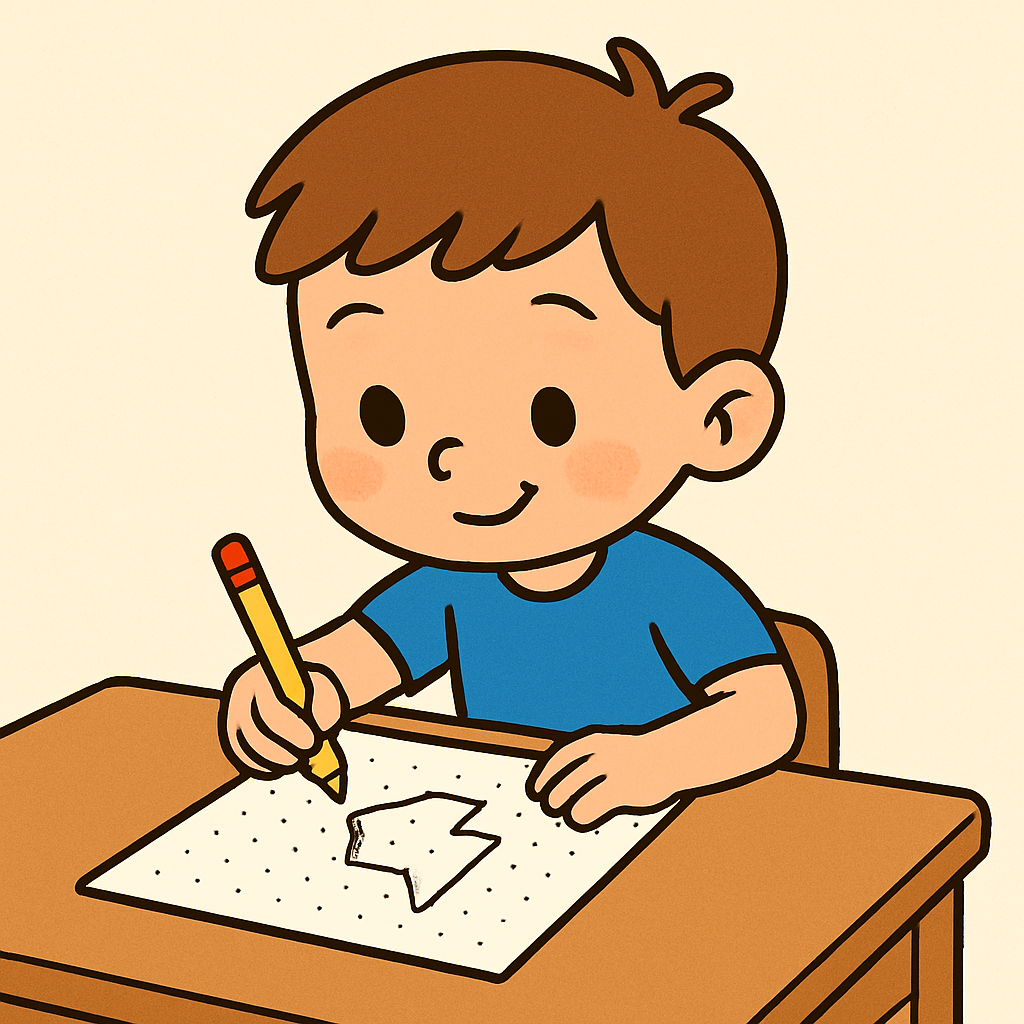
In this lesson, you'll become a robot artist, following step-by-step arrow instructions to create pictures on a dot grid. Learn sequencing by drawing lines in a specific order, understanding how each step builds the final image.

Teacher Class Feed

Load previous activity

    1 - IntroductionHeader 3

    Today builds on last time’s pattern following, but instead of copying a given pattern, pupils will create a picture by following steps in a specific order—seeing how changing the order changes the result.

    This promotes the core coding ideas of sequencing (order matters) and clear instructions (one action per step).

    The aim is to make algorithms feel concrete:

    a clear, ordered set of steps → a predictable outcome.

    Materials to Prepare:

    • Drawing Tools: Provide crayons or markers in three different colours for each student.

    • Dot Grid Worksheet: Download and print the worksheet for each studen.

    2 - Join the Dots Discussion and Code Link

    Lead a short class discussion about join-the-dot style activities.

    Start with, “Has anyone ever done a join-the-dots picture before? Did you like it? Was it easy or a bit tricky?”

    Explain that the dots hide a picture and the numbers are like the code: you go from 1 to 2 to 3 in order.

    Ask, “What happens if we skip a number or swap two numbers?” and prompt students towards the conclusion that the picture comes out wrong.

    Tell them that each little line is one small step, and lots of correct small steps make a big picture.

    Finish by linking to coding: “Computers also follow steps in order. When we follow the numbers carefully, our picture works—just like good code.”

    3 - One Action, One Step

    Explain to the pupils they are still "Robot Artists" who follow code exactly.

    Today, the commands they will follow will be arrows. Emphasise that the pictures will only appears correctly if they follow these arrows in the right order—this order is the sequence of the code.

    4 - Pencil Coding Challenge

    To practice the concept, we will introduce the Pencil Coding Challenge.

    Tell pupils they’ll program a Pencil to reach the Star by giving clear, step-by-step instructions. 

    Run a few quick rounds as a whole class before inviting students to complete the puzzles on their own!


    ✏️ Pencil Coding Challenge

    Add arrow steps to help the pencil reach the star by following directions.

    Start: ✏️ Goal: ⭐ Off the grid = crash!
    Ready.
    🌟
    Great work!
    You reached the star!
    123learn · Online learning platform

    Unlock the full learning experience

    You're previewing this lesson. Get full access to this lesson and hundreds more — each one ready to teach, with interactive activities, printable resources and pupil progress tracking built in.

    Hundreds of curriculum-aligned lessons
    Interactive activities in every lesson
    Printable resources & progress tracking
    Copyright Notice
    This lesson is copyright of 123Learn.ie 2017 - 2026. Unauthorised use, copying or distribution is not allowed.
    🍪 Our website uses cookies to make your browsing experience better. By using our website you agree to our use of cookies. Learn more