1 - Introduction ~5 mins
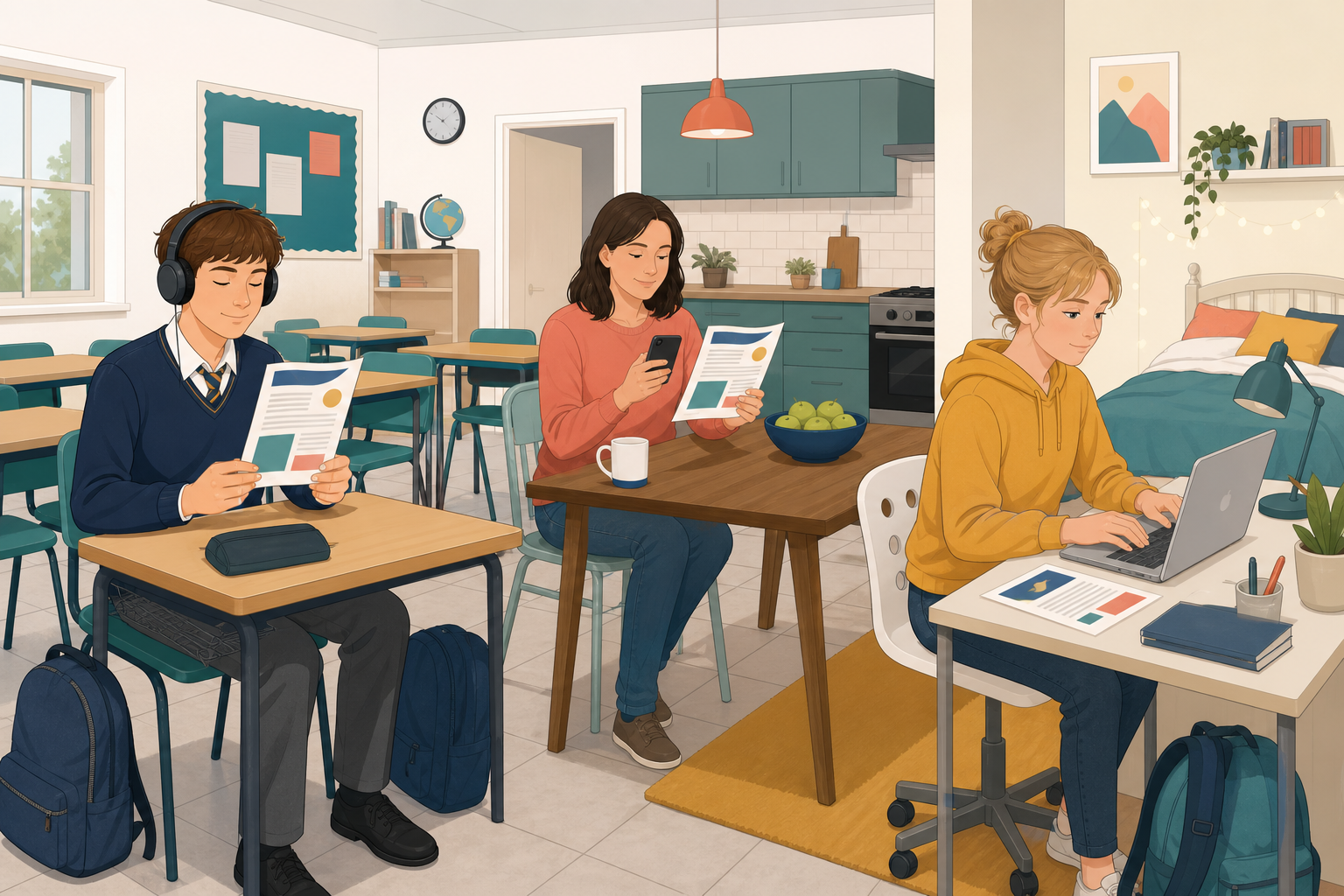 The same sheet can serve a screen-reader user, someone with low vision, and someone on a phone. Today you'll learn alt text, real headings, descriptive link text, strong contrast and readable size, then build a one-page placement sheet.
By the end of this lesson, you will be able to:
- Write alt text that says what a picture shows and why it is there
- Use real headings, descriptive links, strong contrast and readable size
- Clear the Word for the web checker or the five-point Docs checklist
Warm-up
Note one sentence: what made a document hard to use on your phone? Then move on.
2 - Key Concepts ~5 mins
| Concept | Why it matters | Example |
|---|---|---|
| Alt text: short text a screen reader reads for a picture | Without it a map is only announced as "image" | "Map of Killarney Main Street with the clinic opposite the library" |
| Real heading styles: Title and Heading 1 from Styles, not bold alone | Screen readers jump by headings; bold never appears in that list | Heading 1 on "Travel plan" so a parent can skip to it |
| Descriptive link text: clickable words name the destination | "Click here" tells nobody where the link goes | "Met Éireann forecast" instead of "click here" |
| Contrast and size: dark text on light; body at least 11 pt | Light grey on white fails in daylight on a phone | Near-black body on white (12 pt is easier on phones) |
Quick fix check: Bad link: "click here". Good: "Met Éireann forecast". Bad alt: "map". Good: full sentence of what it shows and why it is there.
3 - Step-by-step Task: Accessible Placement Practice ~18 mins
Build a short practice sheet (Title plus two Heading 1 sections): a stand-in map with alt text you write yourself, one descriptive link, then an accessibility check. Save it as {{code:06_placement_practice}}.
Title: Placement Information Sheet
Where I will be: Greenfield Veterinary Clinic, Main Street, Killarney, a short walk from the town bus stop.
Travel plan: Bus from school to Killarney town centre (about 25 minutes), then a five-minute walk along Main Street. Check local weather before you leave: Met Éireann forecast.
Map alt text (guide only, rewrite in your own words): Map of Killarney Main Street with Greenfield Veterinary Clinic marked opposite the library, two minutes from the bus stop.
Link text: Met Éireann forecast (point the link at {{code:www.met.ie}}).
Five-point checklist (Google Docs): (1) every picture has alt text, (2) section titles use real heading styles, (3) every link names its destination, (4) dark text on a light background, (5) body text at least 11 pt (12 pt is easier on phones).
If the checker or outline looks wrong after this task, use the Common Issues table next.
4 - Common Issues ~3 mins
Common Issues
| Issue | Solution |
|---|---|
| A section heading is missing from the headings / outline panel | Apply Heading 1 from Styles. Bold alone will not appear. |
| The checker still flags the picture | Rewrite alt text: what the map shows and why it is here. |
| My link still shows a long web address | Select plain words first, then insert the link on those words. |
Unlock the full learning experience
You're previewing this lesson. Get full access to this lesson and hundreds more — each one ready to teach, with interactive activities, printable resources and pupil progress tracking built in.
This lesson is copyright of 123Learn.ie 2017 - 2026. Unauthorised use, copying or distribution is not allowed.