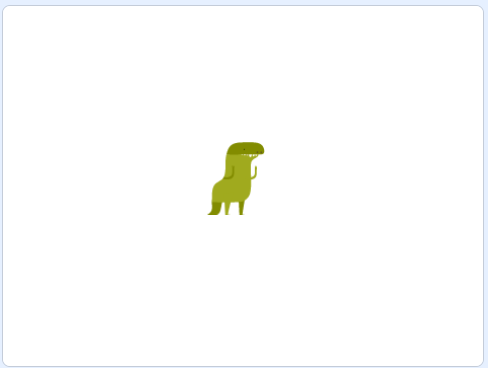
Welcome to our exciting coding adventure! Today, we're going to create a fun game using Scratch. In this game, you'll control a dinosaur who loves to eat beetles. Your job is to help the dinosaur catch as many beetles as it can. We'll learn how to add characters, make them move, and even add sounds. Let's get started!
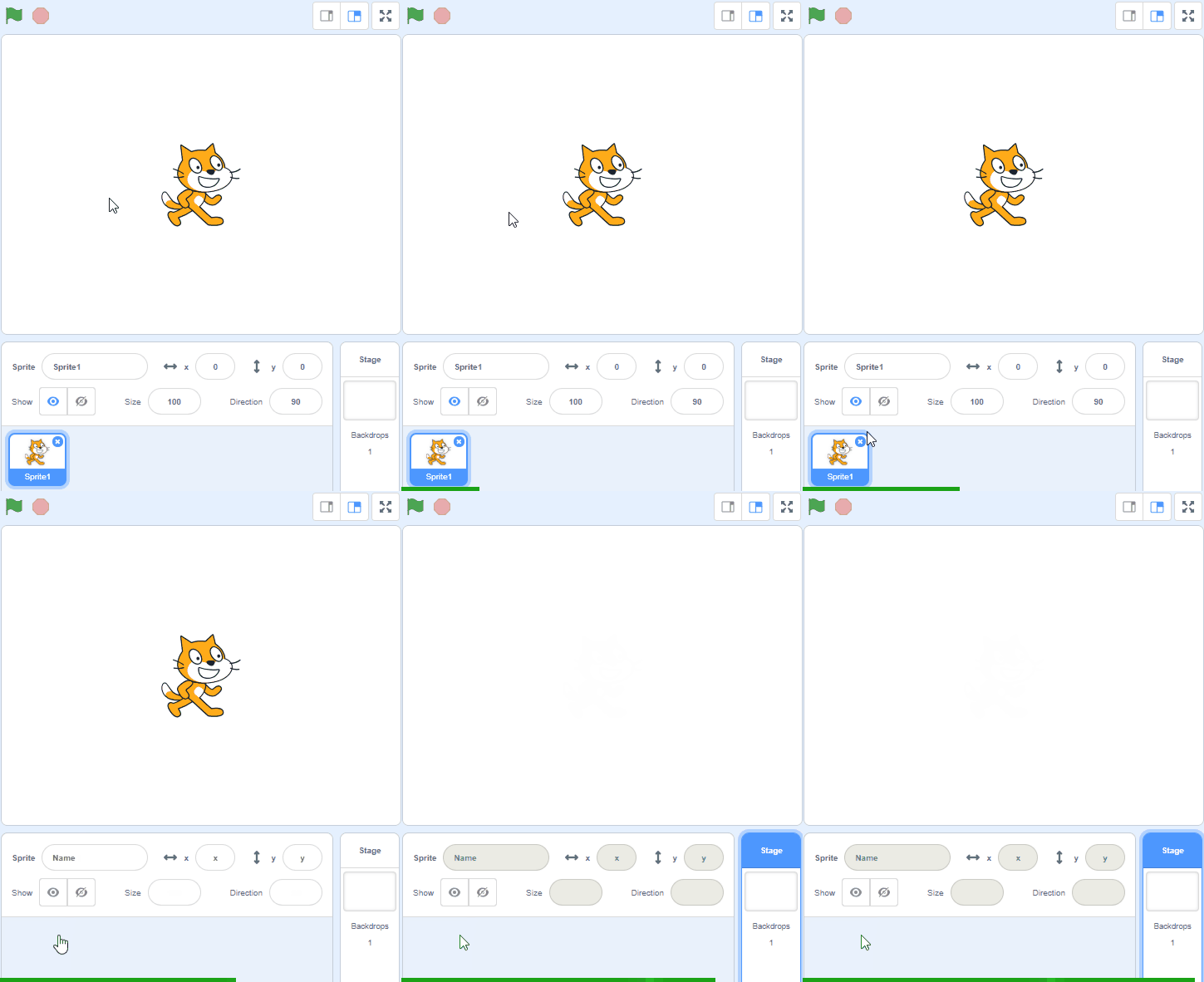
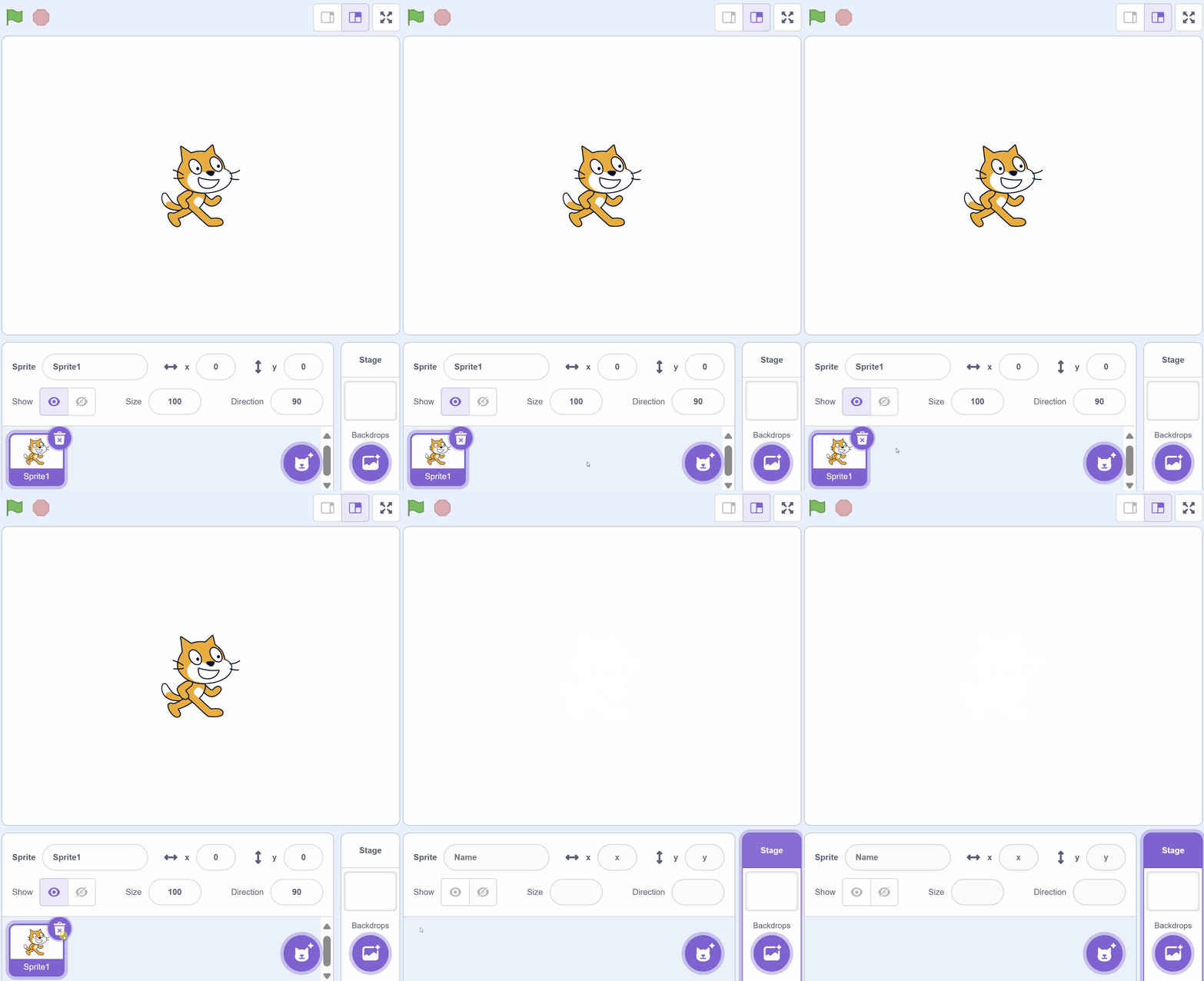
Open the Scratch website create a new project. Delete the cat sprite from the project.
Go to the Scratch website using the link below and click on the 'Create' link in the blue bar at the top.
By default, each new project starts with the cat sprite already added. To delete the cat click on the x in the blue circle beside the cat in the sprite list.
In the game we are going to make a dinosaur move around by using the arrow keys on our keyboard.
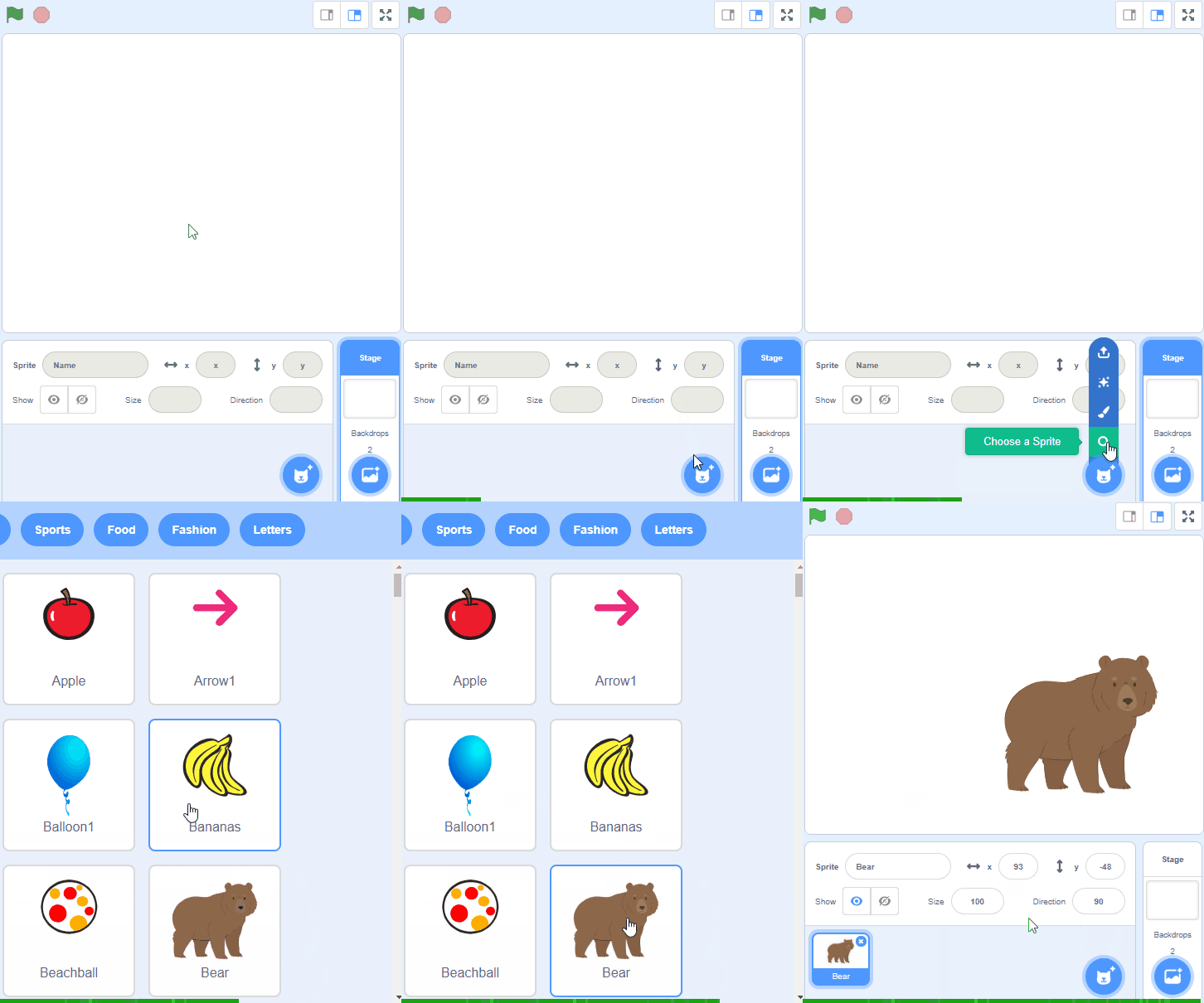
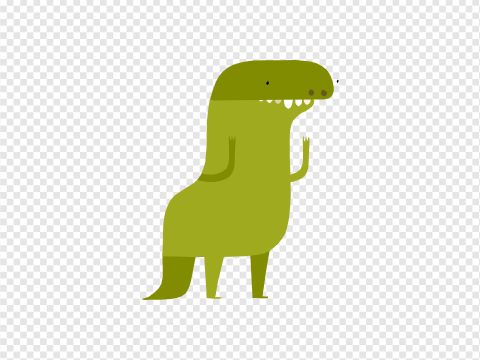
But first let's add the Dinosaur4 sprite from the sprite library.
To add a sprite from the sprite library follow these steps:
You can use search box or the filter links (Animals, People, Fantasy etc) to locate your sprite.
When the dinosaur sprite gets added to our project, it's a bit too big for our game so let's add some code to shrink it and make it smaller.
Add the following code to the dinosaur sprite:
when green flag clicked
set size to (50) %
You're previewing this lesson. Get full access to this lesson and hundreds more — each one ready to teach, with interactive activities, printable resources and pupil progress tracking built in.