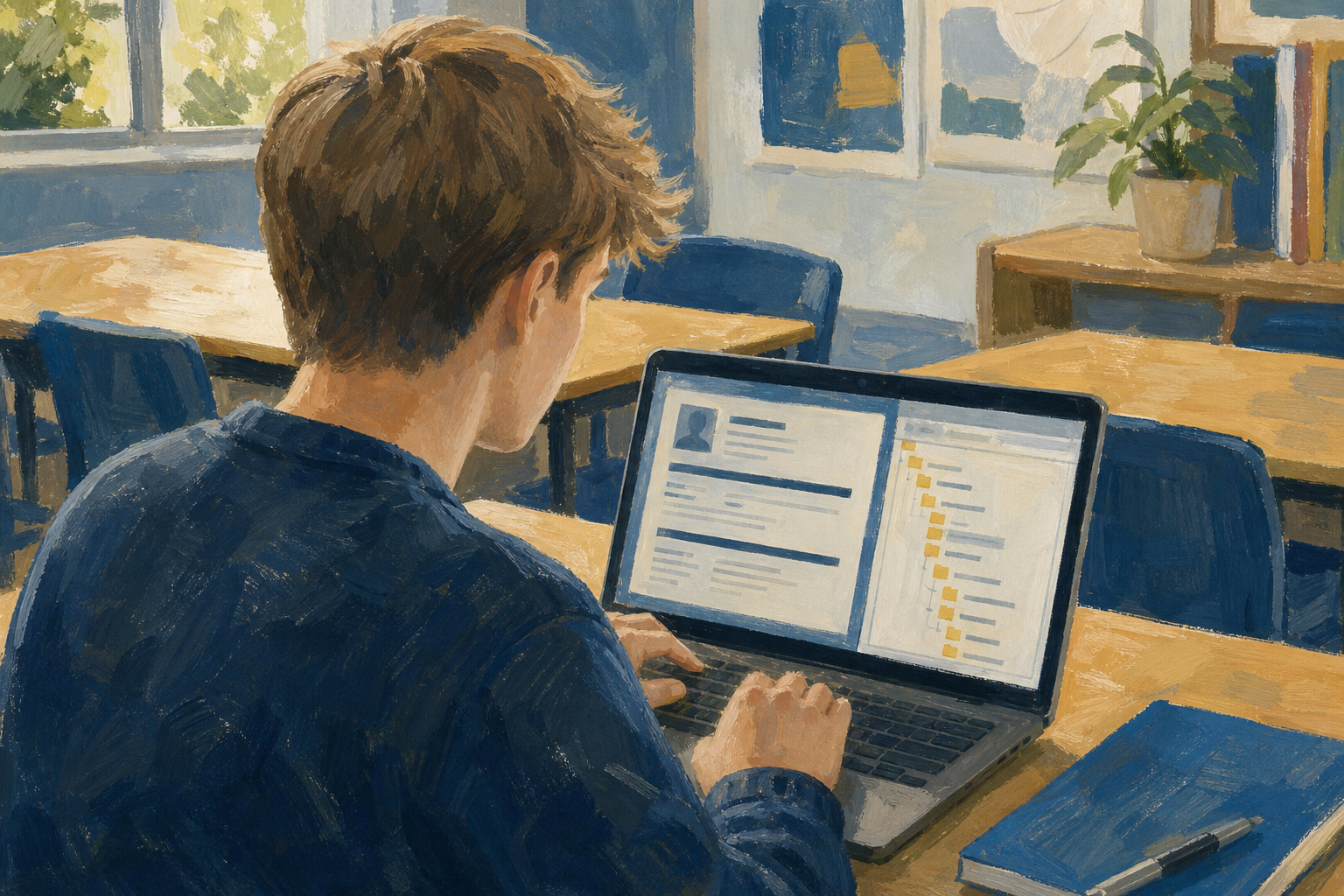
Today you will
- open a template as a new document
- type your own words over the sample text
- save it as
sm1_doc1_from_template.docxin03_finished
Will your template be a CV, a flyer or meeting minutes? What's the first thing you'll change?
A template is a ready-made layout. When you open one, you get your own copy as a new document, and that copy is the one you edit, so the template itself never changes.
Your copy comes with sample text in it. Select the sample text and type over it, but don't delete the boxes it sits in, or the layout can fall apart.
You'll practise first on a CV for a student called Sam O'Brien, and his details are in the next step.
Watch your teacher do this first, then follow the steps and tick each one as you go.
Call this file sm1_practice_sam_cv. You'll make your real document in the next task.
Sam's details
Name: Sam O'Brien
Contact: Cork · sam.obrien@schoolmail.ie · 087 000 0000
Headline: LCA student seeking Work Experience in a local bike shop; reliable, hands-on, and keen to learn workshop routines.
If you get stuck
- If you only see a blank page, go back to the Word home page, or in Google Docs use New, then From a template.
- If the layout breaks, press {{kbd:Ctrl+Z}} to undo.
- If your file is in the wrong place, move it into {{code:03_finished}}.
- If you named the Sam file wrong, rename it {{code:sm1_practice_sam_cv}}.
Unlock the full learning experience
You're previewing this lesson. Get full access to this lesson and hundreds more — each one ready to teach, with interactive activities, printable resources and pupil progress tracking built in.
This lesson is copyright of 123Learn.ie 2017 - 2026. Unauthorised use, copying or distribution is not allowed.