Unplugged Lesson
Beginner
40 mins
Teacher/Student led
+50 XP
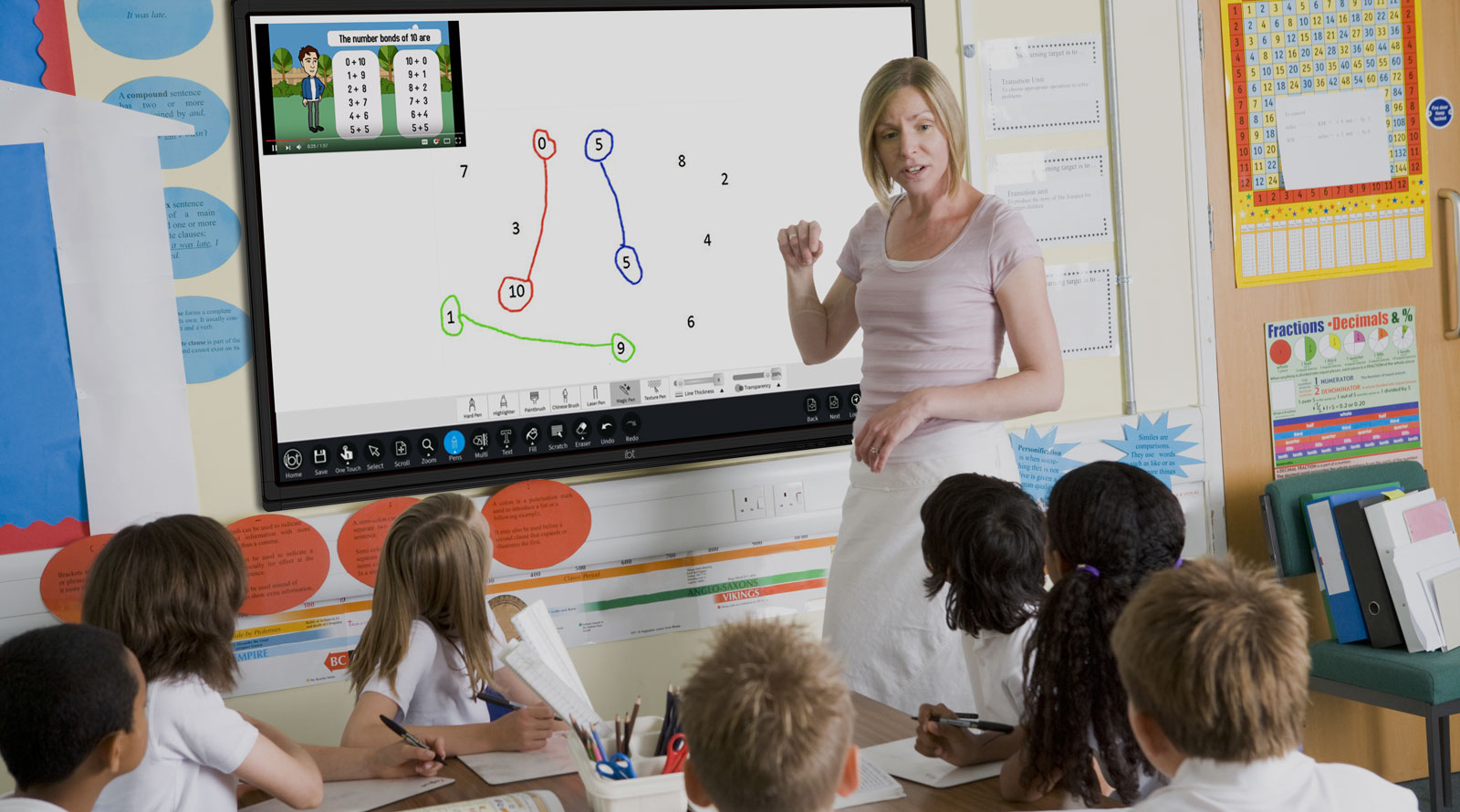
What you need:
IWB/Projector/Large Screen

Code Dance Follow-Along

Get ready to explore dance algorithms by following precise instructions as if you're a computer. You'll copy short dance sequences, keeping steps in order, through fun activities that get you moving and grooving with your class!

Teacher Class Feed

Load previous activity

    1 - Introduction

    Today, you’ll introduce dance algorithms—repeating a pattern of steps—through playful code dances.

    Explain to your students that their job is to follow the instructions exactly, keeping each step in the right order.

    Say to the class, "Today you will follow an algorithm—copy each dance step exactly, in the right order!"

    You may want to clear a little space; it’s about to get groovy!

    2 - Model the sequence

    Display the following sequence on your classroom screen.

    Demonstrate each move individually so every child sees what it looks like (and how to do it safely). Put the entire sequence together in one go while saying the steps out loud, using sequential words to guide the routine:

    Say the three moves on the screen in order, putting First, Next and Finally in front of them, for example “First, jump. Next, clap. Finally, spin.”

    Do the sequence slowly twice with the class mirroring you. If anyone gets mixed up, call out, "Bug—reset!" and start from the top. This reinforces the idea that an algorithm must be followed exactly to work correctly.

    You can drag the move tiles to rearrange them (or tap one, then another to swap on touch)

    3 - Follow the Random Dance Generator

    Now, put the Random Dance Generator on your classroom screen. Explain that this tool will give them a new, random set of instructions to follow.

    First, read the sequence exactly as shown on the screen and have the class copy it slowly once.

    Then, have them do it again at a steady pace while you count out the steps. This helps them learn to follow an algorithm in time.

    To get a new sequence, simply Spin to generate a brand new one.

    For extra fun, let a volunteer press the Spin button to create the next algorithm for the class!

    4 - “My Move” worksheet

    Now, distribute the "My Move" worksheet to each student. Ask each pupil to get creative and draw one simple dance move, then give it a short, memorable name in just one or two words.

    Show a quick example on the board to get their ideas flowing, like "The Robot" or "The Spin."

    Allow students enough time to finish their unique move on the worksheet. Once everyone is done, collect the finished sheets or have the pupils bring them up to you.


    123learn · Online learning platform

    Unlock the full learning experience

    You're previewing this lesson. Get full access to this lesson and hundreds more — each one ready to teach, with interactive activities, printable resources and pupil progress tracking built in.

    Hundreds of curriculum-aligned lessons
    Interactive activities in every lesson
    Printable resources & progress tracking
    Copyright Notice
    This lesson is copyright of 123Learn.ie 2017 - 2026. Unauthorised use, copying or distribution is not allowed.
    🍪 Our website uses cookies to make your browsing experience better. By using our website you agree to our use of cookies. Learn more