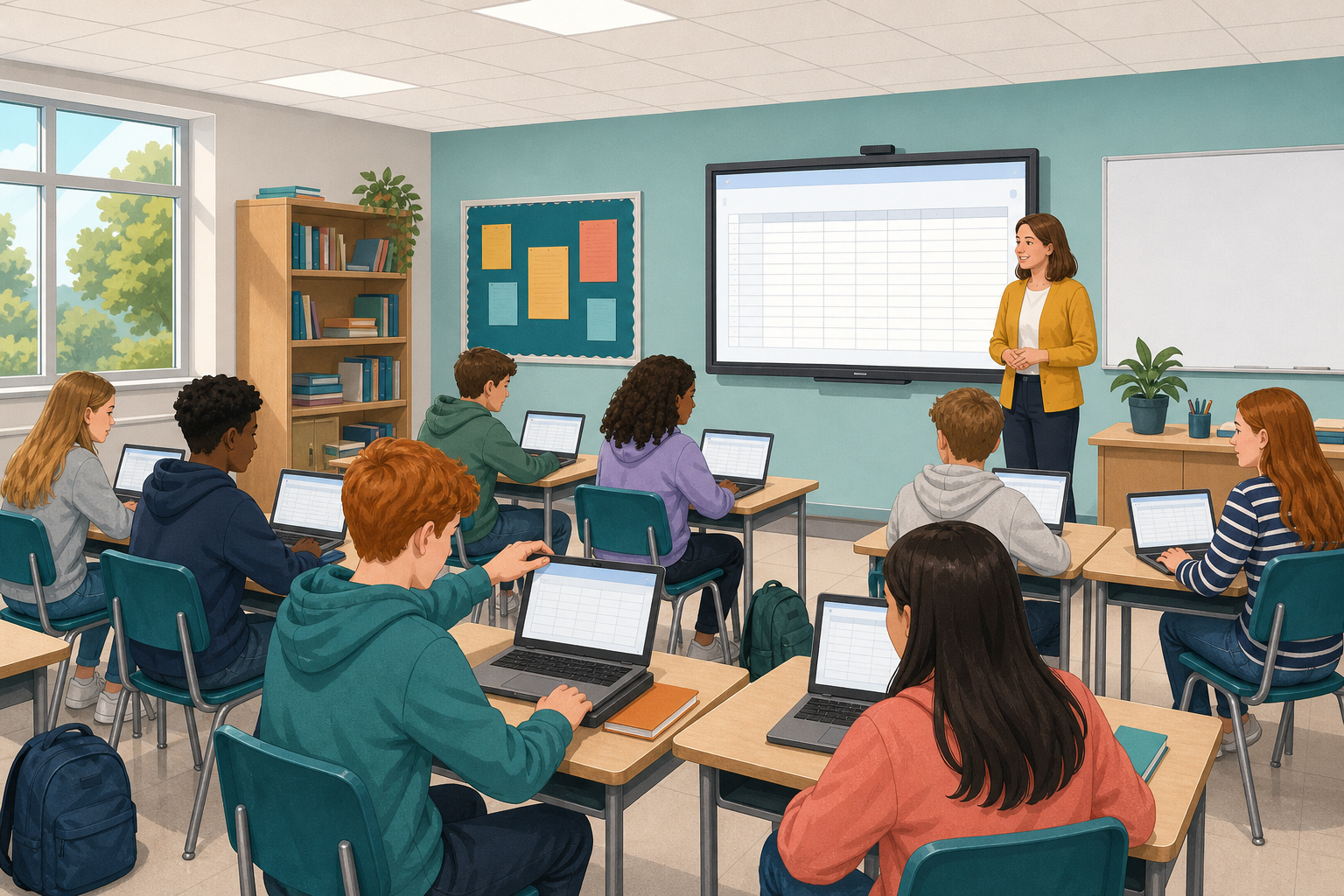
 Earlier in the course you compared sources and wrote down why you trusted them. Today you will put that comparison into a spreadsheet. You will:
- set up the columns;
- type in your sources, one on each row;
- freeze the top row so it always stays in view;
- sort and filter the rows to answer a question about your sources.
You need your school Microsoft or Google account. The steps cover both Excel and Google Sheets.
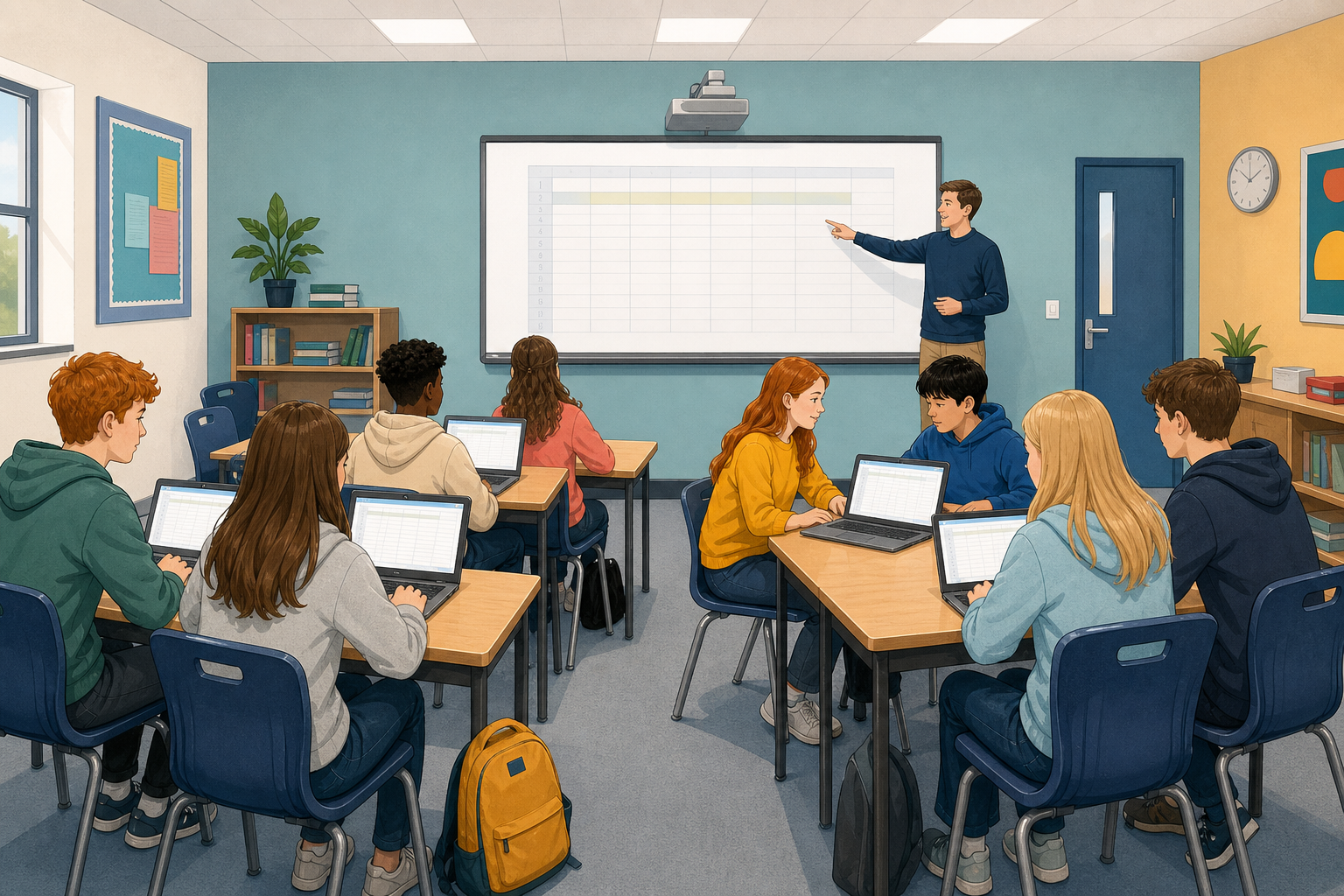 In a spreadsheet, each row is one source and each column is one fact about it. When you have more than a few sources, sorting or filtering them is quicker than rewriting a long list.

You score the four tests yourself, using Yes, No or Partial:
| Test | The question it asks |
|---|---|
| Purpose clear? | Can you tell why this was published? |
| Accurate? | Do the claims look careful and supported? |
| Current? | Is the date recent enough for this topic? |
| Cross-checked? | Have you seen the same idea in another source you trust? |
Your log may only have titles and a note on trust. That is fine, because you will score each source again here.
Follow the steps in the activity below to build your spreadsheet. The activity has one set of steps for Excel and another for Google Sheets, so make sure you follow the set for your app. Start with the three sample sources in the box, because the checks at the end of the activity use them. If you have your own sources from earlier work, add them on the rows underneath.
The two most important skills today are freezing the header row and filtering, so if you are short of time, you can skip making the columns wider. When you reach the end, save the file again.
Topic: Should secondary schools start later in the morning?
In the Source column, type just the short label, such as Sleep study.
1. Sleep study. Full title: Teen Sleep and School Start Times. Author: Dr A. Byrne, on a Health Board summary page. Date: 2024-03-12. Score all four tests Yes.
2. Forum post. Full title: Late Starts Ruin Everything. Author: anonymous forum post. Date: 2019-11-02. Score all four tests No.
3. Parent survey. Full title: Parent Survey on Bell Times. Author: Greenfield Parents Association. Date: 2023-09-18. Score Purpose clear and Current as Yes. Score Accurate and Cross-checked as Partial.
Now add more sources to your table and use a filter to answer a real question about them.
1. Add a source
Add at least one more source row, or two if you finish early, from earlier comparison work or your research log. No earlier sources? Use a starter title from the box below, or make up one realistic row about school start times.
2. Score it
Fill in its author and date, and score it on each test yourself. If your log only has a title and a note on trust, look at the source again for the author and date.
3. Filter the table
Turn on a filter and use it to answer one question about the whole set, such as "Which sources fail Current?" or "Which ones pass every test?"
4. Record and save
Write your question and a one-line answer under the table or beside it. Then save the file the class way.
(4) Irish Times opinion on school start times. Author: newspaper columnist. Date: 2022-01-15.
(5) HSE teen sleep leaflet. Author: HSE. Date: 2021-06-01.
(6) Student council blog post. Author: school council. Date: 2024-02-20.
Before you finish, check that:
- your table has at least four source rows;
- the header row stays frozen when you scroll;
- your filter answers the question you asked;
- your question and answer are beside the table;
- the file is saved where the class can find it.
Unlock the full learning experience
You're previewing this lesson. Get full access to this lesson and hundreds more — each one ready to teach, with interactive activities, printable resources and pupil progress tracking built in.
This lesson is copyright of 123Learn.ie 2017 - 2026. Unauthorised use, copying or distribution is not allowed.