In this lesson, we’re going to explore the magical world of fairy tales while learning how to use broadcasting to control when things happen in your Scratch projects.
Instead of waiting for actions to occur, you’ll use broadcasts, which are messages one sprite sends to tell the others it is their turn, making your story flow smoothly from one part to the next. By the end of the lesson, you’ll have created a fairy tale scene where characters interact and the story progresses with perfect timing!
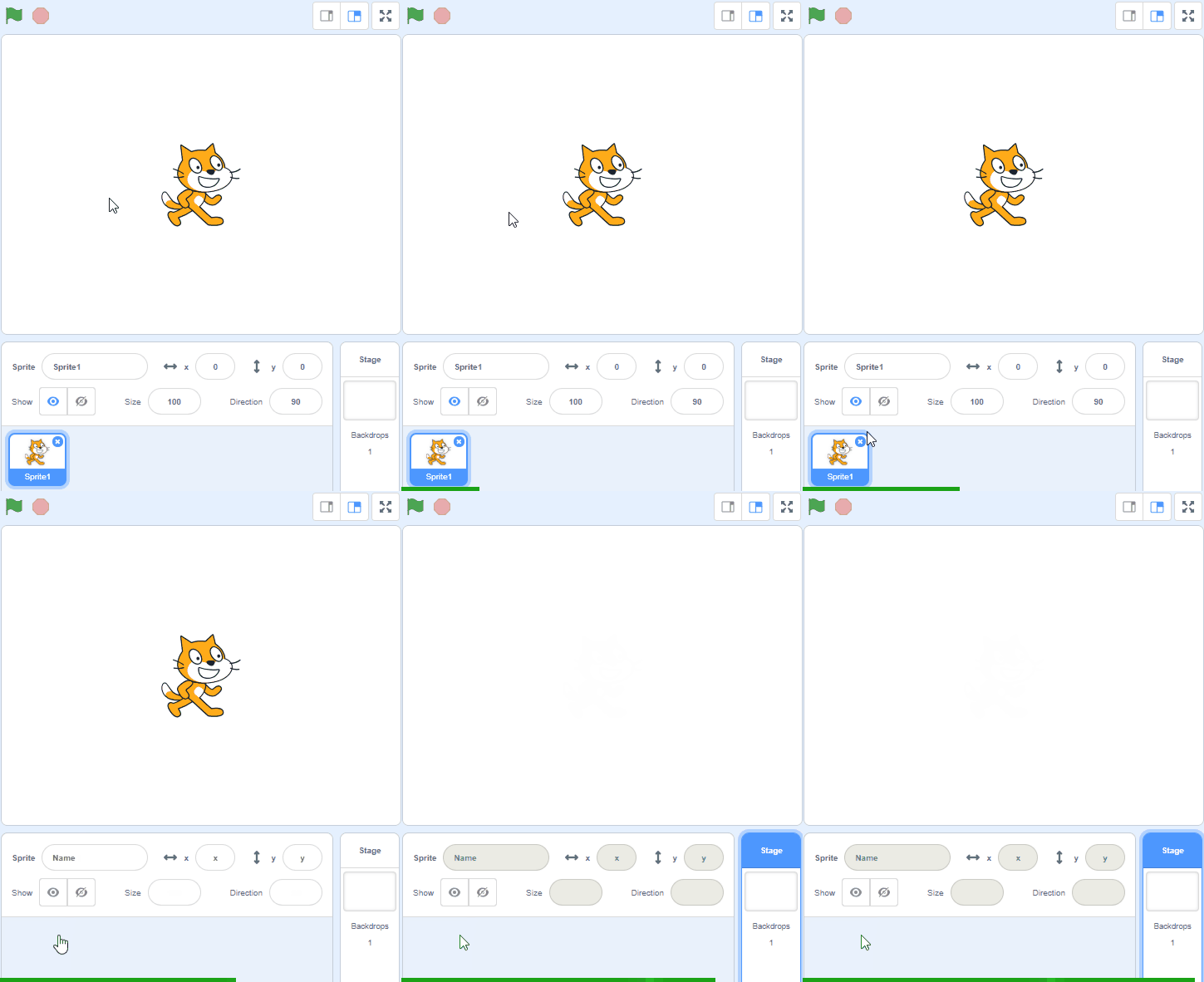
Create a new project in Scratch.
Go to the Scratch website using the link below and click on the 'Create' link in the blue bar at the top.
By default, each new project starts with the cat sprite already added. To delete the cat click on the x in the blue circle beside the cat in the sprite list.
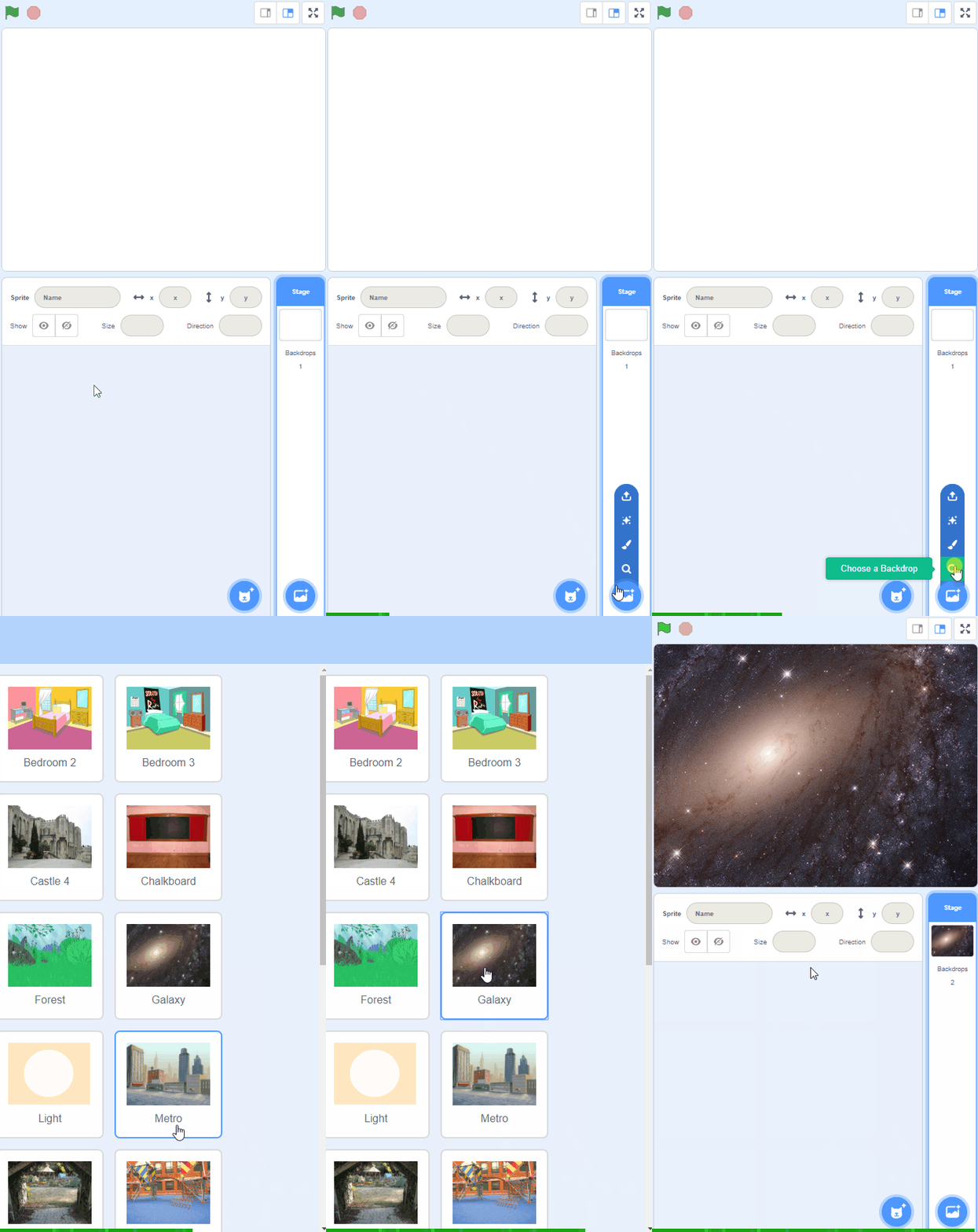
To add a backdrop from the backdrop library follow these steps:
You can use search box or the filter links (Fantasy, Music, Sports etc) to locate your backdrop.
Add two or three characters that fit the fairy tale theme, such as a Princess, a Prince, and a Dragon. These will be the main characters in your story.
You're previewing this lesson. Get full access to this lesson and hundreds more — each one ready to teach, with interactive activities, printable resources and pupil progress tracking built in.