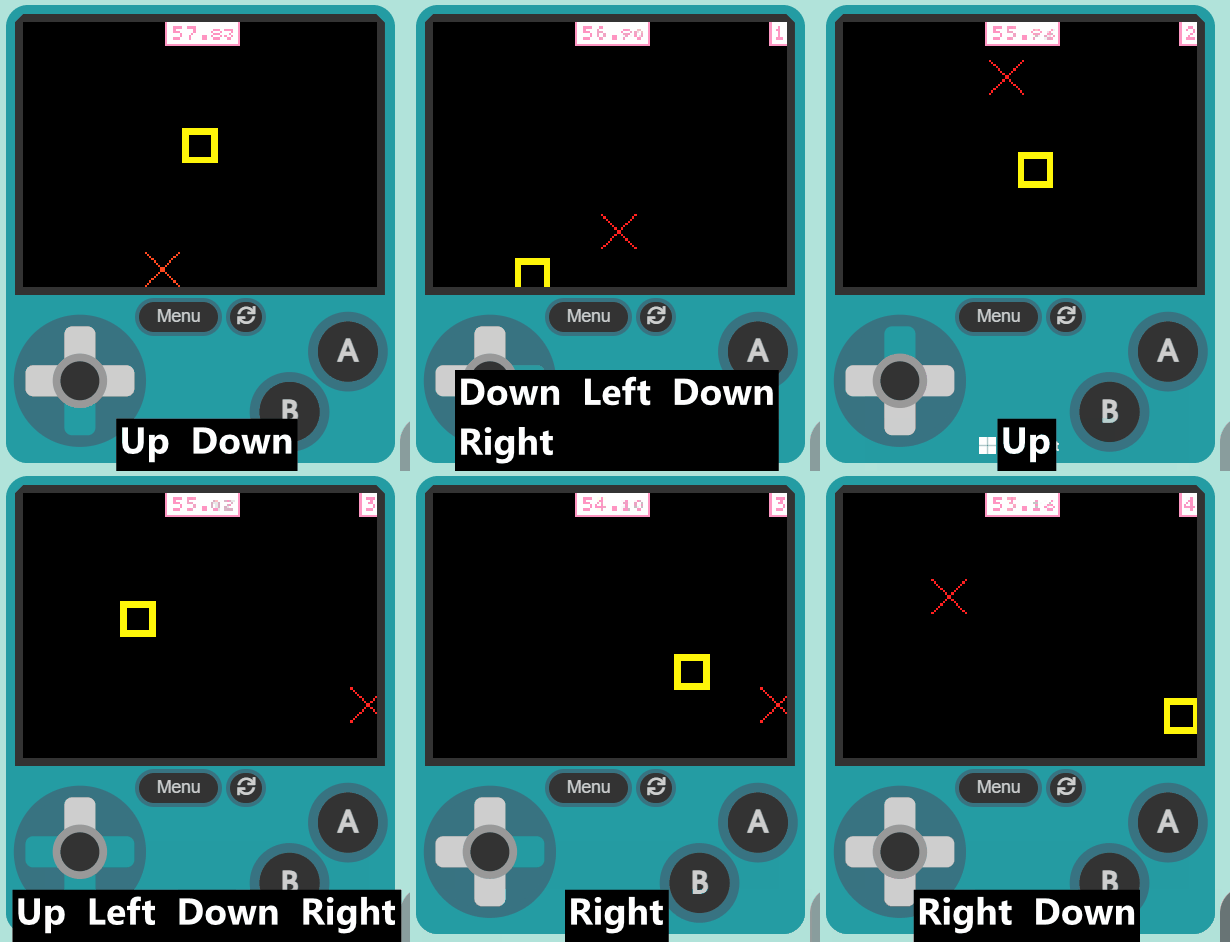
Welcome to our exciting lesson, 'Beat The Clock'! In this lesson, we are going to create a fun game using MakeCode Arcade. You will learn how to create game elements, set up a timer, create a scoring system, and much more. Are you ready to start coding? Let's dive in!
Open the MakeCode Arcade website using the link below and create a new project. You can call the project whatever you want.
Create a new Arcade project using the makecode.com website.
Let's set up the game elements. We will create a player sprite and a target sprite.
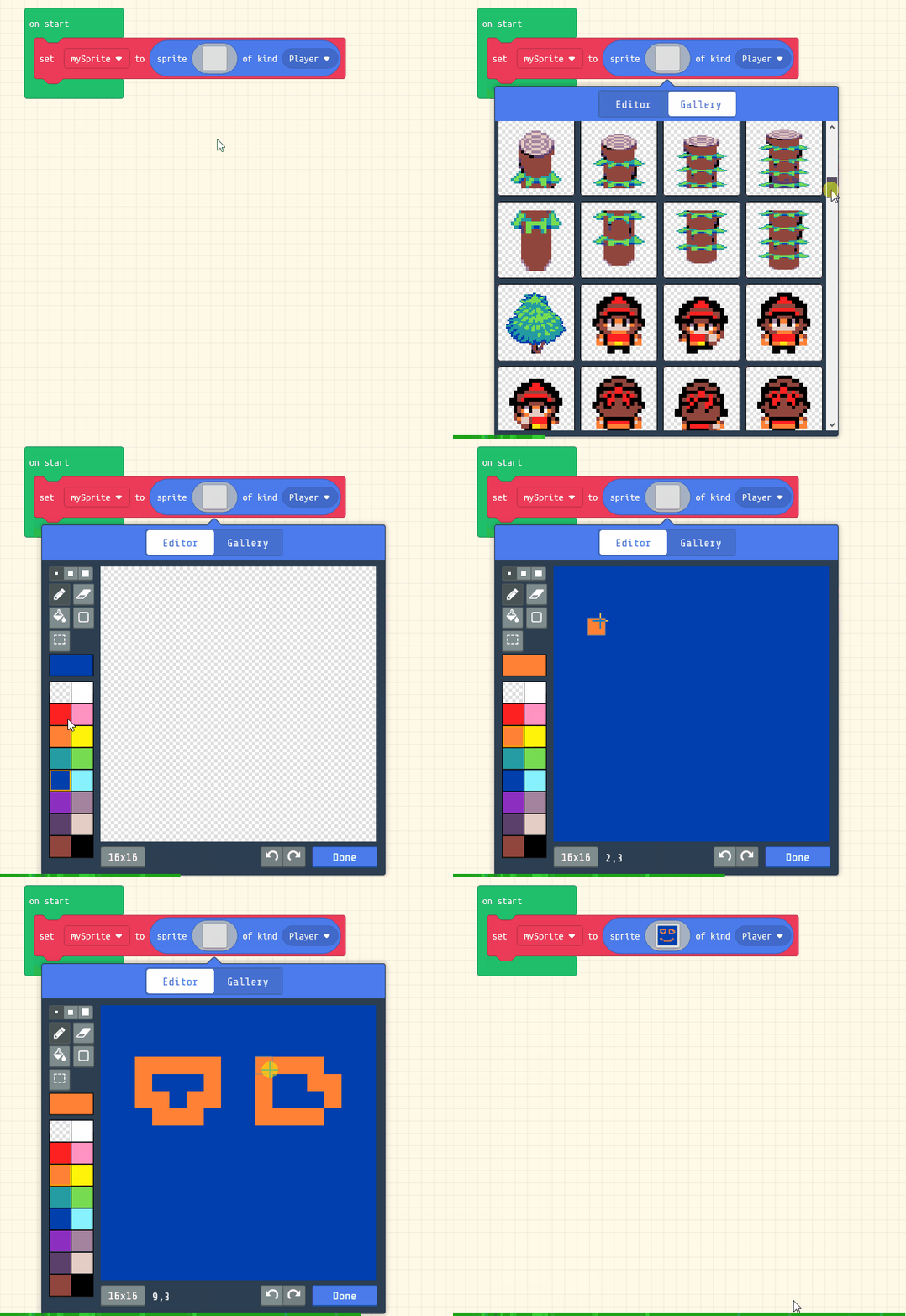
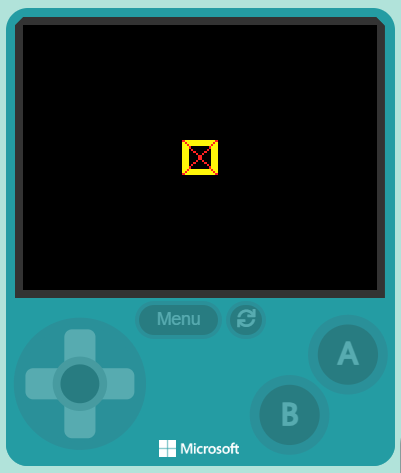
Add the following code and design your player and target sprites:
let mySprite = sprites.create(img`
5 5 5 5 5 5 5 5 5 5 5 5 5 5 5 5
5 5 5 5 5 5 5 5 5 5 5 5 5 5 5 5
5 5 5 5 5 5 5 5 5 5 5 5 5 5 5 5
5 5 5 . . . . . . . . . . 5 5 5
5 5 5 . . . . . . . . . . 5 5 5
5 5 5 . . . . . . . . . . 5 5 5
5 5 5 . . . . . . . . . . 5 5 5
5 5 5 . . . . . . . . . . 5 5 5
5 5 5 . . . . . . . . . . 5 5 5
5 5 5 . . . . . . . . . . 5 5 5
5 5 5 . . . . . . . . . . 5 5 5
5 5 5 . . . . . . . . . . 5 5 5
5 5 5 . . . . . . . . . . 5 5 5
5 5 5 5 5 5 5 5 5 5 5 5 5 5 5 5
5 5 5 5 5 5 5 5 5 5 5 5 5 5 5 5
5 5 5 5 5 5 5 5 5 5 5 5 5 5 5 5
`, SpriteKind.Player)
let mySprite2 = sprites.create(img`
2 . . . . . . . . . . . . . . 2
. 2 . . . . . . . . . . . . 2 .
. . 2 . . . . . . . . . . 2 . .
. . . 2 . . . . . . . . 2 . . .
. . . . 2 . . . . . . 2 . . . .
. . . . . 2 . . . . 2 . . . . .
. . . . . . 2 . . 2 . . . . . .
. . . . . . . 2 2 . . . . . . .
. . . . . . . 2 2 . . . . . . .
. . . . . . 2 . . 2 . . . . . .
. . . . . 2 . . . . 2 . . . . .
. . . . 2 . . . . . . 2 . . . .
. . . 2 . . . . . . . . 2 . . .
. . 2 . . . . . . . . . . 2 . .
. 2 . . . . . . . . . . . . 2 .
2 . . . . . . . . . . . . . . 2
`, SpriteKind.Food)
Click on the gray box in the sprite block to open the Editor. You can choose a sprite from the Gallery or you can paint your own sprite using the Editor.
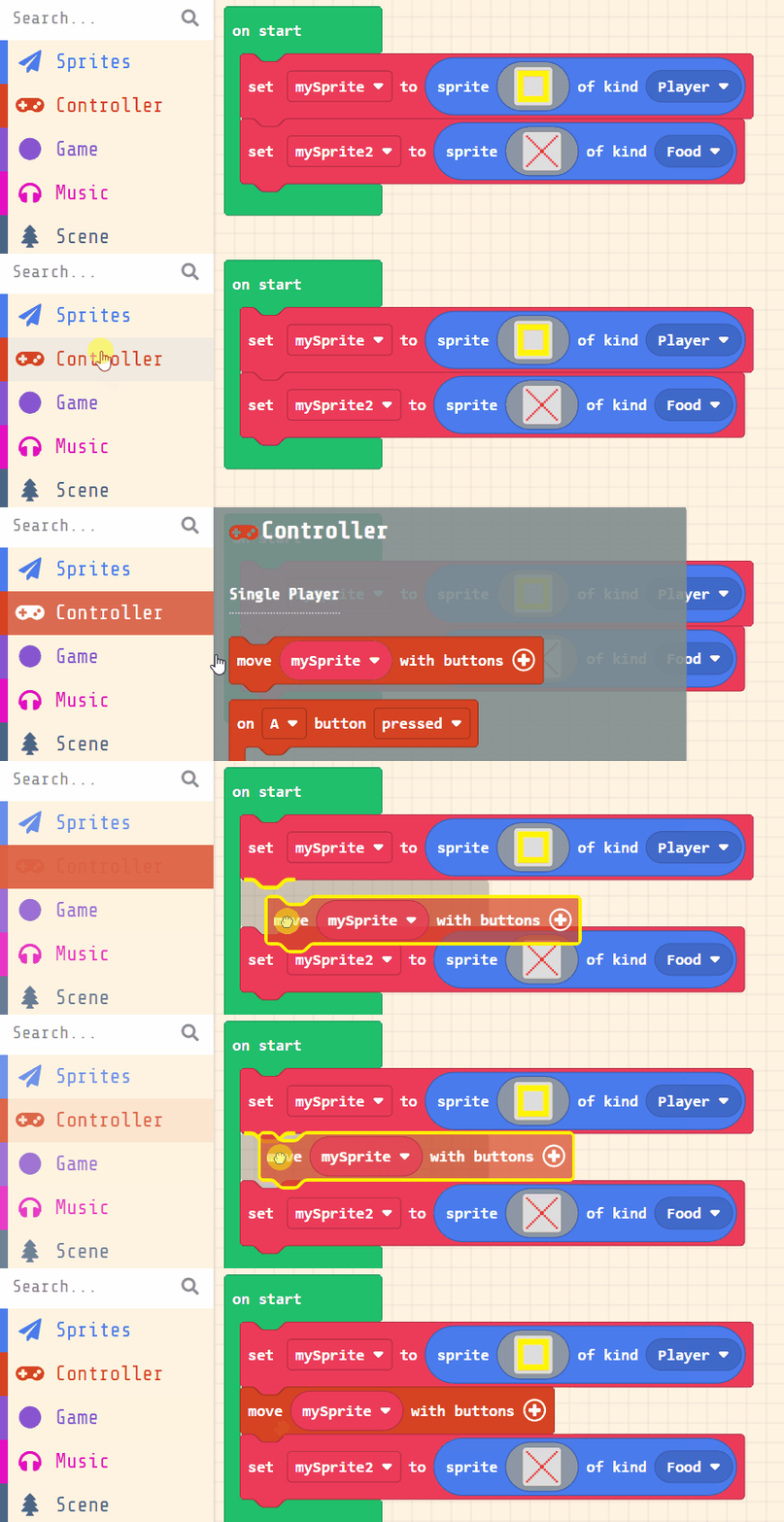
Now, let's make your sprite move using the joystick (or the arrow keys on your keyboard).
Add the following new code:
let mySprite = sprites.create(img`
5 5 5 5 5 5 5 5 5 5 5 5 5 5 5 5
5 5 5 5 5 5 5 5 5 5 5 5 5 5 5 5
5 5 5 5 5 5 5 5 5 5 5 5 5 5 5 5
5 5 5 . . . . . . . . . . 5 5 5
5 5 5 . . . . . . . . . . 5 5 5
5 5 5 . . . . . . . . . . 5 5 5
5 5 5 . . . . . . . . . . 5 5 5
5 5 5 . . . . . . . . . . 5 5 5
5 5 5 . . . . . . . . . . 5 5 5
5 5 5 . . . . . . . . . . 5 5 5
5 5 5 . . . . . . . . . . 5 5 5
5 5 5 . . . . . . . . . . 5 5 5
5 5 5 . . . . . . . . . . 5 5 5
5 5 5 5 5 5 5 5 5 5 5 5 5 5 5 5
5 5 5 5 5 5 5 5 5 5 5 5 5 5 5 5
5 5 5 5 5 5 5 5 5 5 5 5 5 5 5 5
`, SpriteKind.Player)
controller.moveSprite(mySprite)
let mySprite2 = sprites.create(img`
2 . . . . . . . . . . . . . . 2
. 2 . . . . . . . . . . . . 2 .
. . 2 . . . . . . . . . . 2 . .
. . . 2 . . . . . . . . 2 . . .
. . . . 2 . . . . . . 2 . . . .
. . . . . 2 . . . . 2 . . . . .
. . . . . . 2 . . 2 . . . . . .
. . . . . . . 2 2 . . . . . . .
. . . . . . . 2 2 . . . . . . .
. . . . . . 2 . . 2 . . . . . .
. . . . . 2 . . . . 2 . . . . .
. . . . 2 . . . . . . 2 . . . .
. . . 2 . . . . . . . . 2 . . .
. . 2 . . . . . . . . . . 2 . .
. 2 . . . . . . . . . . . . 2 .
2 . . . . . . . . . . . . . . 2
`, SpriteKind.Food)
You're previewing this lesson. Get full access to this lesson and hundreds more — each one ready to teach, with interactive activities, printable resources and pupil progress tracking built in.