 You have already trained a model and used it inside a program. Today the question is different: what happens when software is given a goal and allowed to plan, use tools, and act in a loop until the job is done?
That kind of software is called an AI agent. You will direct one on the board, then take turns being the agent yourselves.

A chatbot answers. You ask a question, it replies with text. The conversation stops until you type again.
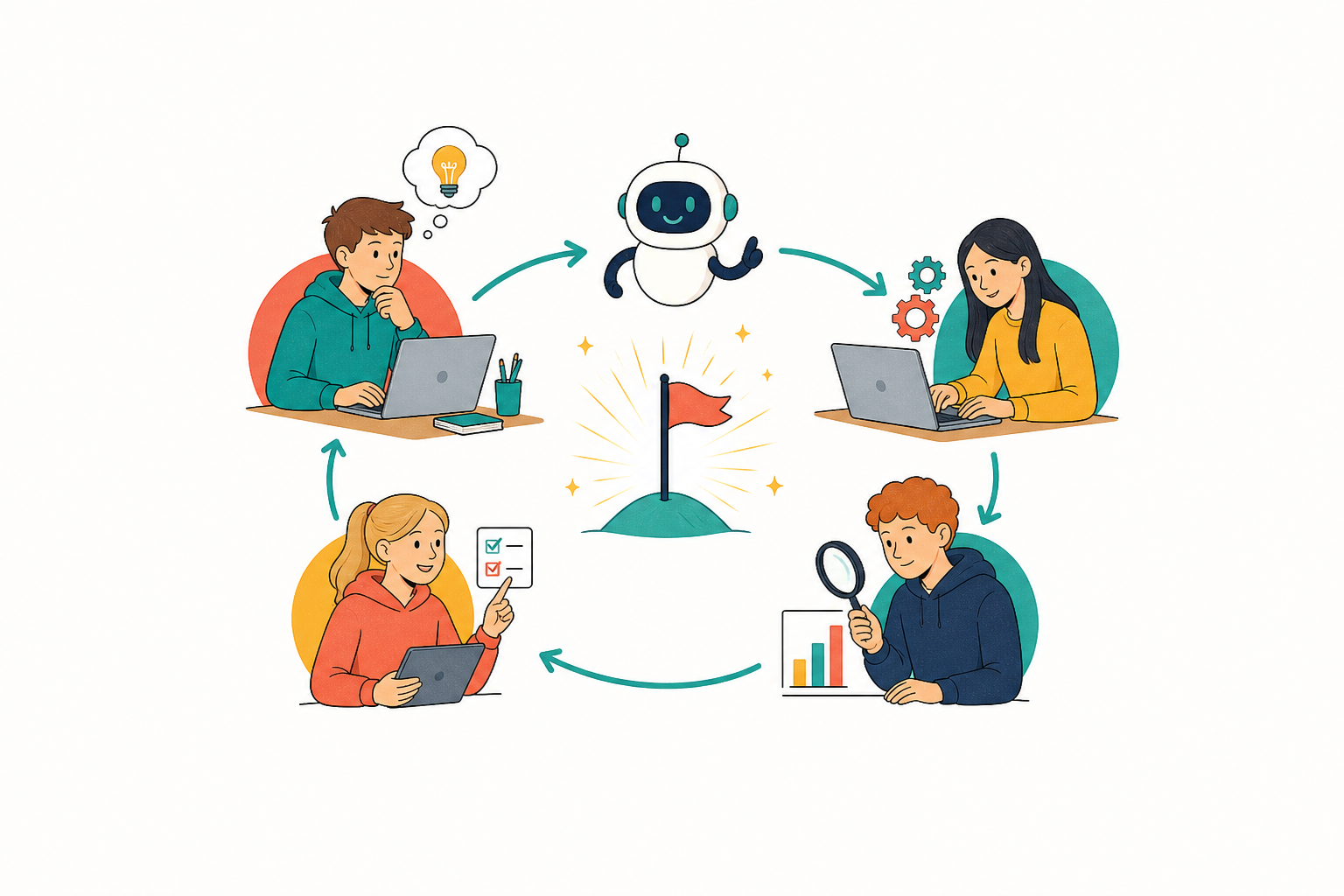
An AI agent is a model given a goal. It works through four phases:
| Phase | What the agent does |
|---|---|
| Plan | It plans the steps needed to reach the goal. |
| Act | It uses tools: it writes a file, runs code, searches or sends a message. |
| Observe | It looks at what happened: an error message, a result or a web page. |
| Adjust | It adjusts the plan and tries the next step. |
It keeps looping through plan, act, observe, adjust until the goal is met or it is stopped. A chatbot waits; an agent keeps going.
Your class is about to direct an AI coding agent. One person is the error-spotter: their job is to call out when something looks wrong. Everyone else confirms the goal, predicts the next step before it happens, and names which phase is running: plan, act, observe, or adjust.

Write a short program that asks for two numbers and prints their sum. If anything breaks, fix it.
Your class directs Ada, an AI agent, through three jobs in Human in the Loop below. Ada works in loops: plan, act, observe, adjust. The first job has the same goal as the last step.
- Read the goal card, then press Start Ada.
- Ada's log shows one line at a time. Before each new line, say what you think the next phase and the next action will be.
- When Ada pauses with a question, agree an answer before anyone presses it.
- At the end of each loop, decide as a class: Continue, Redirect or Stop.
- Error-spotter: call out as soon as something looks wrong. The red Stop button stops Ada at once, at any point.
After Job 3, answer as a class:
- Where did Ada need a human watching it?
- In which job was the goal met, but something was still harmed?
- How is Ada different from a chatbot that only explains how to add two numbers?
- Observe and adjust is debugging: the agent runs a test, reads what went wrong, and fixes it. Where did you see that today?
Human in the Loop
Unlock the full learning experience
You're previewing this lesson. Get full access to this lesson and hundreds more — each one ready to teach, with interactive activities, printable resources and pupil progress tracking built in.
This lesson is copyright of 123Learn.ie 2017 - 2026. Unauthorised use, copying or distribution is not allowed.